









Category Archives: General

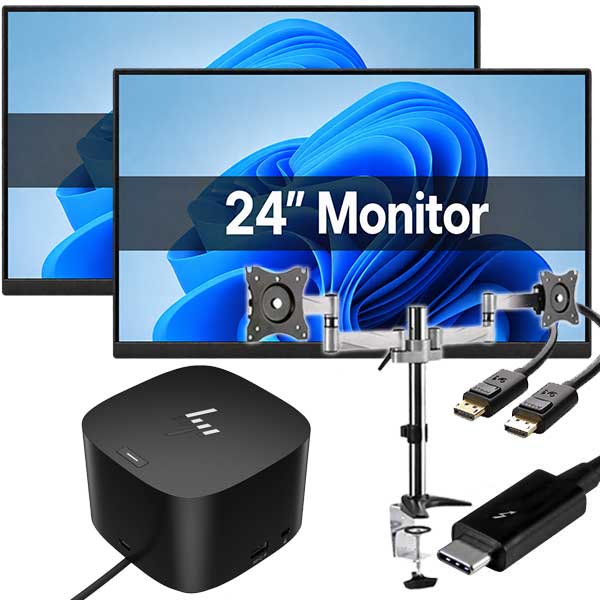
Hybrid Office Deployment That Stays on Budget
Plan a hybrid office deployment with reliable refurbished laptops, monitors and docks that suit staff, [...]

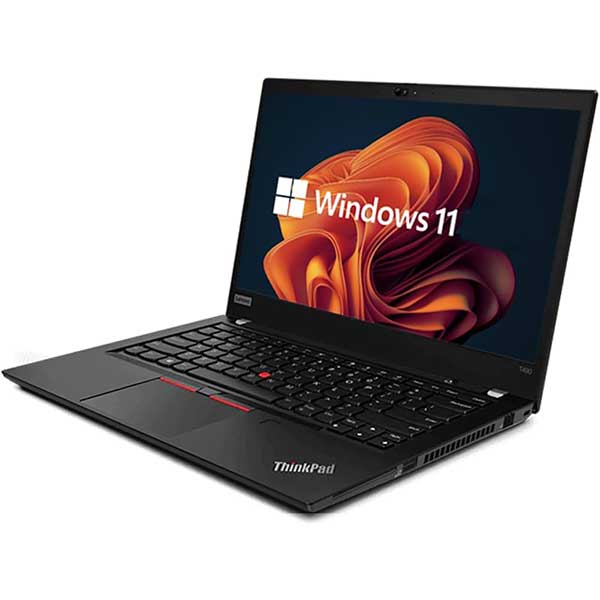
ThinkPad Review: Is a Refurbished Model Worth It?
Our ThinkPad review explains why refurbished Lenovo business laptops remain a smart choice for NZ [...]

ProDesk Review for Refurbished Office Buyers
Our ProDesk review explains which refurbished HP desktop suits your office, school or home workspace, [...]

Best Computers for Home Office Work in NZ
Find the best computers for home office work in NZ, from compact desktops to business [...]

Christchurch POS Refresh That Holds Up Daily
Plan a Christchurch POS refresh with dependable refurbished PCs, monitors and accessories built for busy [...]
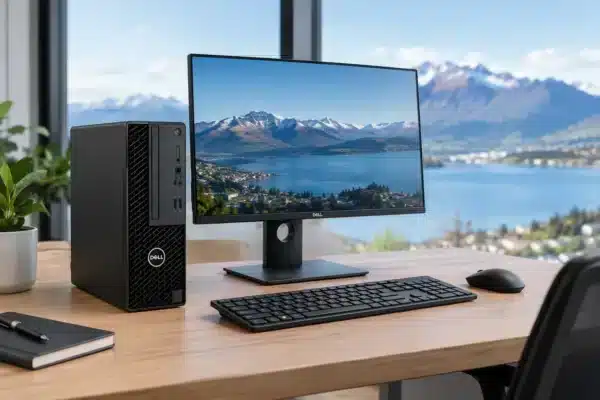
OptiPlex Review for Practical New Zealand Buyers
Read our OptiPlex review for practical advice on refurbished Dell desktops, performance, upgrade options and [...]

Interactive Touchscreen + Mini PC: A Simple NZ Guide
Large Interactive Touchscreen + Mini PC: Keep Your Laptop Free A large interactive touchscreen paired [...]

Windows 11 Upgrade Trends for NZ PC Buyers
Windows 11 upgrade trends are reshaping laptop choices. Learn what NZ homes, schools and businesses [...]

Best Mini PCs NZ for Work, Study and Home
Compare the best mini PCs NZ buyers can choose for work, study and home, with [...]

School Device Procurement Guide for NZ Schools
This school device procurement guide helps NZ schools choose reliable laptops and Chromebooks, set standards, [...]

Laptop vs Tablet Study: Which Device Fits?
Laptop vs tablet study choices made simple: compare typing, apps, battery life and cost to [...]

Best Laptops for Accounting Software in NZ
Find the best laptops for accounting software, with practical specs for Xero, MYOB and QuickBooks. [...]


