











General
Best Student Chromebooks NZ for School Use
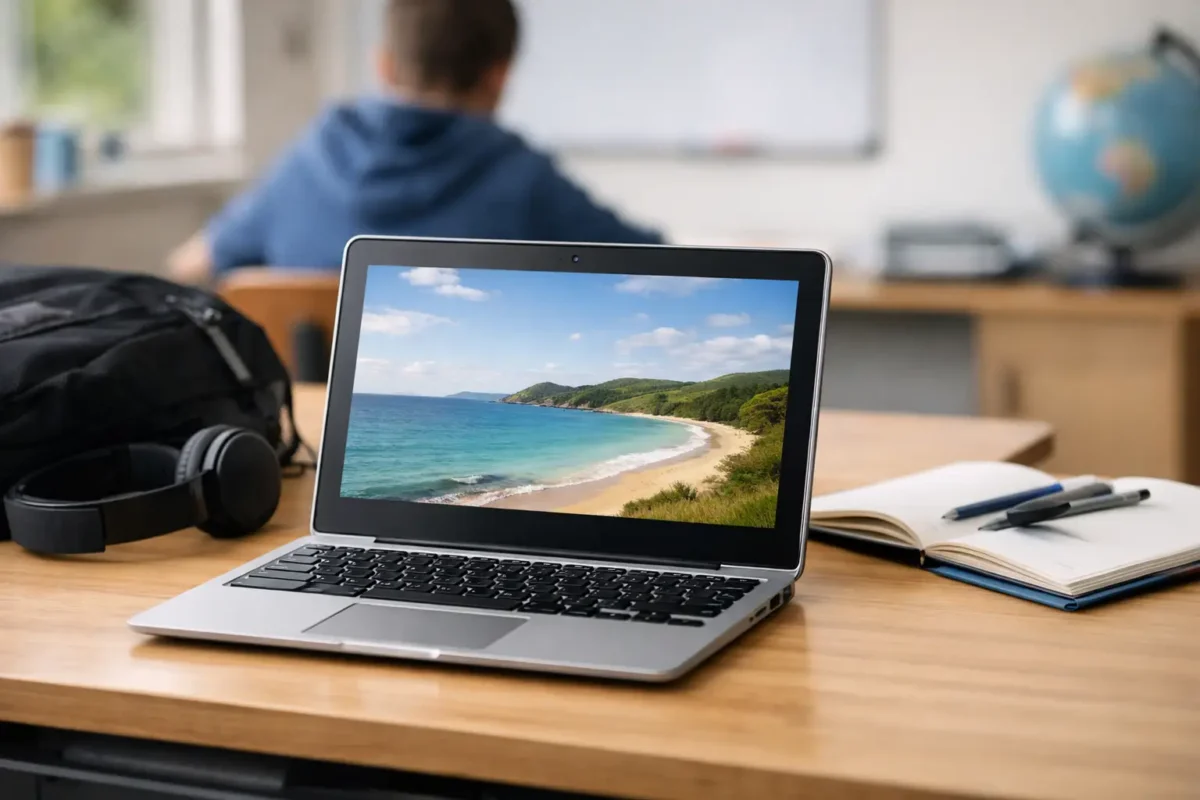
A Chromebook that looks cheap can become expensive quickly if it cannot hold charge through the school day, has too little storage for offline work, or struggles with the learning platform a student uses every morning. When parents compare the best student Chromebooks NZ has available, the practical choice is usually a dependable device with enough performance for classwork, a sound keyboard, and a battery that has been properly checked.
Chromebooks suit many New Zealand students because they start quickly, are simple to manage and work well with Google Workspace for Education. They are not the right answer for every course or every learner, though. The best purchase comes down to the school’s BYOD requirements, the age of the student and whether they need browser-based tools or full desktop software.
Why Chromebooks work well for students
For day-to-day schoolwork, a Chromebook covers the essentials without the cost and complexity of a high-spec laptop. Students can write assignments, access Google Classroom, research online, join video calls and store work in the cloud. ChromeOS also updates automatically and has a straightforward interface, which is useful for younger students and busy households.
The other advantage is focus. A Chromebook is designed around web apps and cloud storage rather than a long list of installed programs. That can mean fewer distractions, less maintenance and a simpler handover between home and school.
For families buying more than one device, professionally refurbished business-grade Chromebooks can offer particularly good value. Enterprise machines are generally built for regular transport and extended daily use. A tested ex-lease unit may be a more sensible school device than a new entry-level consumer laptop with a flimsy chassis and limited support.
Start with the school’s BYOD requirements
Before looking at screen sizes or prices, check what the school actually requires. Some schools specify a minimum screen size, expected battery life or a device type. Others recommend Chromebooks but allow Windows laptops, while senior subjects may require software that ChromeOS cannot run natively.
A Chromebook is often an excellent fit for primary school and junior secondary students using Google Classroom, browser learning tools and online worksheets. It can also suit senior students whose work is largely research, writing, presentations and web-based learning.
It may not be the best fit for students studying design, engineering, advanced coding, video production or subjects that require Windows-only applications. In those cases, a Windows 11-ready laptop can provide more flexibility. Do not assume that a Chromebook will run every program simply because it can access the internet. Check the exact applications, assessment platforms and exam requirements first.
Best student Chromebooks NZ buyers should look for
The right specification is not about buying the most powerful Chromebook available. It is about avoiding the compromises that make a device frustrating after one term.
A usable screen and comfortable keyboard
An 11.6-inch Chromebook is compact and easy for younger students to carry. It is a good option when portability matters most, but the smaller display can feel tight when students are reading long documents or working with split-screen tabs.
For most intermediate, secondary and tertiary students, a 13-inch or 14-inch screen is a better all-round size. It provides more room for assignments and video lessons without becoming cumbersome in a school bag. A Full HD display is preferable where budget allows, especially for students who spend several hours a day reading on screen.
The keyboard matters just as much. Assignments soon reveal whether keys are cramped, worn or inconsistent. Refurbished equipment should be professionally cleaned, tested and clearly described so buyers know the condition they are getting.
Enough memory and storage for real schoolwork
Four gigabytes of RAM can manage basic browsing and document work, particularly for younger students. However, 8GB is the safer choice for learners who keep many tabs open, attend video calls and switch between classroom sites, documents and research pages.
Storage requirements depend on how the school works. Chromebooks rely heavily on cloud storage, so 32GB may be adequate for simple use. A 64GB model gives more breathing room for downloaded files, offline work and Android apps. If a student regularly works without reliable internet, extra storage becomes more valuable.
Processor names can be confusing, but the principle is simple. Look for a reasonably recent Intel Celeron, Pentium, Core i3 or comparable processor from a recognised manufacturer. Older low-power chips can still be suitable for basic school tasks, provided the Chromebook has enough remaining update support and has been properly tested.
Battery health is not optional
A claimed battery life from when the device was new is not the same as its current battery condition. Refurbished Chromebooks have been used before, so battery testing and honest condition information matter.
For school use, aim for a device that can reasonably last a full day of mixed work, ideally with the charger staying in the bag as backup rather than being needed before lunch. Actual runtime varies with screen brightness, video calls, Wi-Fi use and the age of the battery. Students who travel between classes or use buses may benefit from a compact USB-C charger if their model supports it.
Build quality that handles school bags
A student laptop gets opened, closed, carried, bumped and occasionally dropped. Business-grade models from brands such as Dell, HP and Lenovo are often designed for higher-volume workplace use, which can make them a strong option for families prioritising durability over a glossy consumer design.
Check the hinges, charging port, trackpad and keyboard as closely as the processor. These are the parts that receive the most daily wear. A protective sleeve is a worthwhile small investment, particularly for an 11-inch or 14-inch device travelling in a packed bag.
Do not overlook ChromeOS update support
Every Chromebook has an Auto Update Expiration date, often called AUE. After that date, the device may continue to work, but it will no longer receive automatic ChromeOS and security updates. This is one of the most important checks when buying a refurbished Chromebook.
A lower price is not good value if update support ends soon after purchase. For a student starting a new school year, look for a Chromebook with several years of updates remaining. That gives the family a usable device for longer and helps keep school accounts and personal information protected.
Ask the retailer for the exact model or model code, then confirm its update support before committing. This is also why transparent specifications are more useful than vague listings that simply say “Chromebook” with no generation, storage or condition details.
Refurbished versus new: where the value sits
A new Chromebook can be appealing because it arrives in sealed packaging and may have a longer update window. It can be the right choice where a school has a strict specification or where a family needs a particular current model.
Refurbished makes sense when budget, build quality and sensible performance are the priorities. An ex-lease Chromebook may have a stronger chassis, better keyboard and more practical ports than a similarly priced new budget model. The key is buying from a specialist that tests the equipment, provides clear specs and backs the purchase with warranty information.
Condition should be considered honestly. Cosmetic marks may be acceptable for a device that lives in a school bag, provided the screen, battery, keyboard and ports work as they should. For a younger student, a tidy, dependable unit at the right price is often more useful than an expensive machine they are nervous to take anywhere.
A quick buying checklist for parents
Before buying, confirm these four points: the school accepts ChromeOS, the Chromebook has enough remaining update support, its screen and memory suit the student’s workload, and the retailer clearly states condition, warranty and included charger. Also consider whether the student needs a touchscreen, as it can be helpful for younger children but is not essential for most typing-heavy schoolwork.
NZ Laptop Wholesale focuses on professionally refurbished, business-grade hardware because dependable equipment should not require a new-device budget. For students, that means choosing a machine based on what it needs to do every day, rather than paying extra for features that will never be used.
The best Chromebook is the one a student can carry comfortably, use confidently and rely on when an assignment is due. Start with the school’s requirements, buy enough capability for the next few years, and choose tested hardware that earns its place in the school bag.


