








General
Compact Desktop for Small Office Buyers

TL;DR: Choosing a Compact Desktop for a Small Office
A compact desktop can be a practical choice for small offices, reception areas, home workspaces and shared desks where space is limited. Business-grade mini and small-form-factor computers can comfortably handle email, web-based systems, office documents, accounting software, video meetings and normal everyday multitasking.
Quick answer: For most small office users, choose a Windows 11-ready compact business desktop with a Core i5 or equivalent processor, SSD storage and at least 8GB of RAM. Consider 16GB of RAM for heavier multitasking, numerous browser tabs, cloud applications or more demanding spreadsheets.
Check the practical details before buying, including the number and type of monitor outputs, available USB ports, wired or wireless networking and future upgrade options. A tiny desktop suits lighter workloads and very tight spaces, while a slightly larger small-form-factor model may offer easier servicing, better expansion and more cooling capacity.
A cramped desk tells the truth faster than a spec sheet. When you have paperwork, a mobile, a printer tucked into one corner and maybe two monitors squeezed into the other, a bulky tower starts to feel like wasted space. That is exactly why a compact desktop for small office use makes sense – not as a gimmick, but as a practical way to keep a workspace tidy, capable and easier to manage.
Small offices usually do not need flashy hardware. They need systems that boot reliably in the morning, handle email, browser tabs, accounting software, video meetings and office documents without fuss, and keep doing that day after day. The best compact business desktops do that while taking up far less room than a traditional tower, and in many cases they do it with lower power use and less desk clutter as well.
Why a compact desktop for small office setups works
The biggest advantage is obvious: size. A compact desktop can sit neatly under a monitor, behind a screen, on a shelf, or at the edge of a desk without dominating the workspace. In a small office, that matters more than people expect. Saving even a little desk space can make the whole area feel more workable, especially for reception desks, home offices, shared admin areas and front counters.
There is also a practical business benefit. Smaller business-grade desktops are often easier to standardise across a team. If every desk uses the same compact format, cabling is simpler, setup looks cleaner and replacements are easier to plan. For small businesses trying to keep IT straightforward, that consistency helps.
That said, smaller does not automatically mean better. Some ultra-small machines have limited upgrade options, fewer ports or less cooling headroom than larger desktops. For light to moderate office use, that is usually not a problem. For heavier workloads, it can be.
What performance do you actually need?
A lot of small office buyers overestimate how much computing power they need, then pay for hardware that sits mostly idle. For standard office work, the better question is not “What is the fastest PC?” but “What will stay responsive for the next few years?”
If your day is built around Microsoft Office, Xero or MYOB, web-based systems, PDF work, Teams or Zoom meetings and a normal amount of multitasking, a business-grade compact desktop with an Intel Core i5 or equivalent is often the sweet spot. It gives you enough headroom to work comfortably without overspending.
RAM matters more than many buyers realise. For a small office machine in 2026, 8GB is the practical minimum, but 16GB is a better long-term choice if you keep lots of browser tabs open, run cloud apps all day or switch between multiple programs. Storage matters too, but speed matters more than raw size for most users. An SSD makes a noticeable difference to startup times, file access and general responsiveness.
If the system is going to be used for heavier spreadsheets, database work, large file handling or constant multitasking across dual monitors, it is worth stepping up the specification. If it is mainly for reception, basic admin or point-of-sale tasks, you can often keep the budget tighter without sacrificing day-to-day usability.
Ports, monitors and the things buyers forget
This is where a lot of desktop purchases go wrong. Buyers focus on the processor and storage, then realise too late that the machine does not suit the way the office actually works.
Before choosing a compact desktop for small office use, check the monitor setup first. If you want to run dual monitors, make sure the desktop has the right outputs – often DisplayPort, HDMI or a mix of both. Many business desktops support two monitors easily, but you still need to match that with your display connections and any adapters required.
If you are not sure what the connections look like or which cable you need, our guide to common computer video ports explains DisplayPort, HDMI, DVI and VGA in practical terms.
USB ports matter as well. A small office desk can quickly fill up with a keyboard, mouse, printer, headset, webcam, external drive and mobile charger. A compact unit with only a couple of accessible ports can become frustrating fast. Front USB ports are handy for day-to-day use, while rear ports help keep permanent connections tidy. It is also worth understanding the difference between USB-A and USB-C ports before choosing a system.
Networking is another detail worth checking. Wired Ethernet is still the better option for many office environments because it is more stable than relying fully on Wi-Fi. If your desk location or fit-out makes wired networking awkward, then built-in wireless support becomes more important. Our Wi-Fi standards guide can help you understand what the different wireless versions mean.
Refurbished compact desktops make strong business sense
For many small businesses, buying new is not the smartest move. A professionally refurbished ex-lease business desktop often gives you better build quality than a cheap new consumer machine at a similar price. That difference is not just about the badge on the front. Business-grade systems are built for regular workplace use, easier servicing and more dependable long-term operation.
That is why refurbished compact desktops from brands like Dell, HP, Lenovo and Intel remain popular for office environments. These machines were originally designed for commercial fleets, which means practical chassis design, stable performance and the sort of reliability small businesses actually need. Our refurbished desktop buying guide explains what NZ buyers should look for before purchasing.
The value side is hard to ignore. If you can equip a workspace with tested, warranty-backed business hardware for less than the cost of buying new entry-level devices, that frees up budget for better monitors, more RAM or additional staff equipment. In a small office, those choices often deliver more real productivity than chasing the newest desktop model.
A good refurbished supplier should also be clear about condition, specifications and compatibility. That matters because not every compact desktop is the same. Some are ideal for basic office use, while others are better suited to more demanding multitasking or dual-screen setups. Understanding the supplier’s condition grading can also help you know what cosmetic condition to expect.
Space-saving is useful, but serviceability still matters
There is a point where “compact” becomes too compact for some workplaces. Ultra-tiny desktops look neat, but if they limit storage upgrades, RAM expansion or future flexibility, they may not be the best fit for a growing business.
For a one-person home office, that trade-off may be perfectly fine. For a small team expecting to keep machines in service for several years, slightly larger small-form-factor desktops can be the better buy. They still save space compared with a tower, but often allow easier maintenance and better airflow.
This is one of those areas where it depends on your priorities. If your office values the smallest footprint possible and the workload is light, micro desktops make sense. If you want more upgrade room and easier servicing, go one size up. Both can be valid choices.
How to choose the right compact desktop for small office use
Start with the work, not the machine. Think about what the user actually does all day, how many screens they need, how many peripherals are on the desk and how long you expect the desktop to stay in service. That gives you a more useful buying brief than chasing broad specs.
Then look at the practical baseline. For most office buyers, that means a recent business-grade processor, SSD storage, at least 8GB of RAM, Windows 11 compatibility if required, and enough display outputs for the intended setup. If the machine will sit in a customer-facing area or a very tight workstation, check dimensions properly rather than assuming all compact desktops are equally small.
It also helps to buy from a supplier that understands business use cases rather than just listing parts. A curated range saves time because the weak or awkward options are already filtered out. That is part of the reason buyers across Auckland, Wellington and other NZ centres often prefer established refurbished IT specialists over general marketplace sellers. Clear specs, properly tested hardware and straightforward warranty support reduce risk.
Who benefits most from a compact office desktop?
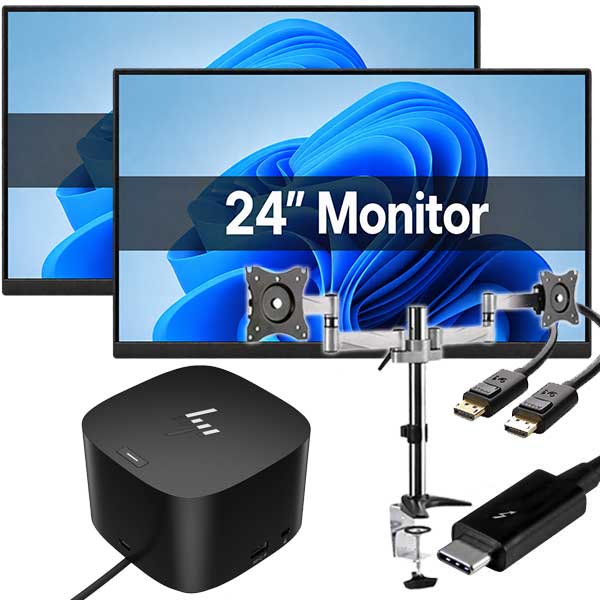
Compact desktops are especially well suited to admin teams, reception areas, school offices, home-based businesses, call handling desks and shared workstations. They are also a smart option where dual monitors are needed but desk space is limited. A complete dual-monitor setup can provide more working space without requiring a large desktop tower on the desk.
They are less ideal for specialised users who need dedicated graphics, multiple expansion cards or very high-performance cooling. Those buyers are better off with larger systems. But that is a narrower group than many people think. For the average small office, compact business desktops cover the workload comfortably.
NZ Laptop Wholesale sees this first-hand with buyers looking for practical office systems rather than over-specced hardware. Most want dependable performance, sensible pricing and a footprint that suits real desks, not showroom benches.
A good office computer should quietly get on with the job and leave your team with more room to work. If a compact desktop does that while keeping costs sensible, it is probably the right kind of upgrade.
View our latest refurbished computer stock, or browse the wider NZ Laptop Wholesale online shop. Our equipment is tested in Auckland and can be shipped securely throughout New Zealand.
Desktops
-

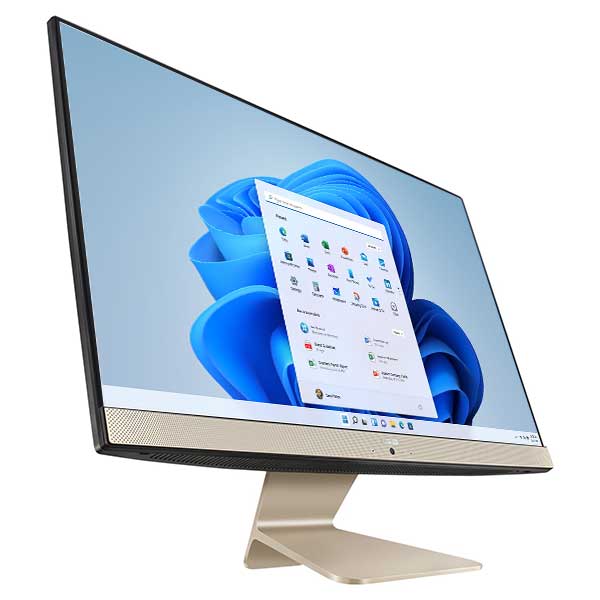
ASUS Vivo AiO V241EA i5-1135G7 8GB 512GB SSD 23.8″ FHD Touch Windows 11 Pro (LTP)
$399.00 -
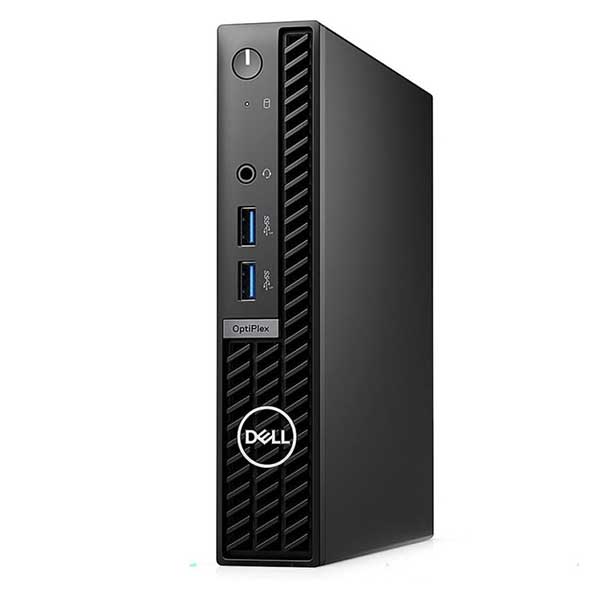
Dell Optiplex 7010 Micro, i5 13th Gen, 16GB Ram, 256GB M.2, WiFi 6, Windows 11 Pro
Original price was: $1,199.00.$999.00Current price is: $999.00. -
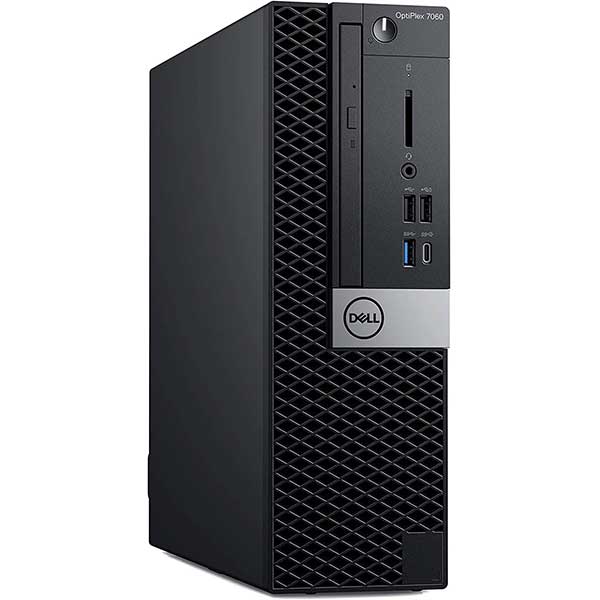
Dell Optiplex 7070 Small Form, i5 9500, 16GB Ram, 512GB M.2, Windows 11 Pro
$639.00 -
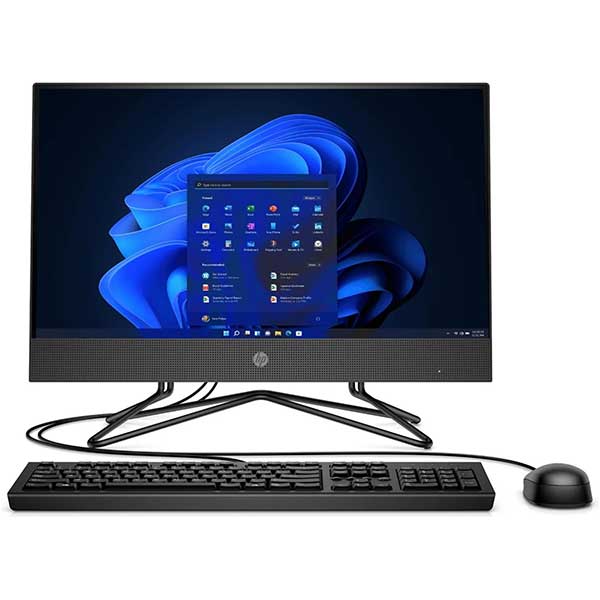
HP 205 Pro G4 22 All-in-One PC Ryzen 5 3500U 16GB 256GB SSD
Original price was: $599.00.$299.00Current price is: $299.00. -
HP 24-f0065a All-in-One PC – Core i5, 8GB RAM, 256GB SSD, Windows 11 Home
$399.00 -
HP EliteDesk 800 G4 Mini, i5 8500t, 8GB, 256GB SSD, Windows 11 Pro
Original price was: $479.00.$409.00Current price is: $409.00. -
HP EliteDesk 800 G5 Mini – i7-9700T, 8GB, 256GB NVMe SSD, Windows 11 Pro
$649.00 -
HP ProDesk 600 G4 Mini PC i5-8500T, 8GB RAM, 256GB M.2 SSD, Windows 11 Pro
Original price was: $479.00.$409.00Current price is: $409.00.