











Refurbished Monitors NZ
Shop refurbished computer monitors in NZ from NZ Laptop Wholesale. We stock practical, tested and cleaned displays for home offices, study desks, small businesses, reception areas and everyday work setups.
Our monitor range includes affordable Full HD office monitors, larger displays, USB-C monitors and dual monitor bundle options for buyers wanting better productivity without paying full new retail pricing.
Every monitor is checked and prepared in Auckland before being shipped NZ-wide with secure packaging.
Quality Refurbished Computer Monitors, Tested in Auckland
A refurbished monitor is a practical way to upgrade your workspace without overspending. Whether you need a simple screen for everyday use, a sharper office display, a larger monitor for more screen space or a dual monitor setup, NZ Laptop Wholesale has options to suit different budgets and use cases.
Our refurbished computer monitors are ideal for work-from-home desks, small business offices, school and study setups, reception counters, admin workstations and general home use.
Instead of buying a cheap new display with limited features, many buyers prefer a refurbished business-grade monitor from trusted brands such as Dell, HP, Lenovo, Philips, Samsung, Acer and LG.
Shop Refurbished Office Monitors
Browse our current range of refurbished office monitors. Stock changes regularly depending on availability, so screen sizes, ports and models may vary from week to week.
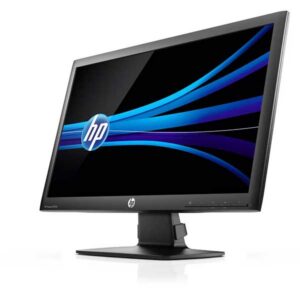
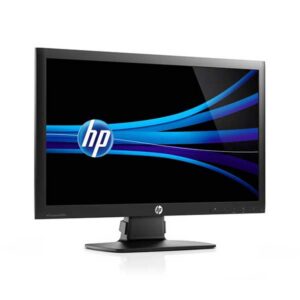
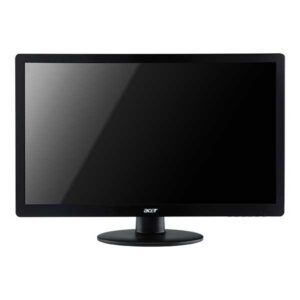
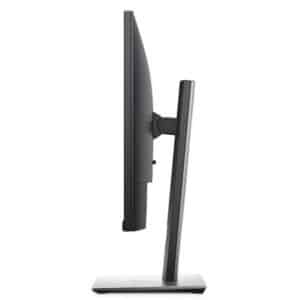
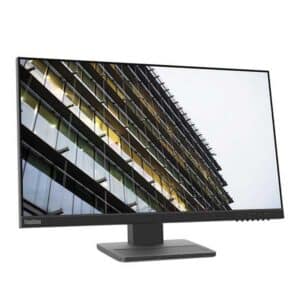
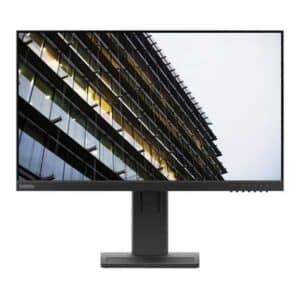
Computer Monitors
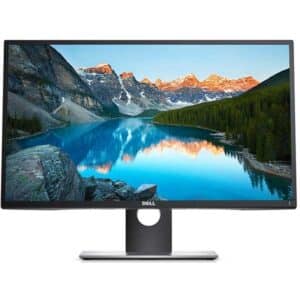
Computer Monitors
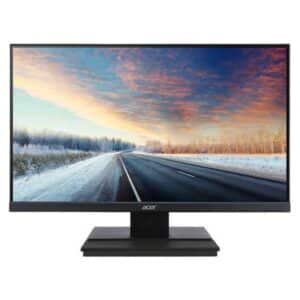
Computer Monitors

Why Buy a Refurbished Monitor?
A good refurbished monitor can give you a better desk setup for less. For everyday work, study, admin and home use, you do not always need to buy new to get a clear, reliable display.
Many refurbished monitors come from business and office environments, where they were originally selected for regular daily use. That makes them a practical option for buyers who want a dependable screen at a better price.
At NZ Laptop Wholesale, we focus on value, practical features and real-world usability. Our monitors are checked before sale and prepared for their next owner.
Good for Everyday Setups
- Home office desks
- Small business workstations
- Study and school work
- Reception and admin counters
- Dual monitor productivity setups
- Laptop docking station setups
Choose the Right Monitor for Your Setup
Office Monitors
Practical refurbished office monitors for email, documents, spreadsheets, web-based tools and everyday admin work.
Large Monitors
Larger screens are useful when you want more workspace for documents, browser tabs, timelines, spreadsheets or multitasking.
Dual Monitor Bundles
A dual monitor setup can make everyday work easier by giving you more room for apps, documents and browser windows.
USB-C Monitors
USB-C monitors can be a tidy option for compatible laptops, helping reduce cable clutter on modern desk setups.
Refurbished Monitors for Work From Home
If you use a laptop at home, adding an external monitor can make a big difference. A larger screen gives you more room to work, helps reduce the need to constantly switch between windows, and can make everyday tasks feel more comfortable.
A refurbished monitor is a cost-effective way to build a better work-from-home setup. Pair it with a docking station, keyboard and mouse to create a practical desktop-style workspace while still keeping the flexibility of your laptop.
You can also view our dual monitor setup guide if you want a complete screens, arms and docking option.
Useful for Home Office Tasks
- Email and browser-based work
- Documents and spreadsheets
- Video calls and online meetings
- Study and online learning
- Xero, admin and business tools
- Using a laptop as a desktop setup
What Size Monitor Should You Choose?
For most everyday users, a 22 to 24 inch Full HD monitor is a practical and affordable choice. It gives you a comfortable screen size for documents, web browsing, email, office work and study without taking up too much desk space.
A 27 inch monitor gives you more screen space and can be useful for multitasking, design work, larger spreadsheets or buyers who simply prefer a bigger display.
Dual monitor setups are popular for work and productivity because they let you keep multiple windows visible at once, such as email on one screen and documents, browser tabs or business software on the other.
Simple Monitor Buying Guide
- 22 inch: compact and practical for smaller desks
- 24 inch: strong all-round choice for office use
- 27 inch: more screen space for multitasking
- Full HD: suitable for most everyday work
- IPS: useful for better viewing angles where available
- Dual monitors: ideal for productivity-focused setups
Which Monitor Ports Do You Need?
Before buying a monitor, it is worth checking what ports your computer or laptop supports. Common monitor connections include HDMI, DisplayPort, VGA, DVI and USB-C.
HDMI and DisplayPort are common choices for modern setups. VGA and DVI can still be useful for older desktops or office equipment. USB-C can be useful with compatible laptops, especially if you want a cleaner desk setup.
If you are unsure which monitor will work with your laptop or desktop, contact NZ Laptop Wholesale and we can help point you in the right direction.
Common Connections
- HDMI: common for laptops and desktops
- DisplayPort: popular on business desktops and docks
- USB-C: useful for compatible modern laptops
- VGA: older but still found on some office gear
- DVI: common on some older business monitors
- Docking station: helpful for laptop desk setups
Popular Refurbished Monitor Options
24 Inch Office Monitors
A 24 inch monitor is one of the most practical choices for office work, study, browsing, email and general everyday use.
27 Inch Monitors
A 27 inch monitor gives you more screen space, making it useful for multitasking, larger documents and more comfortable desk setups.
Dual Screen Bundles
Dual monitor bundles are a convenient way to build a full workstation with matched screens and practical accessories.
Business Monitors
Business-grade monitors from brands such as Dell, HP and Lenovo are a practical choice for home offices and workplace setups.
Build a Complete Desk Setup
A refurbished monitor works even better as part of a complete desk setup. Add a docking station, keyboard, mouse or second screen to create a more comfortable workspace for home, study or business use.
Docking Stations
Connect your laptop to monitors, keyboard, mouse, network and accessories more easily.
Dual Monitor Bundles
A practical option for work-from-home desks, small offices and productivity-focused workstations.
Refurbished Laptops
Pair your monitor with a refurbished laptop to create a flexible setup for home, school or business use.
Tested, Cleaned and Ready to Use
Every monitor we list is checked and prepared before sale. We focus on practical refurbished computer monitors that offer good value for NZ homes, students, offices and small businesses.
NZ Laptop Wholesale is based in Auckland and ships monitors nationwide with secure packaging. Our products are backed by our warranty, and you can contact real local people if you need help choosing the right display.
Browse Refurbished Monitors in NZ
Browse our current range of refurbished computer monitors online. Stock changes regularly, so if you see a screen that suits your setup, it is worth ordering while it is available.
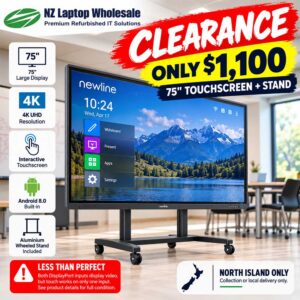
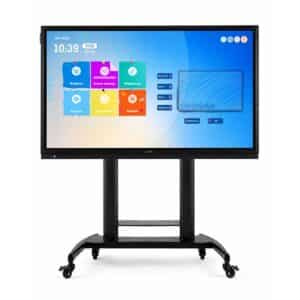
Interactive Displays
Newline 75″ 4K Interactive Touchscreen Whiteboard + Stand | Less Than Perfect
Computer Monitors
Computer Monitors
Computer Monitors
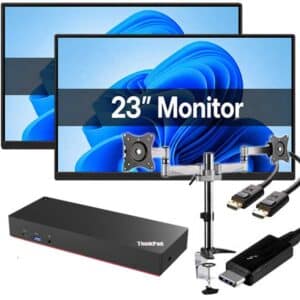
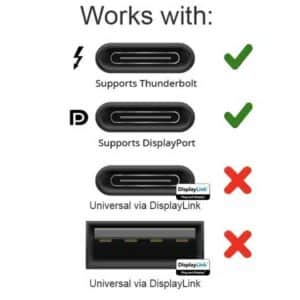
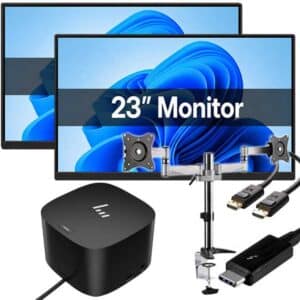
Dual 23″ Monitor Bundle with Lenovo USB-C Dock & New Desk-Mount Arms
Computer Monitors
Dual 23″ Monitor Bundle with Thunderbolt Dock & New Desk-Mount Arms
Helpful Monitor Buying Guides
Not sure which monitor setup is right for you? These guides can help you compare options and understand how a better screen setup can improve everyday productivity.
Frequently Asked Questions
Are refurbished monitors worth buying?
Yes. A refurbished monitor can be a smart way to upgrade your desk setup without paying full new retail pricing, especially when it has been tested, cleaned and prepared before resale.
Are refurbished monitors good for working from home?
Yes. A refurbished monitor can make working from home more comfortable by giving you a larger screen than a laptop display. It is especially useful for email, documents, spreadsheets, web apps and video calls.
What size monitor is best for office work?
For most office and home users, a 22 to 24 inch monitor is a practical choice. A 27 inch monitor is better if you want more screen space for multitasking or larger documents.
Should I buy one large monitor or two monitors?
It depends how you work. One larger monitor gives you a bigger single workspace, while dual monitors make it easier to keep multiple windows open at once, such as email on one screen and documents or browser tabs on the other.
Will a refurbished monitor work with my laptop?
Most monitors will work with many laptops, but you need to check the available ports. Common connections include HDMI, DisplayPort, VGA, DVI and USB-C. If you are unsure, contact us before buying.
Do your refurbished monitors come ready to use?
Yes. NZ Laptop Wholesale checks and prepares monitors before sale so they are ready for everyday use.
Do you ship refurbished monitors around New Zealand?
Yes. NZ Laptop Wholesale is based in Auckland and ships monitors NZ-wide with secure packaging.
Need Help Choosing a Monitor?
Tell us what computer or laptop you are using, how much desk space you have and what you need the monitor for. We can help point you towards a practical option from our current refurbished stock.


