











General
Auckland Computers for Accountants That Work Hard
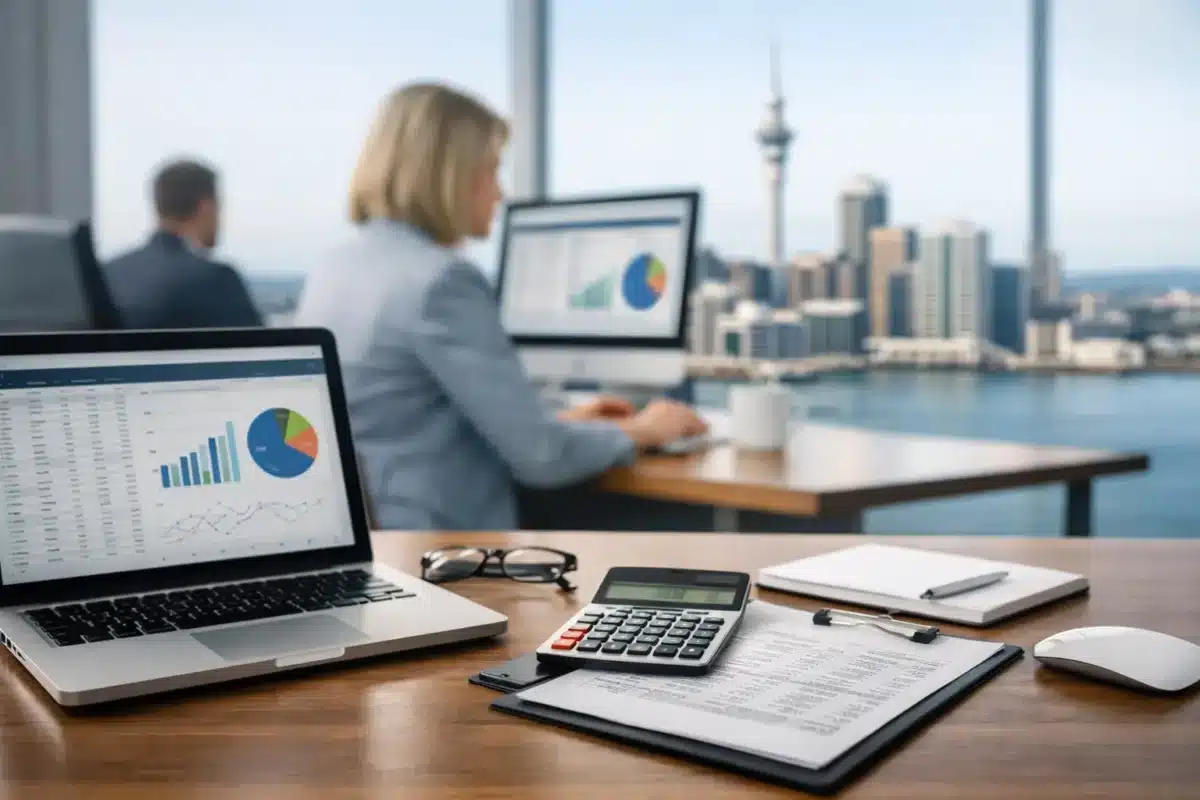
A client is waiting for a report, the bank feed needs reconciling, and three spreadsheets are open beside payroll software. That is not the moment for a slow laptop, a tiny screen or a desktop that cannot keep up. Auckland computers for accountants need to be chosen for the workload behind the desk, not simply the lowest sticker price or the newest-looking model.
For many sole practitioners, bookkeepers and growing firms, professionally refurbished business hardware is a sensible answer. Enterprise-grade Dell, HP and Lenovo machines were built for daily office use, often have better ports and serviceable components than entry-level consumer devices, and can deliver the performance an accounting practice needs at a far more practical price.
What an accounting computer needs to handle
Accountancy workloads are rarely demanding in one dramatic burst. They are demanding because several business applications run at once for hours: cloud accounting software, Excel workbooks, PDF tax documents, browser tabs, email, Teams or Zoom, client portals and document storage. Add a second monitor and a reliable webcam during client meetings, and the difference between a suitable machine and a frustrating one becomes clear.
The right specification depends on the role. A receptionist who works mainly in email, scheduling and web-based software has different needs from a senior accountant modelling cash flow in large spreadsheets. A practice director travelling between clients needs a capable laptop with good battery health and a docking station. An office-based payroll team may be better served by compact desktops and permanent dual-monitor workstations.
The goal is not to overbuy. It is to buy equipment that remains responsive through busy periods, supports secure work practices and gives staff a comfortable, efficient place to work.
The practical specification for accountants
Start with processor and memory
For general accounting, an Intel Core i5 or equivalent business-class processor is a dependable starting point. Later-generation models generally offer better efficiency and Windows 11 compatibility, but the processor name alone should not decide the purchase. A well-configured refurbished Core i5 machine with sufficient memory and an SSD will often be a better office tool than a cheaper new device with a low-end processor.
Choose 16GB of RAM for most accounting roles. It gives staff room to keep browser tabs, spreadsheets, communications software and accounting platforms open without constant slowdowns. An 8GB machine can suit light email and browser work, particularly on a tight budget, but it leaves less headroom as workloads grow. For advanced Excel users, data-heavy reporting or staff who regularly run several large applications, 16GB should be treated as the practical minimum.
Do not compromise on SSD storage
A solid-state drive is one of the most noticeable upgrades for everyday office work. It improves start-up times, application loading and general responsiveness compared with older mechanical hard drives. A 256GB SSD is suitable for many cloud-focused users, while 512GB gives more breathing room for local files, archived reports and documents.
Storage should be considered alongside the firm’s document policy. If files are stored securely in a managed cloud system, huge local storage may not be necessary. If staff hold large PDF archives or work from locations with unreliable internet, additional capacity is worth paying for. Storage space is not a substitute for backups, though. Important client information needs a proper backup and access-control plan regardless of the computer chosen.
Windows 11 readiness matters
A computer may look like a bargain until software support becomes an issue. For a device intended to stay in service for several years, Windows 11 readiness is a sensible requirement. It helps businesses avoid an early replacement cycle and keeps staff working on a supported operating system.
Before buying, check that the advertised configuration clearly states the operating system, processor generation, memory, storage and condition. Transparent specifications make comparisons easier and reduce surprises when equipment arrives. This is particularly useful when purchasing several machines for a practice rather than replacing one laptop at a time.
Auckland computers for accountants need better screens
A fast laptop is only half the setup. Accountants spend much of the day comparing figures, reviewing reports and switching between source documents. More screen space reduces the constant back-and-forth between windows and makes detailed work easier to check.
A dual-monitor setup is often the best value productivity upgrade for an office. One screen can show accounting software or a ledger, while the other holds a spreadsheet, client email or supporting documentation. Two matching 24-inch Full HD monitors suit many workstations well. Staff working with detailed reports, wide spreadsheets or multiple dashboards may prefer 27-inch displays, provided desk space allows it.
For hybrid staff, a laptop paired with a USB-C docking station and external monitors provides a straightforward desk setup. Arrive, connect one cable, and gain access to screens, keyboard, mouse, power and wired internet where available. The laptop can still be taken to a client meeting or home at the end of the day.
Screen quality also matters. A clear Full HD panel is usually sufficient for standard office work. Avoid treating very low-resolution screens as a saving if staff will use them all day. Eye strain, cramped layouts and frequent scrolling cost time in ways that rarely appear on a purchase order.
Laptop, desktop or compact PC?
There is no single right answer for every accounting practice. Laptops offer flexibility and are the obvious choice for client visits, home working and shared workspaces. Look for a business-grade model with a 14-inch or 15.6-inch display, 16GB RAM, SSD storage and enough USB-C or USB ports for a dock and accessories. Battery condition should be assessed realistically on refurbished equipment, especially where staff work away from power for long stretches.
Traditional desktops provide strong value for permanent desks. They are easy to pair with dual monitors, usually offer more ports and can be simpler to maintain over time. A small-form-factor desktop takes up little room while delivering more than enough capability for most accounting software. It is a practical option for offices where every staff member has an assigned workstation.
Compact business PCs, including Intel NUC-style systems, suit reception desks, meeting rooms and space-conscious offices. Their trade-off is expansion: they can be excellent for standard productivity work, but a larger desktop may be the better long-term choice if you expect to add storage, specialist cards or numerous peripherals.
Do not overlook the equipment around the computer
The computer is the centre of the workstation, but it is not the whole workstation. A quality keyboard and mouse make repetitive data entry more comfortable. A webcam and headset improve remote client meetings. Wired ethernet can be valuable in an office where large files are transferred or Wi-Fi is congested.
Security also deserves attention. Accountants handle sensitive financial and personal information, so staff should use strong unique passwords, multi-factor authentication and screen locks. Keep operating systems and software updated, use appropriate antivirus protection, and ensure former staff cannot retain access to client systems. These practices matter whether the computer is new or refurbished.
For a multi-user firm, standardising equipment is usually worthwhile. Similar laptops, docks and monitors make setup easier, simplify troubleshooting and reduce the collection of odd chargers and adapters in the stationery cupboard. A consistent fleet also helps when a device needs to be replaced quickly during a busy month.
Getting value from refurbished business hardware
Buying refurbished is not about accepting unreliable equipment. The value comes from choosing professionally refurbished, tested business-grade hardware that still has useful service life. Ex-lease machines were commonly designed for organisations that expected them to run day after day, with practical keyboards, durable chassis and office-friendly connectivity.
Condition grades should be read carefully. Minor cosmetic marks may be a fair trade-off for a lower price when the machine will spend its life on a desk, but the specification and functional testing remain the priorities. Ask about warranty coverage, included charger or power supply, operating system and whether a dock is compatible with the chosen laptop.
For an accountant starting out, a refurbished 14-inch business laptop, 16GB RAM and 256GB or 512GB SSD can create a capable mobile office without the cost of a premium new model. For a growing Auckland practice, several small-form-factor desktops with matching dual monitors may deliver better value per staff member than individual high-end laptops. The right choice depends on where the work happens and how often equipment needs to move.
A reliable workstation should fade into the background while the work gets done. Choose clear specifications, business-ready components and screens that suit the task, then invest the saved budget where it counts – better monitors, secure backups or a consistent setup across the team. NZ Laptop Wholesale can help make that practical, value-led approach easier when it is time to replace one device or equip an entire office.


