











General
Refurbished Hardware Grading Explained Simply
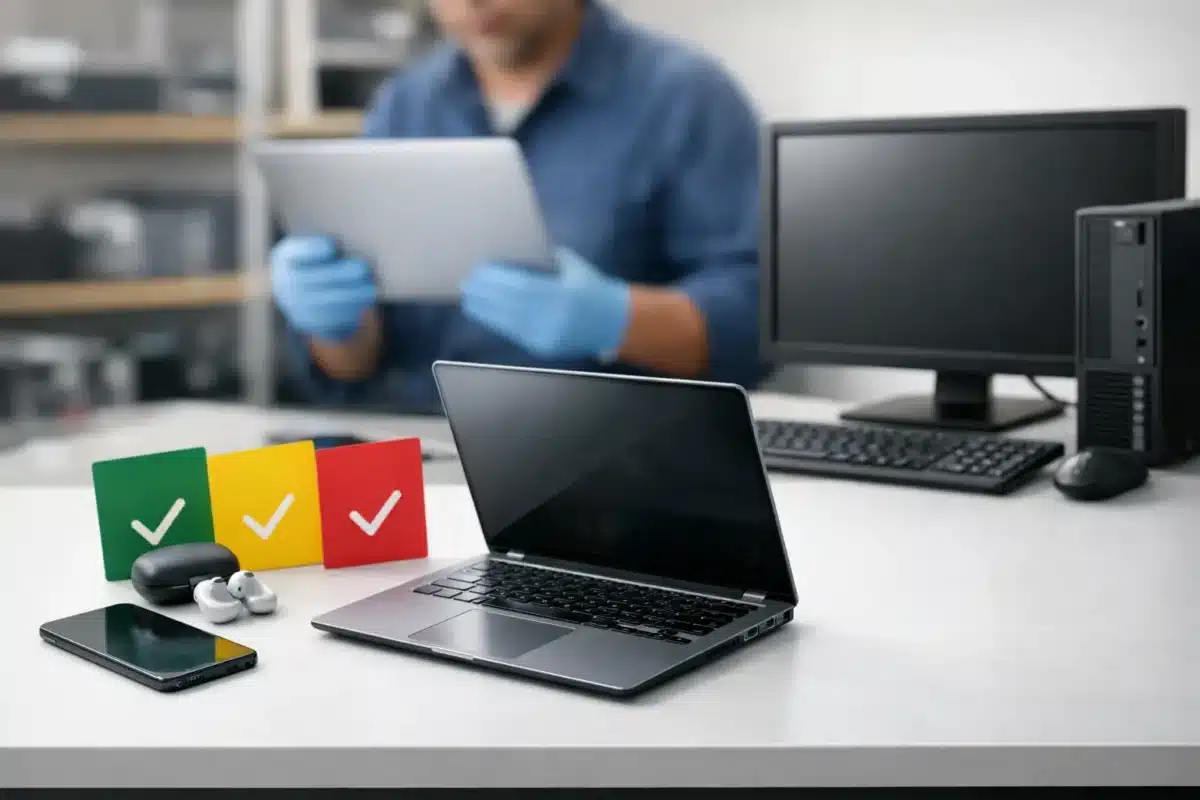
A Grade B business laptop can be one of the best-value purchases you make – or the wrong choice if you expected a showroom finish. Refurbished hardware grading explained properly means separating cosmetic condition from performance, understanding what has been tested, and choosing a device that suits how you will actually use it.
For most people, an ex-lease Dell, HP or Lenovo with a few marks on the lid is still a very capable machine for work, study and everyday use. The key is knowing what the grade tells you, and what it does not.
What refurbished hardware grading actually means
A refurbishment grade is a condition label. It gives buyers a practical indication of a device’s cosmetic appearance after inspection, cleaning and testing. Grades usually describe visible wear such as scratches, scuffs, small dents, shiny keys or marks around ports.
They should not be treated as a measure of processor speed, memory capacity or reliability. A Grade B laptop can have the same Intel processor, RAM, storage and operating system as an equivalent Grade A unit. If both devices have passed the same functional checks, the difference is normally how they look rather than how they work.
There is no single worldwide grading rule that every seller follows. One retailer’s Grade A may be another retailer’s Grade B. That is why the grade needs to sit alongside clear photos, accurate specifications and a proper description of any noticeable defects. A trustworthy refurbished retailer explains the condition in plain language instead of using the grade to hide it.
For buyers in New Zealand, grading is especially useful when comparing similar business-grade devices. It helps you decide whether paying more for a cleaner-looking laptop matters, or whether a cosmetic saving can go towards more RAM, larger storage, a docking station or an external monitor.
The common refurbished hardware grades explained
Most professionally refurbished IT is sold in three broad condition levels. The exact labels can vary, but the thinking behind them is similar.
Grade A: clean condition with light signs of use
Grade A equipment is usually the closest to a near-new appearance. It may have very minor handling marks, but these should be difficult to notice in normal use. The screen should be clear, the keyboard tidy, and the casing free from obvious dents or heavy scratches.
This grade suits buyers who meet clients, use their laptop in class or want equipment that presents well in a reception area or shared workspace. It is also a sensible choice where appearance matters to staff, parents or customers.
Grade A often costs more because cleaner units are less common in ex-lease stock. The performance is not automatically better, so the extra spend is primarily for presentation and cosmetic condition. For a home office, it may be worth it. For a fleet of back-office laptops, it may not be.
Grade B: visible wear, dependable function
Grade B is the practical middle ground and often where the strongest value sits. Expect normal evidence of previous business use: scratches or scuffs on the lid, wear on the palm rest, light marks around USB ports, or minor shiny areas on frequently used keys.
A Grade B device should still be structurally sound and fully usable. Hinges should operate correctly, ports should work, the keyboard and trackpad should be functional, and the display should be suitable for normal viewing. Cosmetic marks do not stop a laptop from running Microsoft Office, joining video calls, accessing cloud software or handling schoolwork.
This is a strong option for students, remote workers, small businesses and organisations replacing several devices at once. You get proven commercial hardware at a lower price, without paying for a finish that may collect new marks during everyday use anyway.
Grade C: heavier cosmetic wear at the lowest price
Grade C equipment has more noticeable signs of use. This can include deeper scratches, dents, more obvious casing wear, worn paint, keyboard shine or small marks that are visible without looking closely. The unit may not be the best fit for a customer-facing role, but it can be a very sensible tool for the right job.
Grade C laptops and desktops are popular for workshop administration, home study, spare office machines, testing environments and budget-conscious buyers who care most about specifications. A desktop lives under a desk for much of its life, so paying a premium for a pristine case often makes little sense.
The trade-off is straightforward: you save money, but accept a more used appearance. Read the individual listing carefully, particularly if a dent, blemish or display imperfection is mentioned. A lower grade should never mean accepting a device with undisclosed faults.
Cosmetic grade is not a technical specification
Condition grading is only one part of the buying decision. A clean-looking older laptop may be less suitable than a Grade B machine with a newer processor, more memory and a solid-state drive.
Start with the work you need the computer to do. For web browsing, email, documents and online learning, an entry-level business laptop with an SSD and sufficient RAM may be all you need. For multitasking, accounting software, larger spreadsheets or multiple browser tabs, prioritise memory and processor generation. For dual-monitor office work, check display outputs or choose a compatible docking solution.
If Windows 11 compatibility matters, confirm that the model and processor meet the requirements rather than assuming every refurbished device will qualify. Similarly, a Chromebook can be an excellent low-cost option for browser-based learning, but it is not a replacement for a Windows laptop if required software only runs on Windows.
Think of the grade as the condition of the outside, then assess the specification and configuration as the working capability inside.
What professional refurbishment should cover
A proper refurbishment process goes beyond wiping a device down and switching it on. While checks vary by product type, professionally refurbished equipment should be inspected for core operation before it is offered for sale.
For a laptop, that commonly includes starting the system, checking the screen, keyboard, trackpad, ports, Wi-Fi, webcam, speakers, battery charging and storage health. A desktop should have its processor, memory, storage, video outputs and ports checked. Monitors need careful testing for image quality, controls, connectors and obvious panel faults.
Cleaning matters as well. Devices should be cleaned inside and out as appropriate, with old user data removed and the operating system installed or prepared as described. The machine should arrive ready for its intended purpose, not as a project for the buyer to troubleshoot.
Battery condition deserves a separate mention. Batteries are consumable components, and their runtime naturally reduces with age and use. A refurbished laptop battery may not provide the same all-day runtime as a new device. If you work away from a power point for long periods, ask about expected battery performance or consider keeping a charger at your desk, in your bag or at school.
How to buy the right grade for your use
Choose Grade A when presentation is part of the job. A consultant, salesperson or office manager may prefer a cleaner device, particularly when it will be used in meetings or shared with clients.
Choose Grade B when you want the best balance of appearance, performance and price. For most students, home users and office teams, this is often the sensible choice. A few signs of use are easy to live with when the device is otherwise tested, configured and capable.
Choose Grade C when budget is the priority and the machine will not be on display. It can be a smart way to equip a home office, provide a spare device or stretch a school or business IT budget further.
In every case, compare like with like. A Grade A laptop with 8GB RAM and a small SSD is not automatically better value than a Grade B model with 16GB RAM, more storage and a newer processor. The best buy is the one that meets your workload for the right price.
Questions worth asking before you buy
Before choosing refurbished hardware, check the listed grade, the exact model, processor, RAM, storage capacity, screen size and operating system. If the device is a laptop, consider whether you need USB-C charging, an HDMI port, a webcam or a numeric keypad. For desktops and monitors, confirm the connections match your existing screens and accessories.
Also look for a clear warranty and freight information. A warranty gives you practical support if an issue develops after purchase, while a realistic condition description helps avoid surprises when the device arrives. This matters whether you are buying one laptop for a student or standardising equipment across a small team.
NZ Laptop Wholesale focuses on professionally refurbished, business-grade equipment because commercial Dell, HP and Lenovo systems are built for regular use and straightforward maintenance. The aim is not to make used hardware look like something it is not. It is to offer dependable technology with honest condition information and pricing that makes sense.
A refurbished grade tells you how a device has lived, not how useful it can be next. Choose the condition you are comfortable seeing each day, then put the rest of your budget into the specifications that will make work, study or office life easier.


