









Category Archives: Tech-Info

Interactive Touchscreen + Mini PC: A Simple NZ Guide
Large Interactive Touchscreen + Mini PC: Keep Your Laptop Free A large interactive touchscreen paired [...]

How to Update Your BIOS Safely on a Laptop or PC
Updating the BIOS on a laptop or desktop can sound intimidating, but on most modern [...]
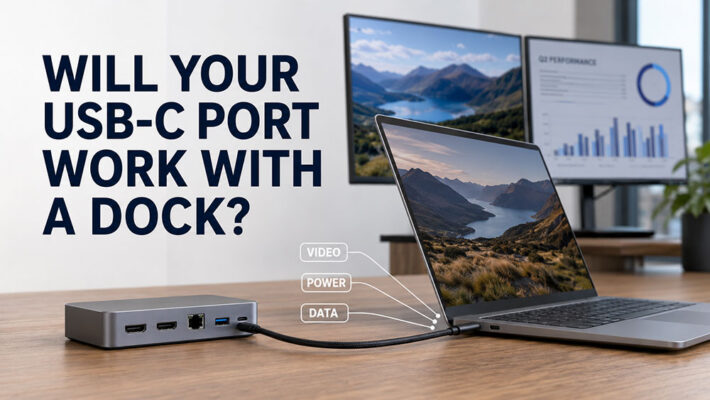
USB-C Docking Station Compatibility | NZ Guide
TL;DR: Will Your Laptop Work with a USB-C Dock? A USB-C docking station can connect [...]
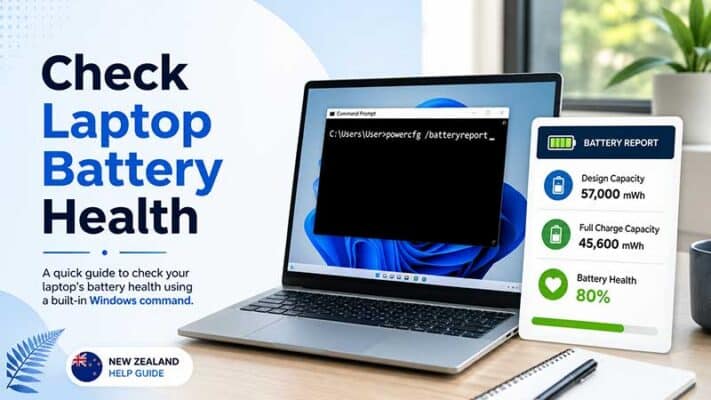
How to Check Laptop Battery Health in Windows Using powercfg /batteryreport
TL;DR: Checking Laptop Battery Health in Windows Windows has a built-in battery report tool called [...]

Set Up Dual Monitors with a Docking Station
TL;DR: Setting Up Dual Monitors with a Docking Station To set up dual monitors with [...]
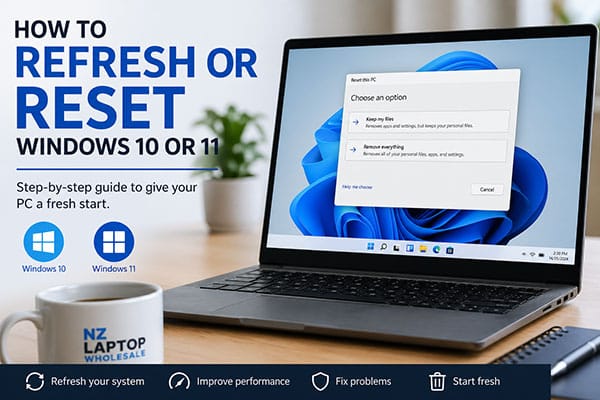
How to Reset Windows 10 or 11
TL;DR: Resetting Windows 10 or Windows 11 Windows 10 and Windows 11 both include a [...]
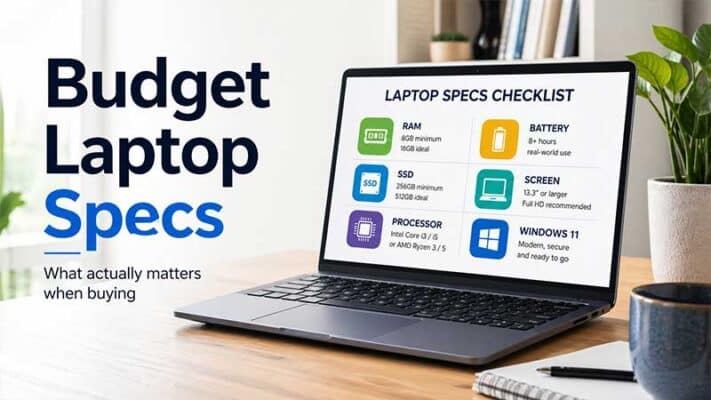
Budget Laptop Specs That Actually Matter
TL;DR: Budget Laptop Specs That Actually Matter When buying a budget laptop, focus on the [...]
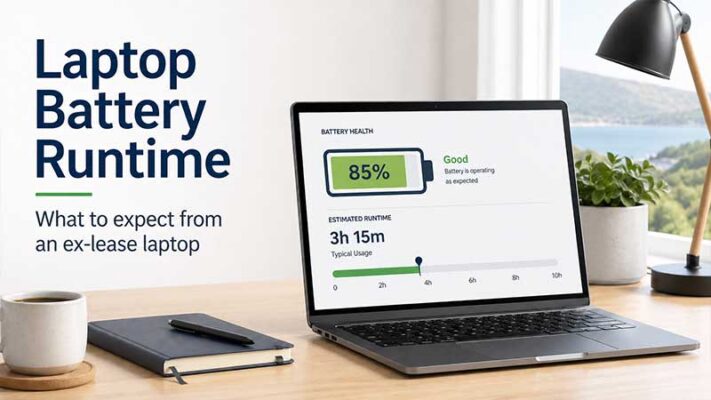
Ex-Lease Laptop Battery Life: What Should You Really Expect?
TL;DR: Ex-Lease Laptop Battery Life Expectations Ex-lease laptop battery life varies depending on the laptop [...]
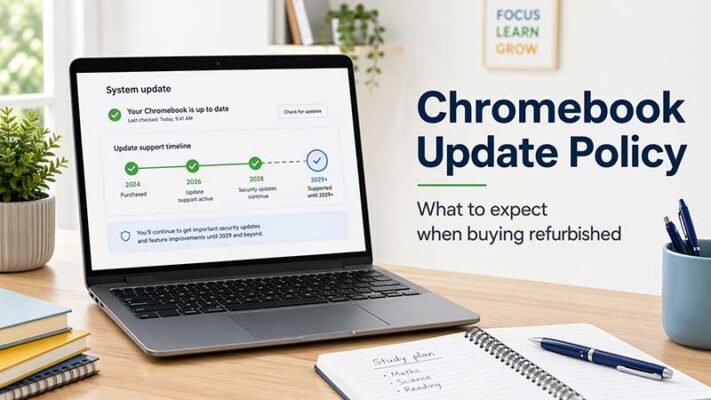
Chromebook Update Policy: What to Expect When Buying a Refurbished Chromebook
TL;DR: Chromebook Update Policy for Refurbished Buyers When buying a refurbished Chromebook, always check its [...]

What Is a VESA Mount? NZ Monitor Guide
TL;DR: What a VESA Mount Means for Monitors A VESA mount is a standard hole [...]
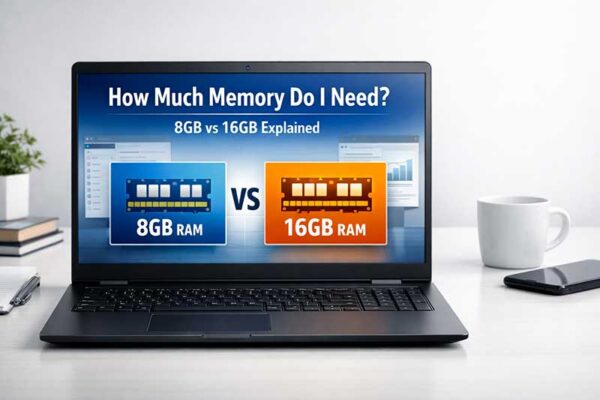
How Much Memory Do I Need in My Computer?
TL;DR: How Much Computer Memory You Need For most everyday users, 8GB RAM is a [...]
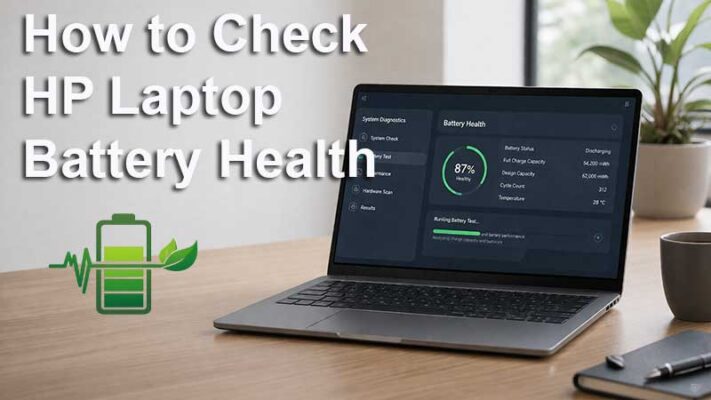
How to Check HP Laptop Battery Health
How to Check Battery Health on an HP Laptop If your HP laptop battery is [...]


