










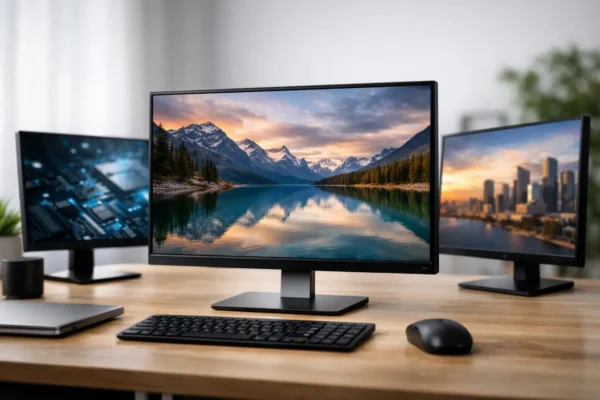
Best Refurbished Monitors NZ: What to Buy
Find the best refurbished monitors NZ buyers can trust for work, study and dual-screen setups, [...]
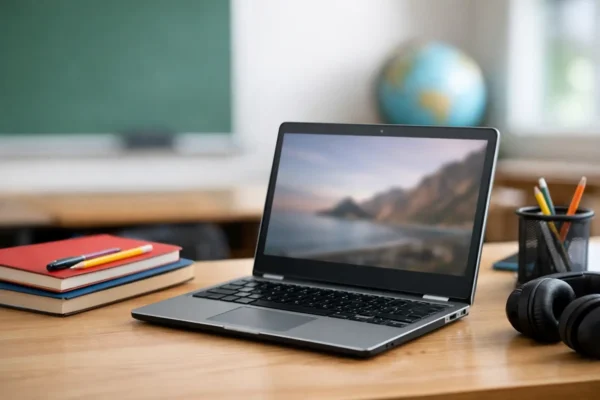
How to Pick a Student Chromebook That Lasts
Learn how to pick a student Chromebook for NZ schoolwork, with practical advice on battery [...]

What Does Ex Lease Mean for Laptop Buyers?
What does ex lease mean? Learn how ex-lease laptops are sourced, refurbished and suited to [...]
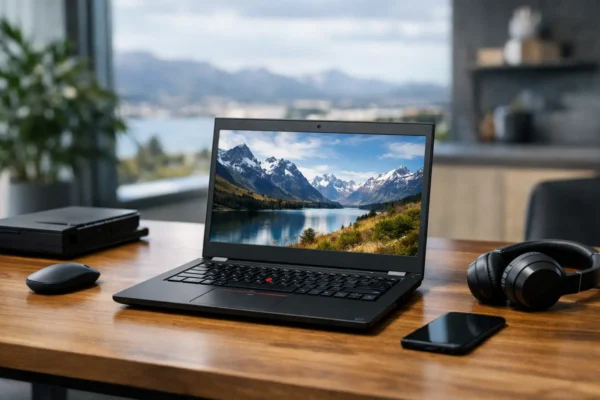
Lenovo ThinkPad Refurbished Review for NZ Buyers
Our Lenovo ThinkPad refurbished review explains speed, condition, battery health and specs to help NZ [...]
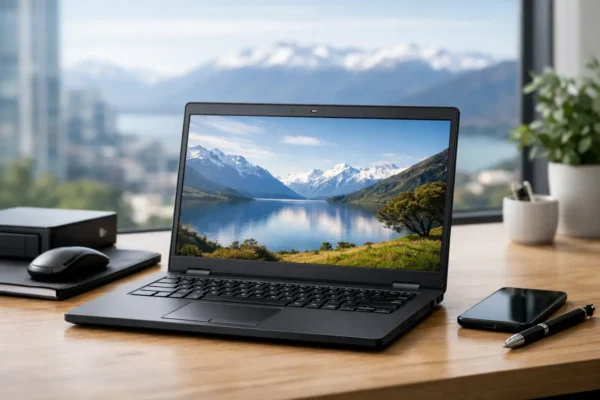
Dell Latitude Refurbished Review for NZ Buyers
Dell Latitude refurbished review for NZ buyers: what ex-lease models offer for work and study, [...]
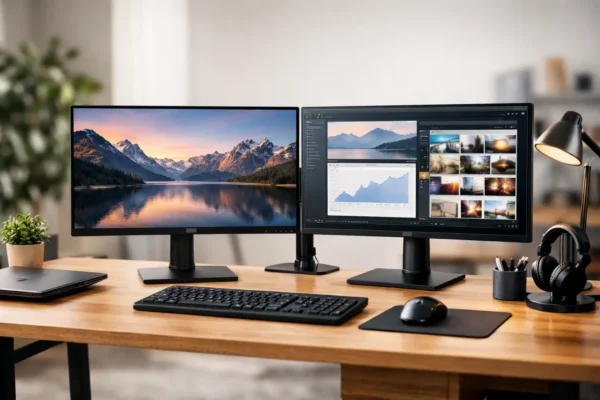
How to Set Up Dual Monitors for Your Desk
Learn how to set up dual monitors with the right ports, cables, display settings and [...]
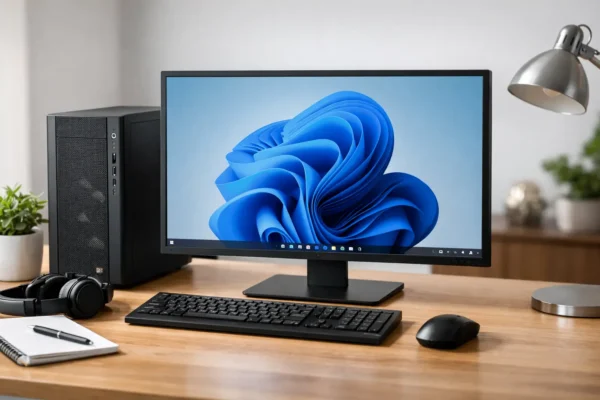
Choosing a Windows 11 Compatible Desktop
Choose a Windows 11 compatible desktop with the right processor, memory and storage for dependable [...]
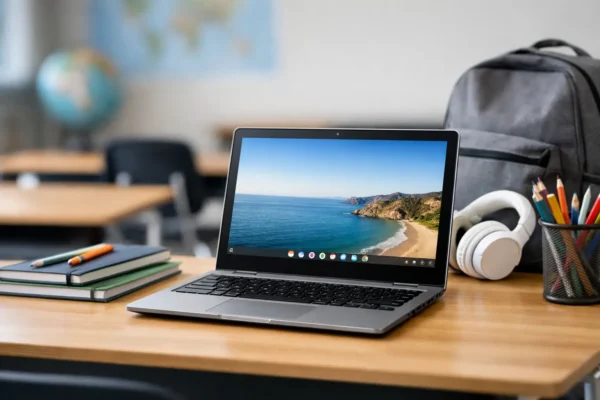
Is a Chromebook Good for School? NZ Guide
Is a Chromebook good for school? Learn where it works best, what it cannot run, [...]
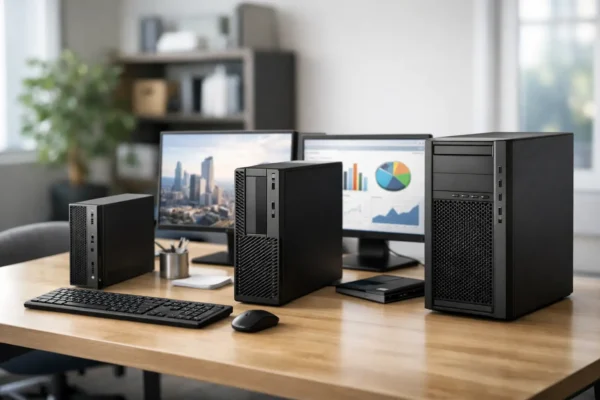
Best Business Desktops for Small Office Buyers
Compare the best business desktops for small office work, with practical specs for reliable refurbished [...]
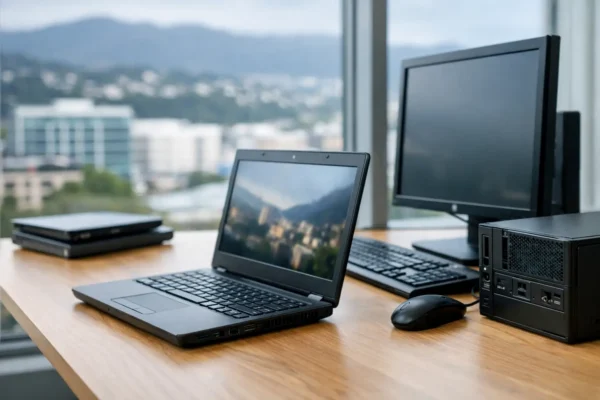
Why Ex Lease Computers Make Sense for NZ Buyers
Ex lease computers give NZ buyers tested business-grade performance for work, study and offices, with [...]
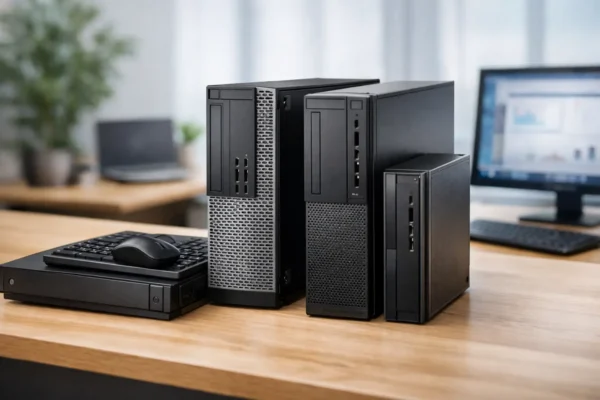
How to Choose Ex Lease Desktop PCs for Work
Learn how to choose ex lease desktop PCs for work, school or home, with practical [...]

Chromebook vs Laptop Students – Which Is Best?
Comparing Chromebook vs laptop students need for schoolwork, BYOD, battery life and budgets, with practical [...]


