













Choosing a Windows 11 Ready Laptop
Need a windows 11 ready laptop? Learn what specs matter, what to avoid, and why [...]

Refurbished Laptops for Students in NZ
Refurbished laptops for students offer reliable performance, lower cost and business-grade quality for school, uni [...]

Why Ex Lease Business Laptops Make Sense
Ex lease business laptops offer reliable performance, lower costs and business-grade quality for NZ buyers [...]

How to Reset BIOS Defaults on a Laptop
If your laptop has started acting strangely, resetting the BIOS or UEFI settings back to [...]
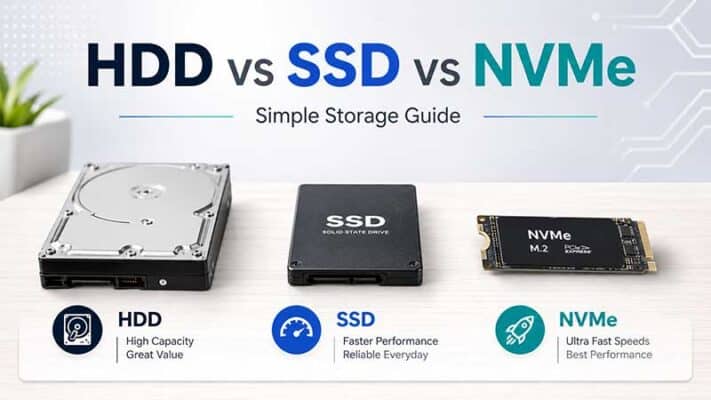
HDD vs SSD vs NVMe: Simple NZ Guide
TL;DR: HDD vs SSD vs NVMe Storage HDD, SSD and NVMe are different types of [...]
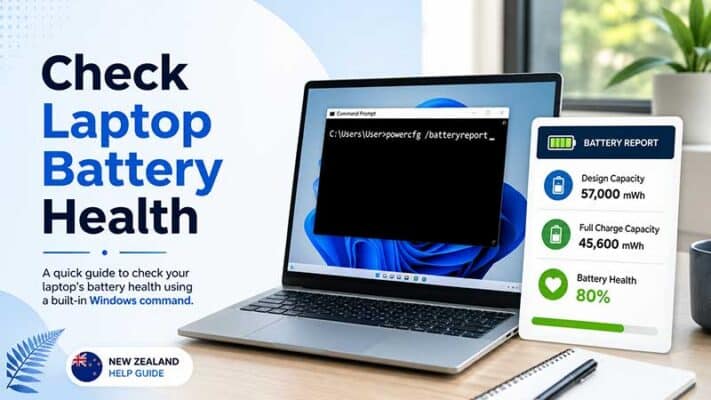
How to Check Laptop Battery Health in Windows Using powercfg /batteryreport
TL;DR: Checking Laptop Battery Health in Windows Windows has a built-in battery report tool called [...]
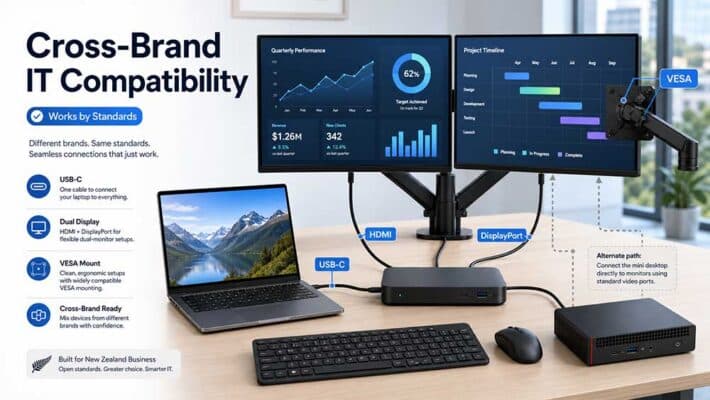
Cross-Brand Device Compatibility Guide
Cross-Brand Device Compatibility: Why Business IT Does Not Always Need to Match If you run [...]

Set Up Dual Monitors with a Docking Station
TL;DR: Setting Up Dual Monitors with a Docking Station To set up dual monitors with [...]
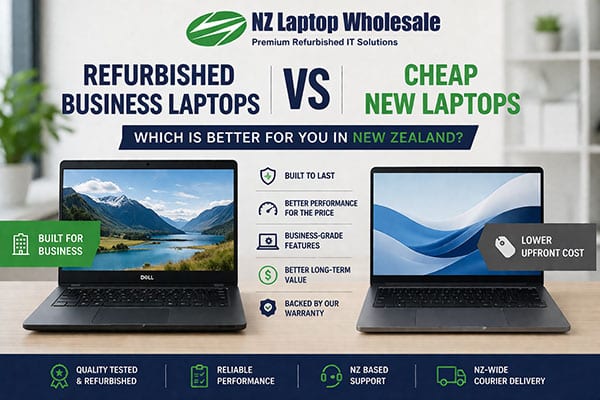
Business vs Cheap New Laptops: Which Is Better?
Refurbished Business Laptops vs Cheap New Laptops: Which Is Better? If you are shopping for [...]
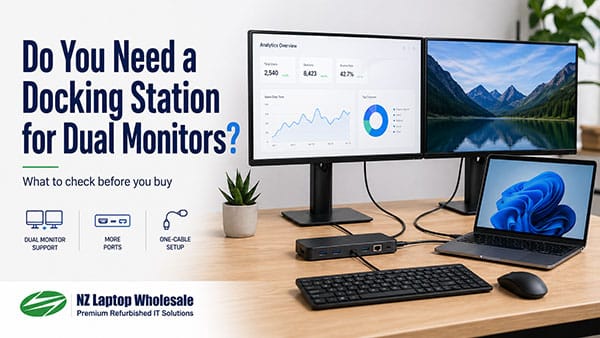
Do You Need a Docking Station for Dual Monitors?
Do You Need a Docking Station for Dual Monitors? If you have ever tried to [...]
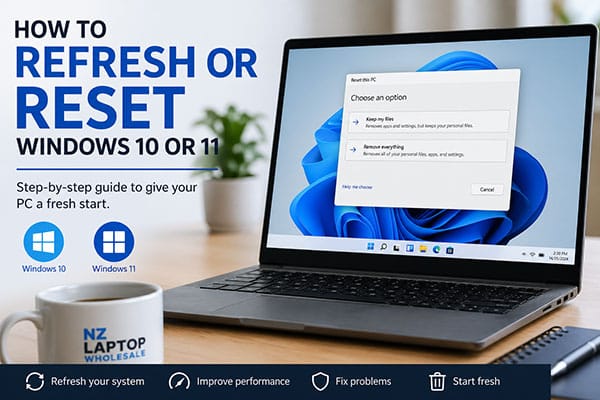
How to Reset Windows 10 or 11
TL;DR: Resetting Windows 10 or Windows 11 Windows 10 and Windows 11 both include a [...]
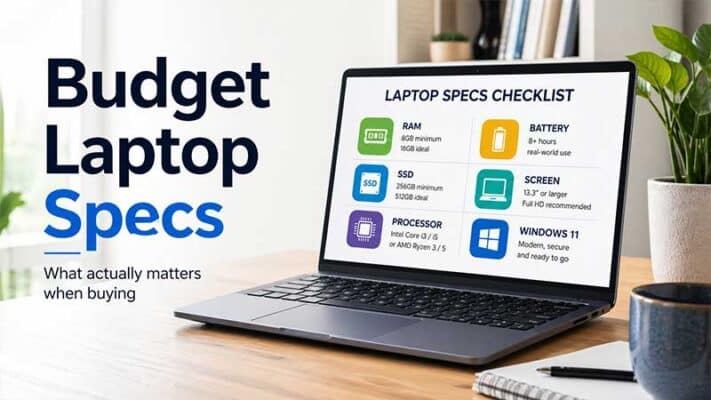
Budget Laptop Specs That Actually Matter
TL;DR: Budget Laptop Specs That Actually Matter When buying a budget laptop, focus on the [...]


