












General
Why Ex Lease Computers Make Sense for NZ Buyers
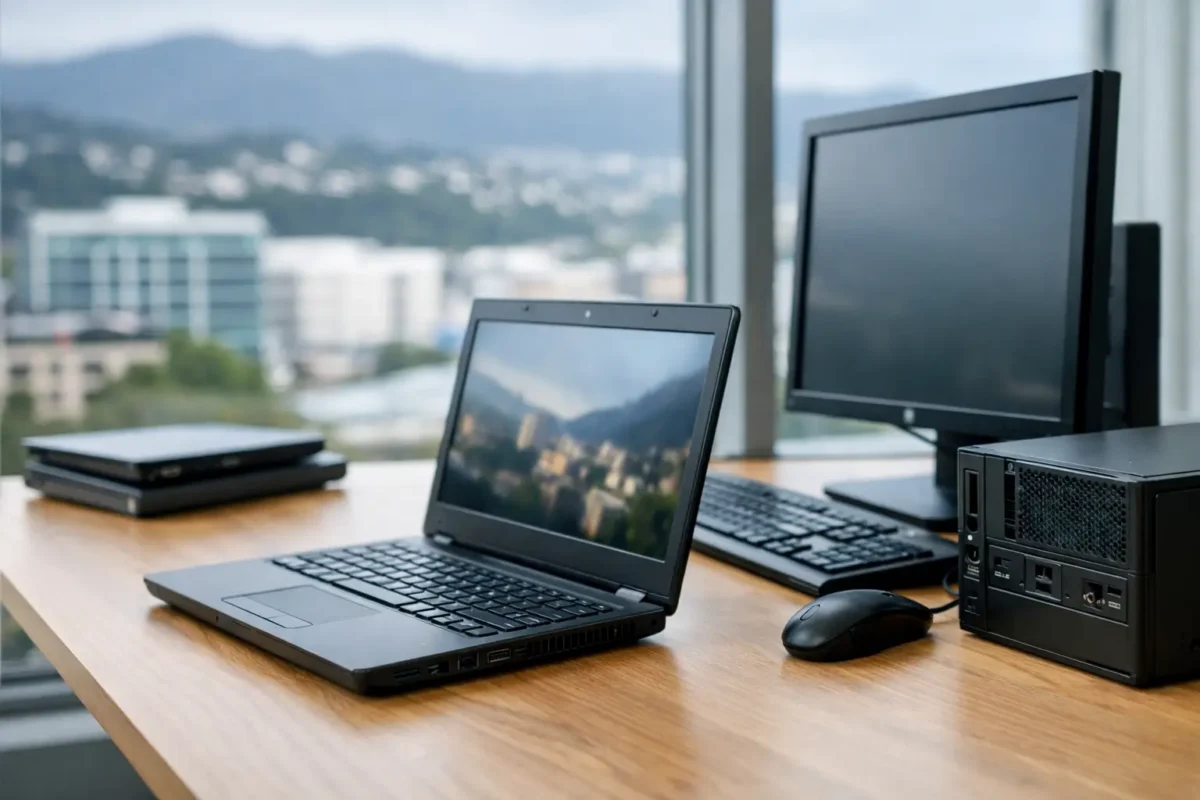
A laptop that cost thousands when it was new does not suddenly become unsuitable because a corporate lease has ended. For many New Zealand buyers, ex lease computers are a practical way to get business-grade build quality, proven performance and useful features without paying new-device prices.
That difference matters when you are replacing several office PCs, buying a first laptop for a student, setting up a home workspace or simply trying to make a sensible purchase. The right refurbished Dell, HP or Lenovo machine can handle everyday work for years. The key is choosing a system that has been professionally checked and that suits the job in front of it.
What are ex lease computers?
Ex-lease computers are laptops, desktops and monitors previously used by businesses, government departments or large organisations under a leasing arrangement. At the end of that term, the equipment is returned, assessed and prepared for resale.
These are not typically entry-level consumer machines. Most were built for commercial environments where reliability, security and repairability matter. That often means stronger chassis materials, better keyboards, more ports, docking support and parts designed to cope with regular use.
The age of the device will vary, as will its specification and cosmetic condition. A quality refurbished seller should be clear about the processor, memory, storage, screen size, operating system and condition grade, so you know what you are getting before you buy.
Why business-grade hardware holds its value
Enterprise laptops are made to be carried between meetings, connected to monitors and used for full workdays. Models such as Dell Latitude, HP EliteBook and Lenovo ThinkPad ranges were designed around that reality. Their original price reflected features that are still useful after the first owner has finished with them.
A sturdy hinge, comfortable keyboard, USB-C charging, HDMI output and a proper docking option may sound ordinary, but they make a real difference for study and office use. A cheaper new laptop can be the better choice for some buyers, particularly where a full new-device warranty or very light use is the priority. But it may not offer the same build quality or upgrade potential at a comparable price.
The value case for ex-lease computers
The main advantage is straightforward: you can spend your budget on capability rather than packaging. A professionally refurbished business laptop may offer more RAM, a faster solid-state drive and a better processor than a new budget model at a similar price.
For a small business, that can make fleet replacements more manageable. Rather than stretching the budget for new machines that only meet the minimum requirement, you can choose tested systems with specifications suited to staff roles. A reception computer, accounts desktop and field worker laptop do not all need the same hardware, and buying by use case avoids unnecessary spend.
Students and parents benefit for the same reason. Word processing, research, video calls, web-based learning and streaming do not require a premium new laptop. A reliable ex-lease machine with an SSD, adequate memory and a healthy battery can be a far more useful option than a low-cost new device with limited storage and a slow processor.
There is an environmental upside as well. Extending the working life of quality hardware keeps usable equipment in service and reduces the demand for a replacement device before it is genuinely needed. That should be a bonus rather than the only reason to buy, but it is a sensible outcome when the equipment has been properly refurbished.
Match the computer to the work
The best ex-lease computer is not always the newest one available. It is the one with enough performance, ports and screen space for the work you actually do.
For work, home offices and small teams
For email, browser-based systems, Microsoft 365, accounting software and video meetings, look for an Intel Core i5 or similar processor, 8GB of RAM as a starting point and an SSD. A 14-inch laptop is a popular middle ground for portability and comfortable work, while a 15-inch model can suit users who prefer a larger built-in screen.
If you work at a desk most days, consider the complete setup rather than the laptop alone. A docking station and two external monitors can make spreadsheets, inbox management and multitasking far easier. Business laptops are often particularly good at this because they were designed to connect to workplace accessories.
For students and everyday use
A compact laptop or Chromebook may be enough for school portals, documents, research and online classes. Check the software requirements set by the school before choosing. Some BYOD programmes require Windows, while others work well with ChromeOS.
Battery life is also worth considering. Refurbished devices have been tested, but no older battery will necessarily match the runtime of a brand-new unit. A student who uses the laptop all day away from a power point may be better served by a model with a strong tested battery or a plan to carry a charger.
For desktops and fixed workspaces
A compact business desktop is often the best-value option when portability is not needed. These machines can provide excellent everyday performance, take up little desk space and connect easily to one or two monitors. They suit reception areas, shared offices, home study spaces and point-of-sale tasks.
Make sure the desktop has the video outputs required for your monitors. DisplayPort, HDMI and USB-C connections vary between models, and an adapter may be needed. Confirming this before purchase prevents an avoidable setup problem.
What to check before you buy
Refurbished does not mean every machine is identical. Read the listed specifications rather than relying on a product photo or model family name. A single range may have several processor options, different screen resolutions and different storage capacities.
When comparing ex-lease computers, check these practical details:
- Processor generation and whether it is suitable for your applications.
- RAM capacity, with 8GB generally a sensible baseline for everyday Windows use.
- SSD size, especially if you store photos, files or offline work locally.
- Operating system and Windows 11 readiness where this is relevant.
- Screen condition, battery expectations, ports and included charger or accessories.
Windows 11 compatibility deserves particular attention if you are buying a Windows device for longer-term use. An older computer may still be excellent for basic tasks, but a system that meets current operating system requirements gives you a clearer path for updates and support.
For organisational buyers, consistency matters too. If several staff need devices, selecting the same or similar model simplifies chargers, docks, setup and future support. It is often better to buy a small, matched group with suitable specifications than a collection of unrelated bargain machines.
Professional refurbishment is the difference
There is a clear difference between a computer sold as used and one that has been professionally refurbished. A proper process involves testing core functions, checking storage and memory, assessing the screen and keyboard, cleaning the device and preparing it with the stated operating system. Cosmetic marks may still be present, particularly on clearance stock, but they should be reflected in the condition and price.
A warranty is part of buying with confidence. It gives buyers a clear process if a fault emerges and separates a specialist retailer from an unknown private seller. For businesses, schools and parents, that support can be worth far more than a small saving on an untested marketplace listing.
NZ Laptop Wholesale focuses on professionally refurbished, business-ready equipment because it is a useful middle ground: dependable hardware, honest specifications and pricing that leaves room in the budget for monitors, docks or other essentials.
Be realistic about the trade-offs
Ex-lease hardware is excellent value, but it is not the right answer for every requirement. If you need the latest graphics performance for demanding design, gaming, engineering software or intensive video editing, a newer device with dedicated graphics may be necessary. Similarly, buyers who require all-day battery life with no access to charging may prefer a new model.
Cosmetic condition can vary. A light scratch on the lid does not affect performance, but it may matter if the device will be client-facing or given as a gift. Decide whether appearance, price or specification is the priority, then choose accordingly.
For most work, study and home-office tasks, the sensible question is not whether the device is new. It is whether it is tested, fit for purpose and specified well enough for the next few years. Choose on that basis, and a quality ex-lease computer can be one of the most practical technology purchases you make.


