











General
Best Refurbished Monitors NZ: What to Buy
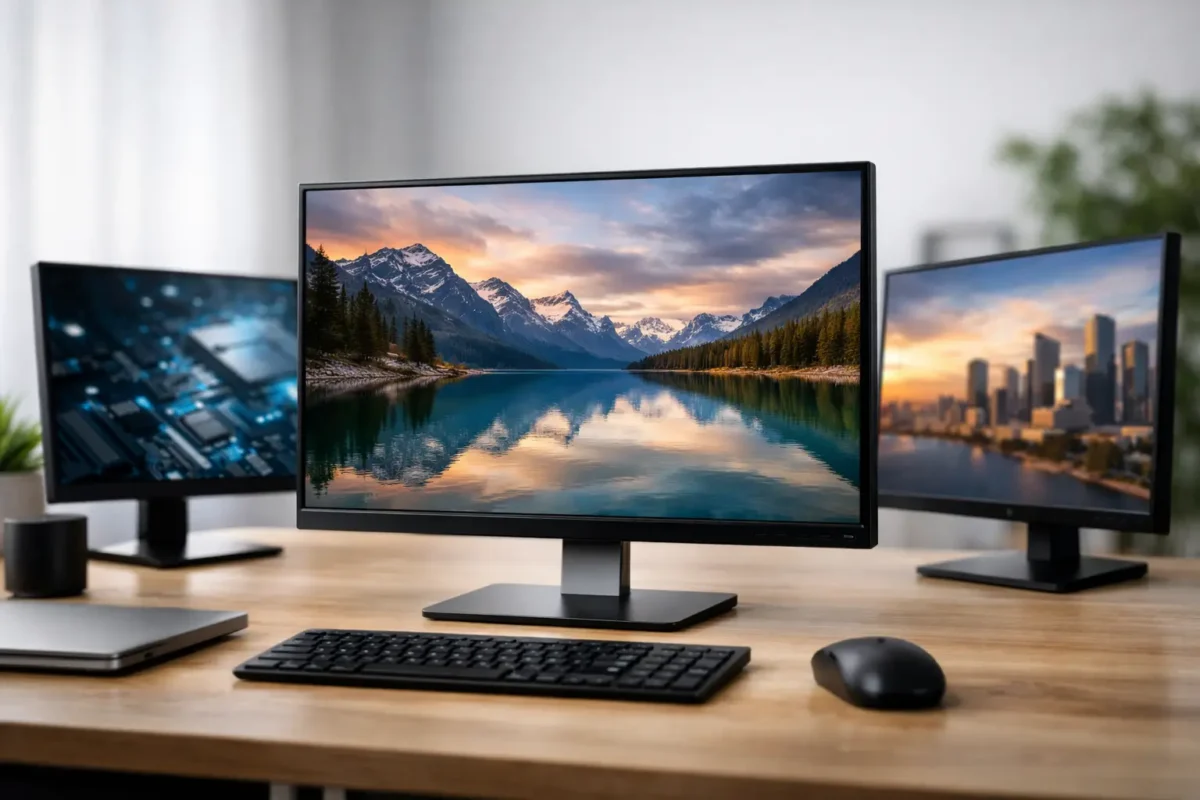
A monitor is often the part of a computer setup you look at most, yet it is easy to treat it as an afterthought. For anyone comparing the best refurbished monitors NZ has available, the smart choice is usually not the newest model with the flashiest box. It is a tested business-grade screen with the right size, resolution and connections for the work you actually do.
Refurbished monitors can make a real difference to the cost of setting up a home office, school workspace or growing business. Enterprise displays from Dell, HP and Lenovo were built for long workdays, adjustable desks and repeat use. When professionally refurbished and clearly specified, they offer practical performance without the price of buying new.
What makes a refurbished monitor a good buy?
A refurbished monitor is not simply a used screen pulled from an old desk. A quality ex-lease monitor should be inspected, tested and prepared for resale. That means checking the panel, buttons, ports, power supply and stand, then confirming the display produces a stable image.
Cosmetic condition and screen condition are different things. A unit may have light marks on the casing or stand from normal office use while still delivering an excellent picture. What matters most is whether the panel is working as it should, the connections suit your equipment and the monitor is supplied with the accessories needed to get started.
Business-grade models are particularly worthwhile because they tend to include features that cheaper consumer screens leave out: height adjustment, tilt, swivel or pivot functions, VESA mounting support, and a wider choice of video inputs. Those details matter when you are using the screen for six or eight hours a day.
Best refurbished monitors NZ buyers should consider by use
The best monitor depends on your desk, your computer and the type of work on screen. Bigger is not always better, especially if the resolution is too low for the panel size or you sit close to a shallow desk.
Everyday work, study and web use
A 22-inch or 24-inch Full HD monitor is a dependable starting point for email, documents, browser-based work, online learning and accounting software. Full HD resolution – 1920 x 1080 – remains practical at these sizes. Text is clear, windows are easy to manage and replacement cables are widely available.
For students and home users, a 24-inch business monitor is often the best value point. It gives enough room for a document beside a browser window without taking over the desk. It also pairs well with refurbished laptops, compact desktops and docking stations.
Dual-monitor office setups
Two matching 22-inch or 24-inch monitors are usually more useful than one oversized display for office productivity. A second screen makes it easier to keep email, Teams or reference material open while working in a spreadsheet, job-management system or report.
Matching monitors are worth prioritising where possible. The same panel size, resolution and stand height create a more comfortable workspace and make the setup look tidy. For offices buying several desks at once, standardising on one model also simplifies cables, replacement stock and user support.
Before ordering, check whether your laptop or desktop can run two external displays. A docking station may be the simplest answer for a compatible business laptop, but the available video outputs and monitor inputs still need to match.
Spreadsheets, design work and detailed documents
A 24-inch or 27-inch monitor with Quad HD resolution – 2560 x 1440 – gives noticeably more working room than Full HD. It is a strong option for larger spreadsheets, side-by-side documents, photo work and users who regularly have multiple applications open.
Quad HD is not essential for everyone. It generally costs more than a Full HD screen, and older laptops may need the right port or adapter to run it at its native resolution. But for a remote worker or administrator who spends all day in detailed information, the extra screen space can be a worthwhile upgrade.
Compact desks and shared spaces
A 21.5-inch or 22-inch screen can be the sensible choice in classrooms, reception areas, small bedrooms and hot-desk spaces. It leaves room for paperwork and does not dominate the workstation. A smaller screen with a height-adjustable stand can be more comfortable than a larger fixed-height display.
Check these specifications before you buy
Monitor listings can look technical, but a few specifications do most of the decision-making. Start with screen size and resolution, then look closely at the ports.
HDMI and DisplayPort are common on later business monitors and suit many modern laptops, desktops and docks. Older ex-lease displays may use DVI or VGA. These can still be useful for older equipment, but make sure you have the correct cable or adapter. An adapter can solve a connection issue, although it will not add capabilities that the monitor or computer does not support.
Also check the refresh rate, especially if the screen will be used for fast-moving games or video editing. Most refurbished office monitors run at 60Hz, which is ideal for work, study and general use. They are not usually the right purchase for competitive gaming, where a high-refresh gaming monitor is a better fit.
Panel type affects viewing angles and colour. IPS panels are popular for office work because the image stays consistent when viewed from the side, which is useful in collaborative spaces. VA panels can offer stronger contrast. Older TN panels may be perfectly serviceable for basic tasks, but they are less appealing if image quality and wide viewing angles are priorities.
Do not overlook ergonomics. A stand that adjusts for height and tilt helps position the top of the screen near eye level, reducing the urge to hunch over the desk. If the included stand does not suit your space, look for VESA mounting compatibility so the display can be fitted to a monitor arm.
Condition, dead pixels and realistic expectations
Refurbished equipment offers value because it has had a previous working life. Buyers should expect minor cosmetic evidence of that life, particularly on rear casings, stands or bezels. It does not mean the monitor is unreliable.
The screen itself deserves closer attention. Ask how the monitor has been tested and read the condition description. A reputable refurbished IT supplier should be clear about the model, resolution, ports, physical condition and warranty coverage. That clarity lets you compare like with like rather than chasing the lowest headline price.
Dead or stuck pixels are another point to understand. Quality checks are designed to identify faults, but policies can vary by seller and by screen grade. If you need displays for design, photography or customer-facing work, choose carefully and buy from a supplier that stands behind its products.
Why enterprise brands make sense refurbished
Dell, HP and Lenovo business monitors are common in ex-lease stock for a reason. Large organisations buy them in volume, use them in managed environments and replace them on planned cycles. That creates a supply of proven equipment that can still have years of useful service left.
They are also designed around practical office needs. You will often find sensible cable management, stable stands, familiar controls and compatibility with business desktops and docking stations. For a school, small business or home office, that is more valuable than paying extra for features that will never be used.
At NZ Laptop Wholesale, the value is in pairing professionally refurbished monitors with the right ex-lease laptop, desktop or dock rather than treating every screen as a one-size-fits-all purchase. A clear specification and a suitable connection are what turn an affordable monitor into a reliable workstation.
When buying new may be the better option
Refurbished is not automatically the best answer for every setup. Buy new if you need specialist colour accuracy for professional print work, USB-C charging built into the monitor, a curved ultrawide panel, touch capability, or a high refresh rate for serious gaming.
It may also be worth buying new when a matching fleet model is required for a large rollout and refurbished stock cannot supply enough identical units. Availability changes with ex-lease stock, so buyers needing twenty or fifty of the same monitor should confirm quantities early.
For most general office and learning tasks, though, a tested refurbished business monitor gives better value than an entry-level new display. You are paying for a proven commercial model, not retail packaging and marketing claims.
Set up your monitor properly
Even a good monitor can feel disappointing if it is connected or positioned poorly. Use the monitor’s native resolution, choose the best available cable connection, and adjust brightness so a white document does not feel harsh in the room. Avoid setting brightness at maximum by default.
Place the screen directly in front of you where possible, not off to one side. If you use two monitors equally, position them together in a slight curve. If one is your main screen, put that one directly ahead and the second at an angle. A few minutes spent adjusting height, distance and brightness can make a long workday noticeably easier.
The right refurbished monitor is the one that fits your desk and workload without wasting budget. Choose the resolution you can use, the ports you can connect, and a tested business-grade model that will keep doing the job long after the initial saving has paid for itself.


