NZ Laptop Wholesale Buying Advice

Laptop Buying Guides & Advice

Practical advice from people who work with refurbished and ex-lease laptops every day. Understand the specs that actually matter, choose the right laptop for the job, and avoid paying extra for features you don’t need.

Business-Grade Professionally Refurbished NZ-Wide Delivery Real Local Support

You Don’t Need to Become a Computer Expert

Buying a laptop can quickly turn into a wall of numbers: i5 versus i7, 8GB versus 16GB RAM, 256GB versus 512GB SSD, 13-inch versus 15-inch screens.

The problem is that the biggest number is not automatically the best choice. What matters is matching the laptop to what you actually need it to do.

These guides answer the questions we regularly get from New Zealand customers, using the same practical advice we give people when helping them choose a machine.

A Land Cruiser will get Granny to the dairy, but so will a Corolla.

The right tool for the right job.
Start Here

Our Essential Laptop Buying Guides

Start with whichever question you’re trying to answer. You don’t need to read them in order.

8GB vs 16GB RAM laptop buying guide
Guide 02

8GB vs 16GB RAM

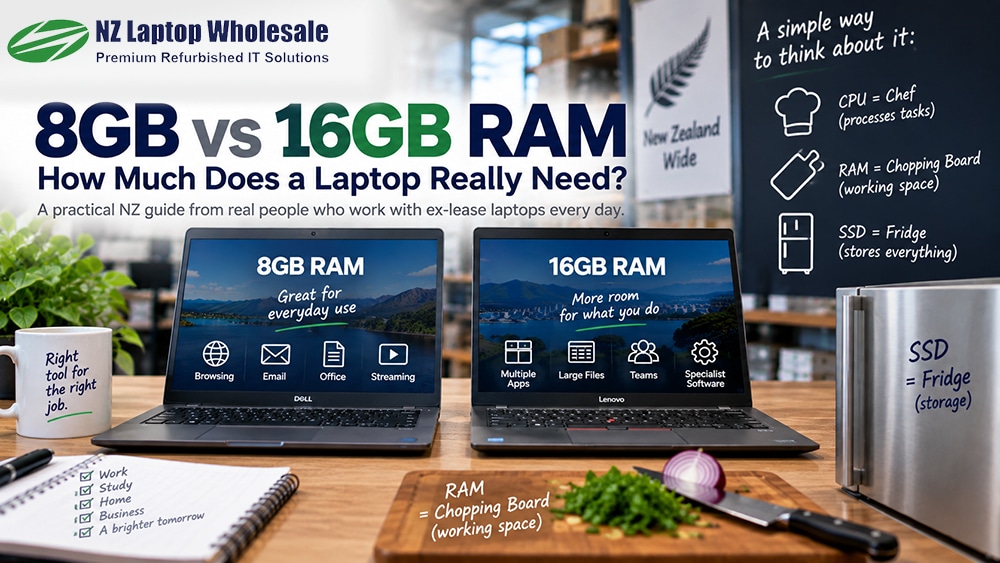
For most everyday users, 8GB is still enough. Learn when 16GB is worthwhile and why simply adding more memory doesn’t automatically make a computer faster.

CPU = Chef · RAM = Chopping Board
How much RAM do I need? →
The Short Version

Not Sure Where to Start?

🏠

Home & Everyday Use

A recent business-grade i5, 8GB RAM, 256GB SSD and a 13.3–14" display is a sensible starting point for many people.

🎒

School & Students

Prioritise portability. 11.6" suits younger students, while 13.3–14" gives older students more working space.

💼

Business

A 13.3–14" business laptop with an i5, 8–16GB RAM and SSD storage covers the needs of a large number of office users.

🖥️

Mainly Desk Based

Consider a 15.6" laptop for the larger display and numpad, or use a smaller laptop with a dock and external monitors.

How We Look At Specifications

Don’t Buy a Specification Sheet

A newer i5 can be a better choice than an older i7. 8GB RAM can be completely adequate when your workload doesn’t need 16GB. A 256GB SSD is plenty if you’re only using a fraction of it.

The goal isn’t to put the biggest possible number beside every specification. It’s to end up with a reliable computer that comfortably does what you need it to do.

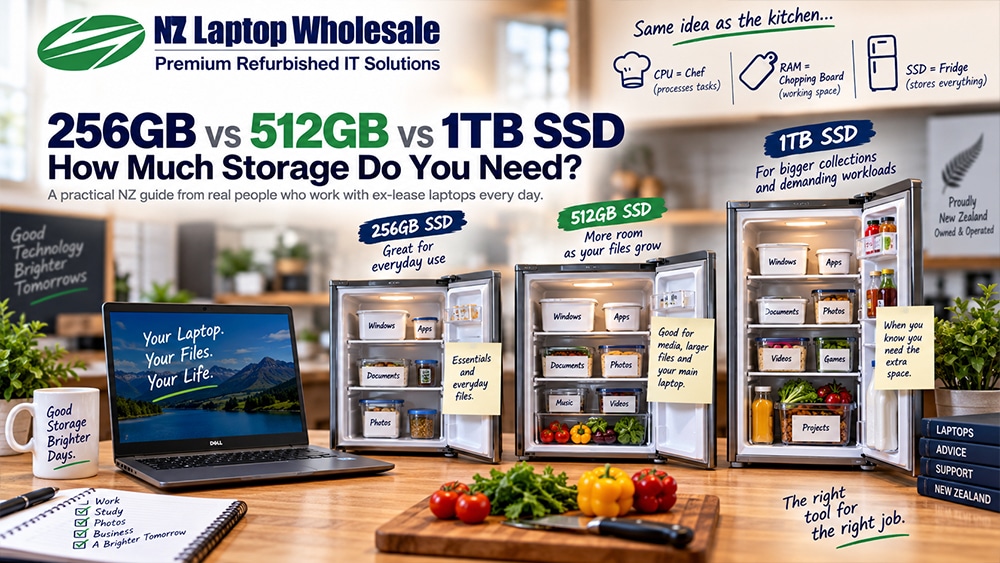
CPU The chef RAM The chopping board SSD The fridge

Before You Buy, Ask Yourself:

  • What applications will I actually use?
  • Will I carry the laptop regularly?
  • Do I need a numeric keypad?
  • How much storage am I using now?
  • Do I work mainly from cloud services?
  • Does my software genuinely need 16GB RAM?
  • What generation is the processor?
  • Do I need external monitors or docking?
Still Not Sure?

Tell Us What You Need the Laptop to Do.

You don’t need to arrive knowing which processor, RAM or SSD you need. Tell us what you’ll use the computer for and roughly what you want to spend. We’ll help narrow it down.