










General
Choosing a Windows 11 Ready Laptop
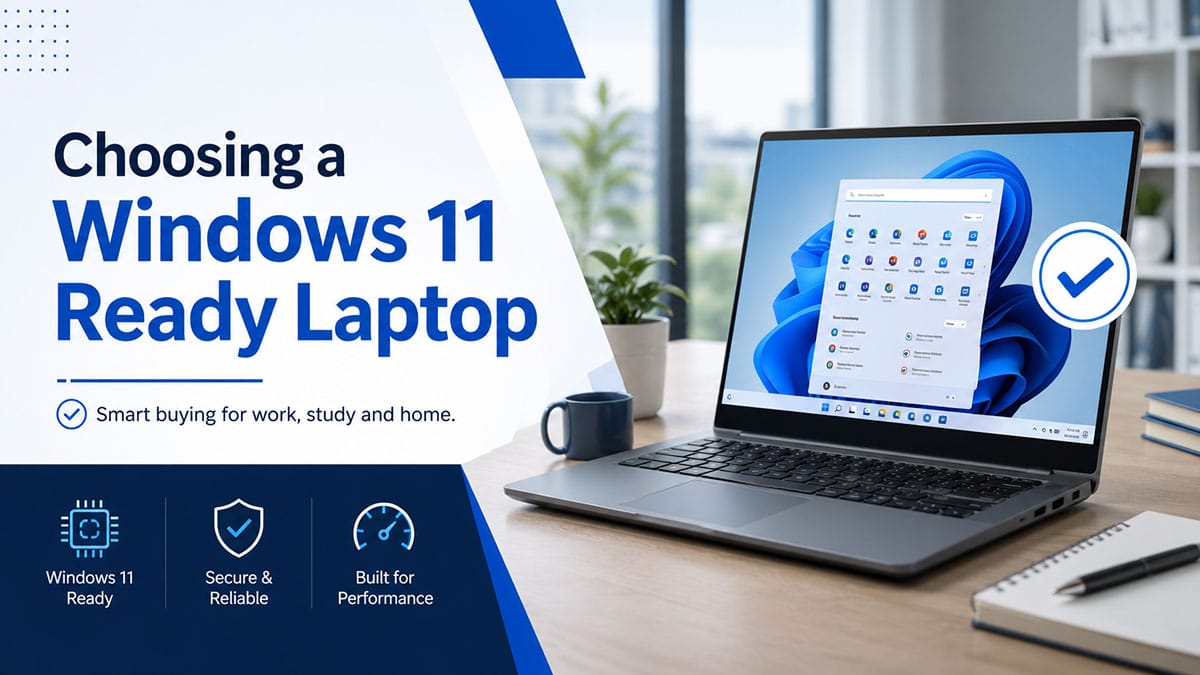
A cheap laptop can turn expensive fast when it struggles with updates, battery wear, or day-to-day work. If you’re shopping for a Windows 11-ready laptop, the goal is not just getting the new operating system installed. It is buying a machine that will run it properly, stay dependable, and still make sense for your budget.
That matters even more if you’re buying for school, remote work, a small business, or replacing several ageing devices at once. On paper, plenty of laptops look good enough. In practice, some are consumer models with weaker build quality, limited upgrade options, and shorter lifespans. Others are business-grade laptops that were designed for years of real office use and still offer strong value when professionally refurbished.
What makes a Windows 11-ready laptop?
At the basic level, Windows 11 has a few non-negotiables. The laptop needs a compatible processor, TPM 2.0 support, Secure Boot capability, enough RAM, and enough storage to run the system without feeling cramped. Our guide to Windows 11 hardware compatibility explains these requirements in more detail. If any of those pieces are missing, installation becomes awkward or unsupported, which is not what most buyers want.
But meeting the minimum standard is only part of the story. A laptop can technically support Windows 11 and still feel slow if the processor is too old, the storage is a mechanical hard drive, or the RAM is too limited for modern workloads. That is where many buyers get caught out. They see “Windows 11-compatible” and assume that means “good for everyday use”. Those are not always the same thing.
For most work and study users, the safer starting point is an 8th Gen Intel Core i5 or newer, 8GB of RAM, and an SSD rather than a hard drive. That setup gives Windows 11 room to run cleanly for email, web browsing, Microsoft Office, video calls, cloud apps, and typical multitasking. If you need more tabs open, larger spreadsheets, or regular use of Teams and Zoom, 16GB RAM can be worth paying for.
Why refurbished business laptops often make more sense
A lot of buyers assume new is automatically better. Sometimes it is. If you need the latest battery tech, a very light chassis, or specialised graphics, new may be the right move. But for many practical users, a professionally refurbished business laptop is simply better buying.
Business-grade laptops from Dell, HP, and Lenovo are built for heavier use than many entry-level retail machines. They usually have stronger hinges, better keyboards, more durable casings, and easier servicing. They were made for offices, field staff, and long-term fleet deployment, not just occasional lounge-room use.
That matters because Windows 11 is not just a software upgrade. It is part of a longer device lifecycle. If you are putting money into a laptop now, you want something that can handle another few years of work without becoming a headache. An ex-lease business model with solid specs often gives you more durability and better real-world performance than a brand-new bargain model at a similar price.
For New Zealand buyers trying to stretch a budget, this is where refurbished stock stands out. You are not paying for glossy packaging or the latest marketing pitch. You are paying for tested hardware that is fit for purpose.
The specs that actually matter
When comparing a Windows 11-ready laptop, it helps to ignore the noise and focus on the parts that affect everyday use.
Processor
The processor decides how comfortably the laptop handles multitasking and modern applications. For straightforward admin, study, and browser-based work, an Intel Core i5 from the supported Windows 11 generations is a strong middle ground. An i7 can be useful if your workload is heavier, but plenty of users pay extra for one and never notice the difference.
If the machine has an older processor outside Microsoft’s supported list, it may not be a smart long-term buy even if the price looks sharp. Saving money upfront is not much help if the laptop lands in the too-hard basket six months later.
RAM
8GB is the practical minimum for most people now. It is enough for Office, browsing, email, cloud platforms, and video meetings. Below that, Windows 11 can feel tight quite quickly.
16GB is a better fit for users who keep many tabs open, run multiple applications at once, or want extra breathing room over time. Schools and home users can often be fine with 8GB. Busy office users may appreciate the jump to 16GB.
Storage
An SSD is one of the biggest quality-of-life upgrades in any laptop. Boot times are faster, apps open quicker, and the whole machine feels less frustrating. A laptop with a traditional hard drive may still function, but it will feel dated under Windows 11. Our HDD, SSD and NVMe guide explains the differences between the main storage types.
For many users, 256GB SSD storage is enough. If you keep large files locally, work with media, or want more headroom, 512GB is more comfortable.
Screen and portability
There is always a trade-off here. A 14-inch business laptop is often the best all-rounder for commuting, study, and office use. A 15.6-inch model gives you more screen space and a roomier keyboard, but it is less convenient to carry. Our laptop screen-size guide can help you compare the practical differences.
If the laptop will mostly stay on a desk, larger can be better. If it is moving between home, school, and work, lighter and smaller usually wins.
Windows 11-ready laptops for different buyers
Not every buyer needs the same machine, and that is where a lot of bad purchasing decisions start. People overbuy in some areas and underbuy in others.
For students
Students usually need a balance of battery life, portability, durability, and cost. A refurbished business laptop with an SSD and 8GB RAM is often a sensible fit. It can handle online learning platforms, documents, research, and video classes without the price tag of a new premium model.
The main thing to avoid is buying on looks alone. Thin consumer laptops can look appealing, but if the keyboard is poor or the build quality is flimsy, they may not survive a school bag for long.
For home and remote work
Remote workers tend to notice keyboard quality, webcam reliability, Wi-Fi performance, and overall stability more than they expect. Business laptops generally do well here because they were designed for daily productivity.
If you spend hours in email, spreadsheets, browser tabs, and video calls, a Windows 11-capable machine with 8GB to 16GB RAM and a decent Full HD screen is a more useful choice than chasing flashy extras. Our guide to choosing a budget laptop for remote work covers these priorities in more detail.
For small business fleets
For business buyers, consistency matters as much as price. It is easier to deploy and support multiple machines when they share the same platform, charger type, dock compatibility, and general specification level. Refurbished ex-lease laptops can make fleet upgrades far more affordable without dropping into unreliable entry-level hardware.
This is especially relevant when older office devices are reaching the point where Windows 11 support becomes a pressing issue. Replacing several systems at once can get expensive quickly if you only look at new stock.
What to avoid when shopping
The biggest mistake is focusing only on the sticker price. A very cheap laptop may save money today but cost more in lost time, poor battery condition, weak performance, or limited life expectancy.
Be careful with unsupported older processors, low RAM configurations, and laptops still using hard drives. Also watch for vague listings that do not clearly state processor generation, storage type, battery condition, or operating system status. If the specs are unclear, that is usually a sign to slow down. Our laptop battery information explains what buyers should realistically expect from refurbished batteries.
It is also worth checking whether the machine is genuinely suited to your use case. A compact model is great for mobility, but less ideal if you spend all day in spreadsheets without an external monitor. Likewise, a larger laptop is useful on a desk, but less pleasant to carry around campus or between meetings.
Why local refurbishment and clear specs matter
A Windows 11-ready laptop is easier to buy with confidence when the seller is upfront about what you are getting. Clear processor details, RAM, SSD size, screen size, operating system status, warranty information, and condition grading all make a difference.
That is one reason many NZ buyers prefer dealing with a specialist such as NZ Laptop Wholesale rather than taking a punt on an unknown marketplace listing. Professionally refurbished business laptops are easier to trust when they have been tested properly and presented with honest specifications.
There is real value in knowing the machine is ready to work when it arrives, rather than becoming a project. Most buyers do not want to troubleshoot compatibility, source replacement parts, or guess whether a device will handle the next round of updates.
A better way to think about value
The best laptop is not always the newest or the cheapest. It is the one that fits the job, runs reliably, and gives you enough performance to stop thinking about the laptop and get on with your work.
For plenty of buyers, that means choosing proven enterprise hardware with the right Windows 11 support rather than chasing consumer features they may never use. A good refurbished machine can be a smarter investment because it balances performance, durability, and cost in a way many new budget laptops simply do not.
If you are weighing up your options, start with your actual workload, not the marketing. A laptop that is genuinely fit for purpose will usually prove its value long after the box is gone.
Browse our current range of refurbished Windows 11 laptops, or view all refurbished laptops available for secure delivery throughout New Zealand.
-
Dell Latitude 5320 – 11th Gen i5 | 16GB | 128GB | NVMe | Win 11 Pro
Original price was: $649.00.$599.00Current price is: $599.00. -
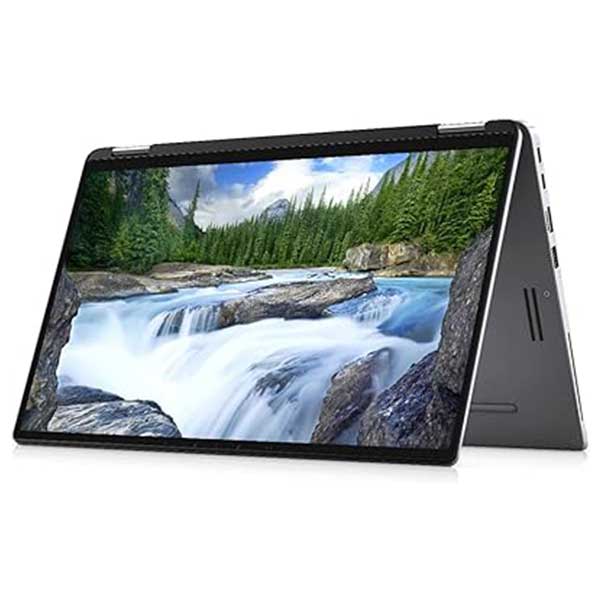
Dell Latitude 7390 2’n’1, 8th Gen i5, 8GB, 256GB M.2, 13.3″ Full HD Touchscreen, Windows 11 Pro
Original price was: $699.00.$489.00Current price is: $489.00. -
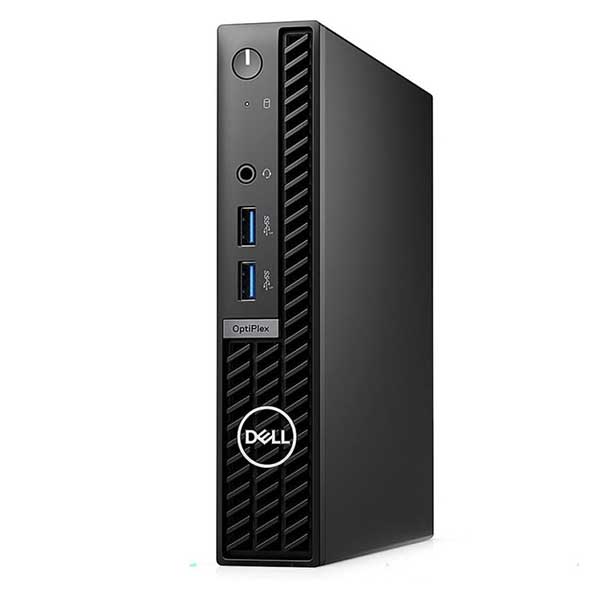
Dell Optiplex 7010 Micro, i5 13th Gen, 16GB Ram, 256GB M.2, WiFi 6, Windows 11 Pro
Original price was: $1,199.00.$999.00Current price is: $999.00. -

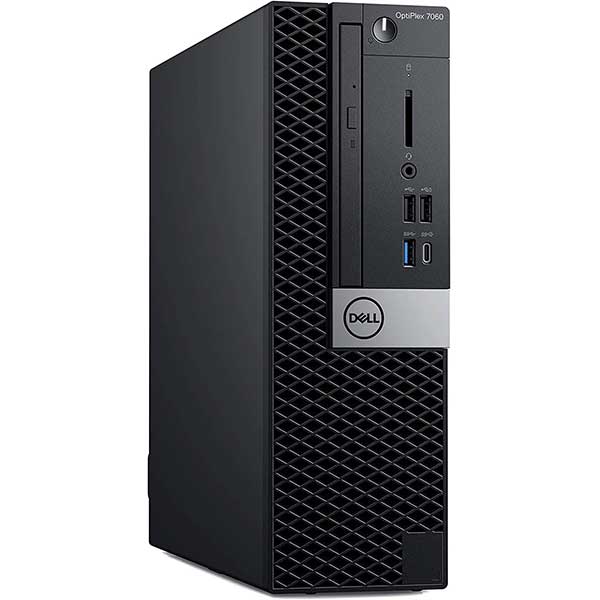
Dell Optiplex 7070 Small Form, i5 9500, 16GB Ram, 512GB M.2, Windows 11 Pro
$639.00 -
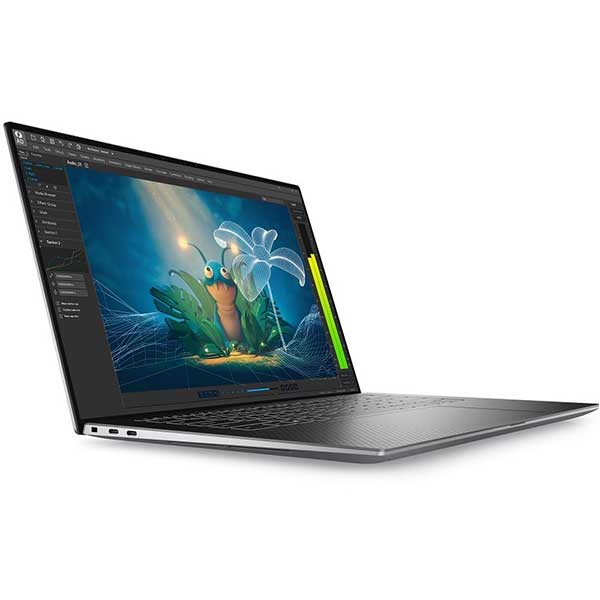
Dell Precision 5570 i7-12800H, 32GB, 512GB SSD, RTX A2000 8GB, 15.6″ UHD+ – LTP
Original price was: $2,300.00.$1,100.00Current price is: $1,100.00. -
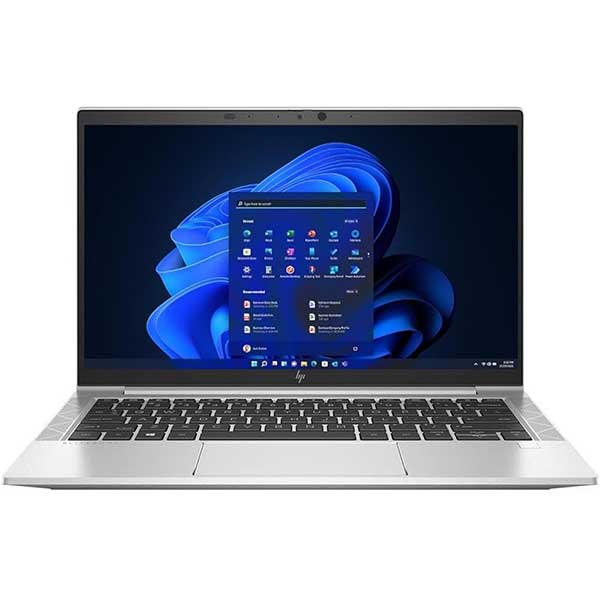
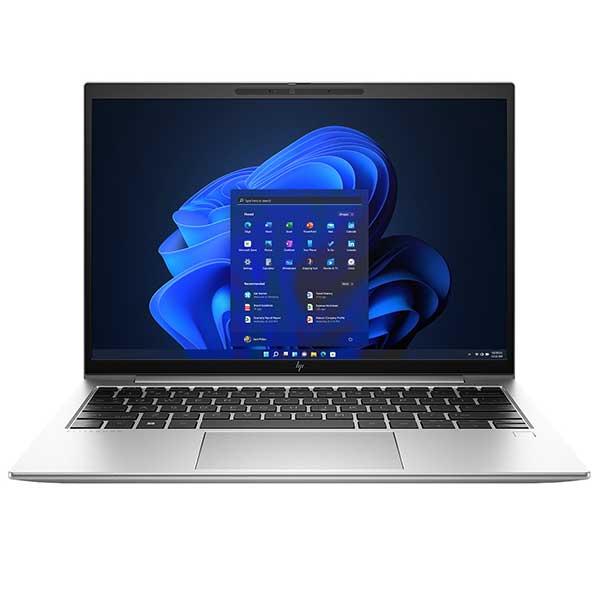
HP EliteBook 830 G8 – i5-1145G7, 16GB, 256GB NVMe, 13.3″ FHD, Windows 11 Pro
Original price was: $749.00.$649.00Current price is: $649.00. -
HP EliteBook 830 G9 – i7-1255u| 16GB | 256GB NVMe | 13.3″ FHD | Win 11 Pro | Refurbished NZ
Original price was: $989.00.$749.00Current price is: $749.00. -
HP Elitebook 840 G5, 8th Gen i5, 8GB, 256GB M.2 SSD, Windows 11 pro
Original price was: $549.00.$449.00Current price is: $449.00.

Compatibility Is Only the First Step
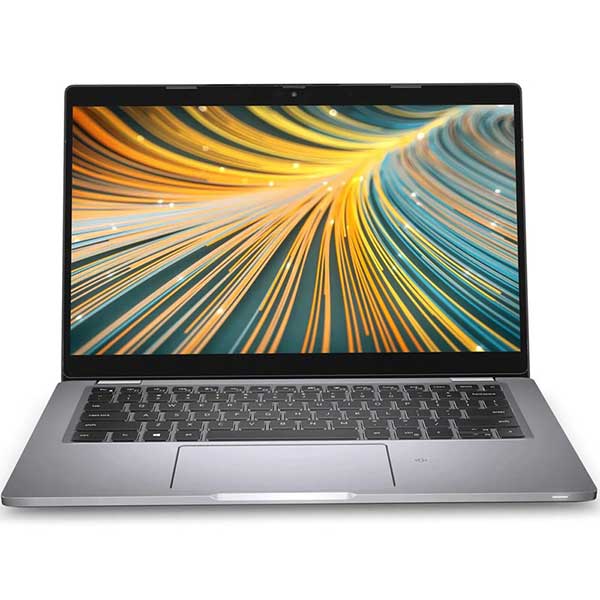
A laptop can be Windows 11 ready and still not be the right machine for you. Processor generation, RAM, SSD storage, screen size and overall condition all matter when choosing something that will suit your day-to-day use. Our Laptop Buying Guides & Advice hub explains those choices in plain English.
Explore Our Laptop Buying Guides →


