









General
Refurbished Laptops for Students in NZ

School laptop lists have a habit of landing at the worst possible time – right when uniforms, stationery and term fees are already stretching the budget. That is exactly why refurbished laptops for students make so much sense for New Zealand families. If the goal is dependable performance for classwork, research, video calls and assignments, a professionally refurbished business laptop often gives better value than a cheap new consumer model.
Why refurbished laptops for students are worth a look
For most students, the real question is not whether a laptop is brand new. It is whether it can handle everyday school or uni work without slowing everything down. Word processing, web-based learning platforms, email, spreadsheets, streaming lessons and browser research do not require flashy specs. What they do need is stability, decent battery health, a solid keyboard and hardware that can cope with daily use.
That is where ex-lease business laptops stand out. These machines were built for commercial environments, so they are generally sturdier than entry-level retail laptops. Hinges tend to be stronger, keyboards are better to type on, and overall build quality is usually a step up. For a student carrying a device between home, school, the library and study groups, that matters.
Price is the other obvious reason. A refurbished unit can free up budget for software, a laptop bag, a wireless mouse or even a monitor for home study. Instead of spending top dollar on a shiny new machine with basic internals, many buyers can afford a better-spec refurbished model with more RAM, a faster SSD and a more reliable business-grade chassis.
What students actually need from a laptop
A lot of buying mistakes happen because people shop by headline features instead of real use. A student laptop should suit the workload, the school requirements and the length of time you want it to last.
For primary and intermediate students, the basics matter most. The machine needs to start quickly, run browser-based platforms smoothly and survive being moved around. For high school students, especially in BYOD environments, a proper Windows laptop with a good keyboard and enough memory becomes more important. Senior students are often juggling multiple browser tabs, documents, cloud apps and video calls at once, so weak hardware becomes frustrating fast.
Tertiary students usually need a bit more flexibility. Business, arts and education students can often work well on a mid-range refurbished laptop, while engineering, design or IT students may need stronger processors, more memory and a larger screen. That is why there is no single perfect student laptop. The right device depends on the course, the software and whether the laptop is mainly for notes and assignments or for heavier workloads.
The specs that matter most
If you want a student laptop that still feels usable next year, and the year after, a few specs deserve close attention. Our guide to the budget laptop specifications that actually matter provides a useful starting point.
Processor and day-to-day speed
For general schoolwork, an Intel Core i5 or equivalent is often the sweet spot. It gives enough performance for multitasking without pushing the budget too far. An i7 can be worthwhile for older uni students or anyone using more demanding software, but for many school users it is more nice-to-have than essential.
RAM makes a bigger difference than many expect
8GB RAM is a sensible minimum for most students now. It allows smoother multitasking across browsers, documents and video apps. A 4GB machine may still manage very light use, but it can start to feel tight once several tabs and apps are open.
SSD storage is well worth it
A laptop with an SSD will boot faster, open files quicker and feel more responsive overall. For students, that means less waiting and less frustration. Even a modest SSD can make an older business laptop feel far better than a cheap new device with slower storage.
Screen size depends on how mobile the student is
A 12-inch or 13-inch model is easier to carry and suits students moving class to class. A 14-inch screen is often the best middle ground for portability and comfortable viewing. A 15-inch laptop can be great at home or for tertiary study, but it is less convenient in a crowded school bag. Our laptop screen-size guide explains the practical differences.
Refurbished versus cheap new laptops
This is where the comparison gets practical. A low-cost new laptop can look attractive on price alone, but there is often a catch. Many entry-level consumer devices use weaker processors, limited RAM, poor screens and lighter construction. They may be fine for very basic tasks, but they are not always built for several years of regular student use.
A professionally refurbished business laptop often starts from a stronger base. It may have better cooling, better build quality and better serviceability. That does not mean every refurbished machine is automatically the better buy. Condition, age and specifications still matter. But if you compare like-for-like pricing, refurbished business laptops regularly offer more usable performance per dollar.
Battery life is one area where buyers should stay realistic. A new laptop may have an advantage there, depending on model and battery condition. That is why clear grading, tested hardware and transparent specs matter. Honest refurbishment is about setting the right expectations, not pretending an older laptop is identical to new. Our guide to ex-lease laptop battery life explains what buyers can reasonably expect.
Choosing refurbished laptops for students by study stage
Primary and intermediate
Keep it simple. Look for a reliable unit that boots quickly, handles web apps and has a screen size a child can manage comfortably. Durability matters more than power here. Depending on the school’s platform, it may also be worth comparing a refurbished laptop with a Chromebook.
High school and BYOD
This is where Windows 11 readiness, 8GB RAM and a solid keyboard become more important. Students are writing longer assignments, using collaboration tools and carrying devices every day. A dependable 13-inch or 14-inch business laptop is often the safest choice.
University and polytechnic
Tertiary students should buy for their course, not just their budget. General study can be handled well by many mid-range business laptops, while specialist courses may need more horsepower. If the student spends long hours studying at home, a docking station or monitor can also make a big difference to comfort and productivity.
What to check before you buy
The best refurbished purchase is an informed one. Start with the school or institution requirements. Some schools specify platform, screen size or minimum specs. If you are unsure whether the student needs ChromeOS or Windows, use our Chromebook versus Windows laptop guide for parents.
Then check the practical details. Confirm the processor generation, RAM, storage type and whether the device is ready for current operating system requirements. Our guide to Windows 11 compatibility covers the main hardware requirements.
Look at the ports as well. Students still need to connect chargers, headphones, USB devices and sometimes external displays. If USB-A and USB-C are unfamiliar, our USB port guide explains the differences.
Warranty matters more than many buyers realise. Refurbished devices should come with clear support terms, not vague promises. That is one of the biggest differences between buying from a specialist and buying privately. Tested machines, stated condition and proper warranty backing reduce the risk.
It is also worth thinking about accessories at the same time. A charger is essential, obviously, but a carry case, wireless mouse or external monitor can improve the overall setup without blowing the budget. For students working from home after school, a simple study-desk setup can make study far easier.
Why business-grade refurbishment suits NZ buyers
New Zealand families, schools and small organisations are often balancing quality against cost. That is why professionally refurbished IT has become such a practical option. It offers a way to buy from trusted commercial brands without paying the premium attached to new hardware.
That value equation is especially strong for students. They need laptops that work every day, not marketing extras they will never use. A properly refurbished Dell, HP or Lenovo business machine is often a more sensible fit than a budget retail laptop designed to hit a price point first and everything else second.
For buyers who want clear specifications, realistic pricing and proven hardware, specialist suppliers such as NZ Laptop Wholesale make the process more straightforward. The focus stays where it should be – on fit-for-purpose devices that are properly tested and prepared for real-world use.
It is also worth checking the seller’s condition-grading information so you understand what cosmetic wear may be present before ordering.
The smarter question to ask
Instead of asking whether a student should get a new laptop or a refurbished one, it is usually better to ask what will deliver the most reliable performance for the money. For many NZ households, that answer is a refurbished business laptop with the right specs, the right warranty and the durability to handle daily study. Buy for the work the student actually needs to do, and the value tends to speak for itself.
Browse our refurbished laptops for students, explore our budget laptops under $500, or view our wider range of affordable refurbished laptops. NZ Laptop Wholesale is based in Auckland and ships securely throughout New Zealand.
-
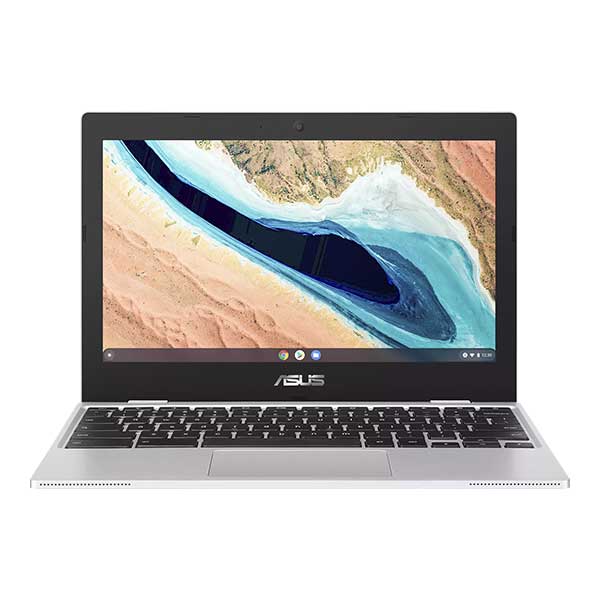
Asus 11.6″ ChromeBook CX1101CMA- Updates until 2029
Original price was: $219.00.$179.00Current price is: $179.00. -
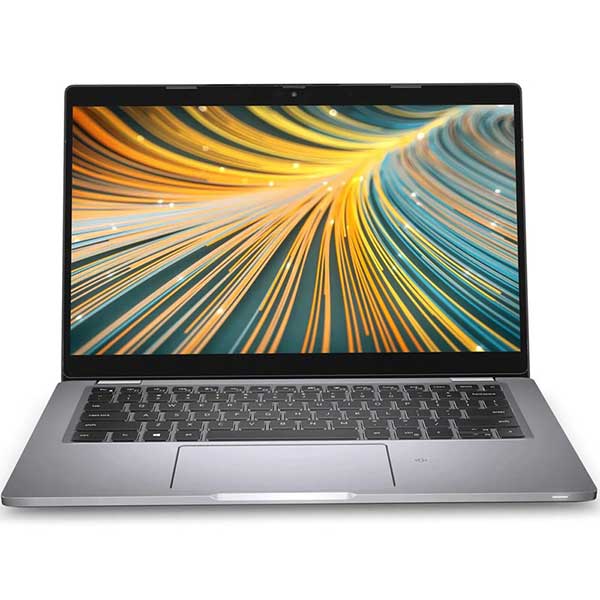
Dell Latitude 5320 – 11th Gen i5 | 16GB | 128GB | NVMe | Win 11 Pro
Original price was: $649.00.$599.00Current price is: $599.00. -

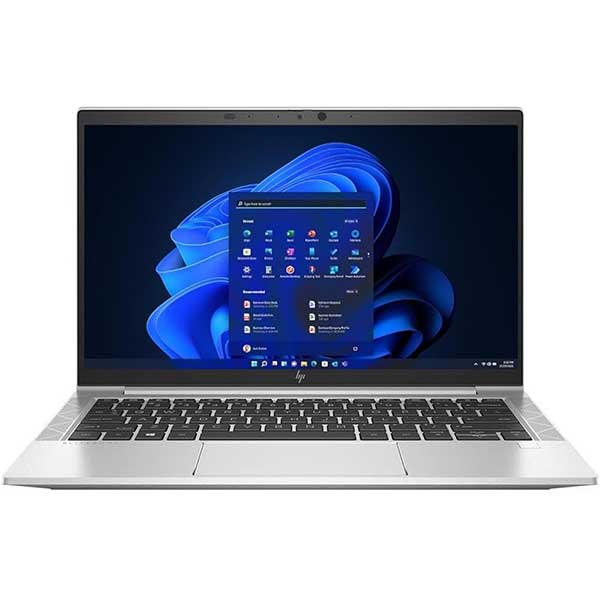
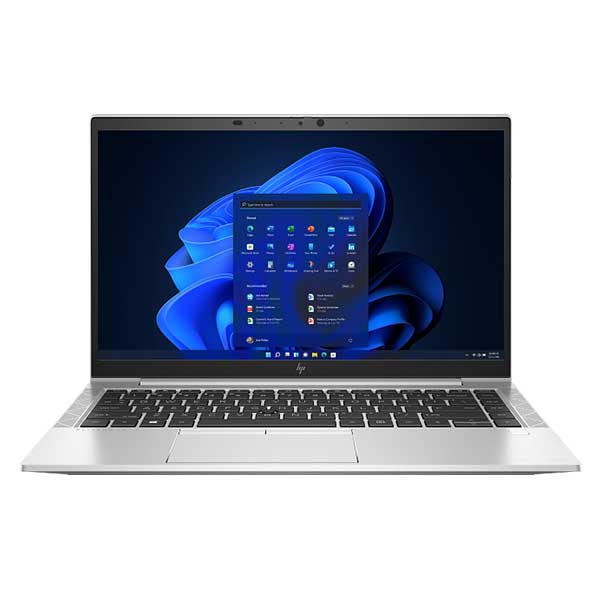
HP EliteBook 830 G8 – i7-1165G7 | 16GB | 256GB NVMe | 13.3″ FHD | Win 11 Pro | Refurbished NZ
$859.00 -
HP Elitebook 840 G8, 11th Gen i5, 16GB, 512GB M.2 SSD, 14″ Full HD, Windows 11 pro
Original price was: $1,029.00.$949.00Current price is: $949.00. -
HP Elitebook 840 G8, 11th Gen i7, 16GB, 256GB M.2 SSD, 14″ Full HD, Windows 11 pro
Original price was: $1,029.00.$919.00Current price is: $919.00. -
HP Pro x360 Fortis G10 | 11.6″ Touchscreen Laptop + Stylus | Win 11
Original price was: $579.00.$399.00Current price is: $399.00. -
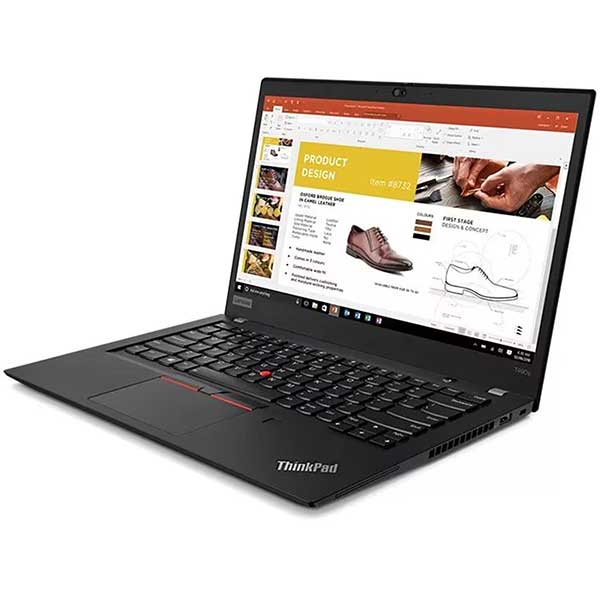
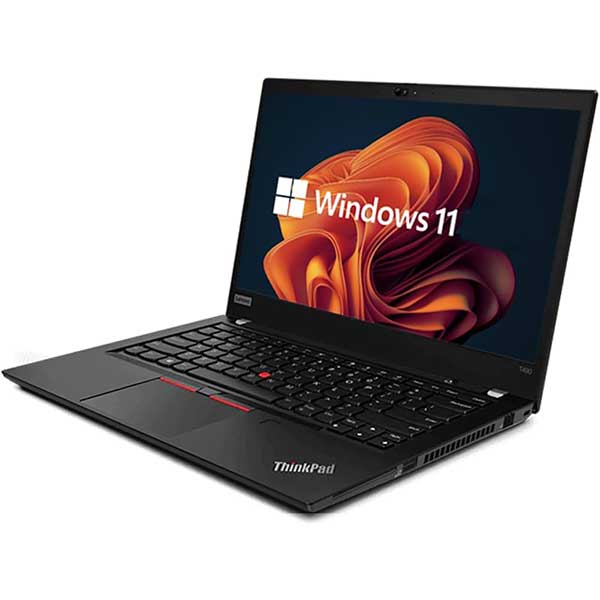
Lenovo ThinkPad T14 Gen 1, 10th Gen i7, 16GB, 256GB NVMe, FHD 14″ Display, Wifi 6, Windows 11 Pro
Original price was: $1,099.00.$909.00Current price is: $909.00. -
Lenovo ThinkPad T490, 8th Gen i7, 16GB, 256GB NVMe, FHD 14″ Display, Wifi 5, Windows 11
Original price was: $699.00.$629.00Current price is: $629.00.
Choose the Right Size and Specs for the Student
A good student laptop doesn’t need to be overpowered. The important part is choosing the right balance of screen size, processor, RAM and SSD storage for the work it actually needs to do. Our Laptop Buying Guides & Advice hub walks through those decisions in plain English.
Explore Our Laptop Buying Guides →


