











General
Business Laptops vs Consumer Laptops Compared
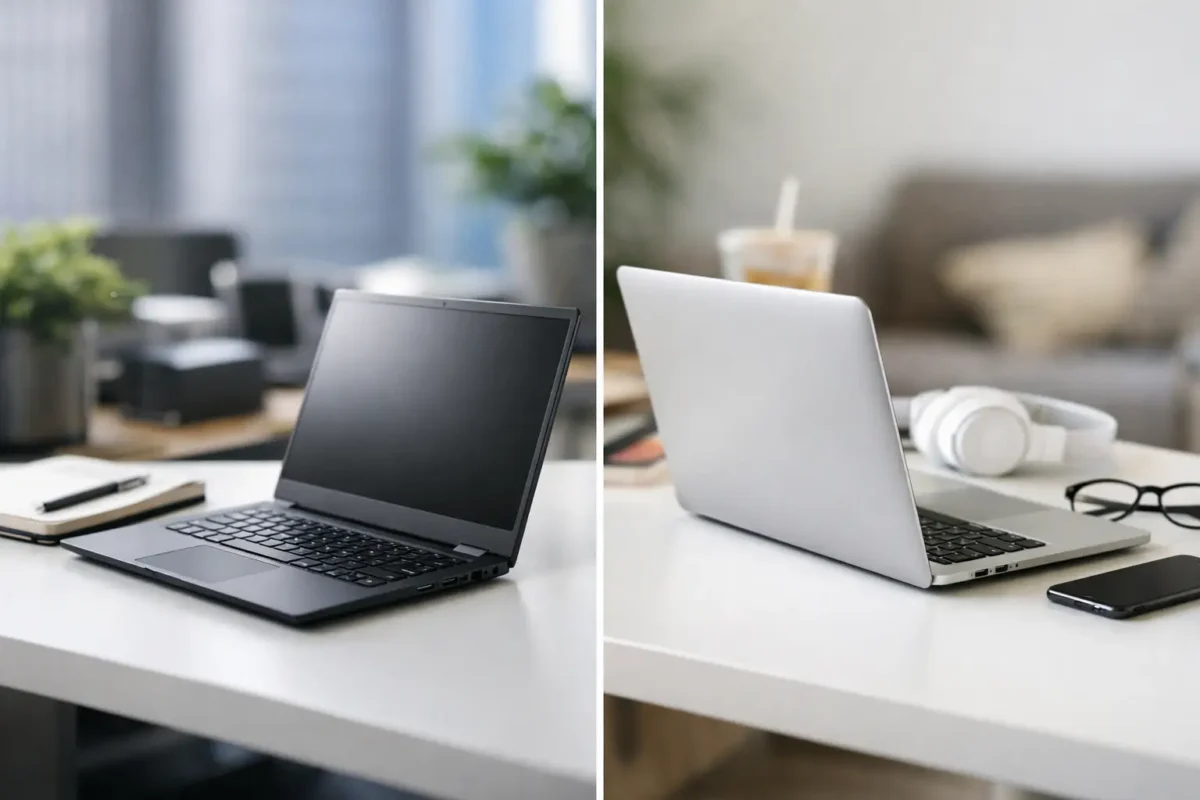
A laptop that looks good on a shop shelf is not always the laptop you want after two years of commuting, assignments, video calls and daily office work. When comparing business laptops vs consumer laptops, the biggest difference is usually not the processor. It is how the machine is built, supported and expected to perform over time.
For many New Zealand buyers, a professionally refurbished business laptop offers a more practical path to dependable computing. A three-year-old enterprise model can often provide better ports, stronger construction and more upgrade options than a similarly priced new consumer notebook. That does not mean consumer laptops are a poor choice. It means the right answer depends on how the device will actually be used.
What makes a laptop a business model?
Business laptops are designed for organisations that buy devices in fleets and expect them to work reliably through regular travel, long workdays and repeated docking. Think Dell Latitude, HP EliteBook or ProBook, and Lenovo ThinkPad ranges. These machines are commonly supplied to corporate offices, government departments, schools and large organisations, then replaced at the end of a leasing cycle.
Consumer laptops are built for home users and retail buyers. They may prioritise a slim shape, bright display, low shelf price or features that sell well in a showroom, such as a large screen or higher-resolution webcam. There are excellent consumer models available, but they are generally made to a different brief.
Business-grade does not automatically mean faster. A consumer laptop with a newer processor may outperform an older business model in certain tasks. The advantage of enterprise hardware is the complete package: construction, serviceability, business features and proven long-term usability.
Business laptops vs consumer laptops: the practical differences
Build quality for daily use
Business laptops usually have reinforced hinges, firmer keyboards and chassis materials chosen to handle regular carrying and opening. They are not indestructible, and any used device will show its age depending on condition, but enterprise ranges are made for heavier use than the average household laptop.
This matters for students taking a device between classes, mobile staff working from different sites, and home users who simply want a laptop that will not feel worn out after one busy year. A solid keyboard and dependable hinge are easy to overlook until they become a problem.
Consumer models vary widely. Some premium consumer laptops are beautifully made, while entry-level models may use more flexible plastics, lighter hinges and less repairable designs to keep the purchase price down. If the laptop will mostly sit on a desk for web browsing and email, that may be perfectly acceptable. If it is going in a bag every day, build quality deserves more weight in the decision.
Ports, docking and desk productivity
A business laptop is often designed to become a proper workstation when it reaches the office. USB-C or Thunderbolt connectivity, docking support, multiple USB ports, HDMI or DisplayPort options, Ethernet on some models, and easy dual-monitor use are common strengths.
For a small business, this can make setting up staff far simpler. One laptop can travel home, then connect to a dock, keyboard, mouse, network and two monitors at a desk. It is also useful for remote workers who want a clean workspace without buying a separate desktop.
Consumer laptops may have fewer ports, particularly thin models. That is not always a deal-breaker, but it can mean carrying adapters or relying on a USB-C hub. Before buying, check the exact port selection rather than assuming every laptop supports the same monitor setup.
Security and management features
Business machines commonly include a TPM security chip, BIOS-level management options, stronger firmware controls and, on selected models, fingerprint readers, smart-card readers or privacy shutters. These features help organisations manage devices and protect data when staff work away from the office.
A parent buying one laptop for a student may not need enterprise management. A business handling customer information should care more. Security is not only about the hardware, though. A supported operating system, current updates, strong passwords and sensible backup habits remain essential.
For buyers planning to run Windows 11, confirm that the particular laptop meets the required processor, TPM and firmware requirements. A quality older business laptop can be a very good buy, but the specifications should suit the software you need now, not just the price you see today.
Repairs, upgrades and working life
Many business laptops are easier to maintain than consumer notebooks. Depending on the model, memory, storage, battery or keyboard may be more straightforward to replace. This can extend the useful life of the device and keep a sensible repair from turning into replacement costs.
That is a major reason ex-lease hardware remains popular. Organisations buy these models because downtime costs money, so manufacturers tend to provide service documentation, spare parts availability and stable component designs. A professionally refurbished unit has already been checked and prepared for its next owner, making it a practical alternative to an unknown private sale.
Some modern consumer laptops have soldered memory and storage that cannot be upgraded. They can still be suitable for light work, but buyers should choose enough RAM and storage from the start. For general work or study, 8GB of RAM is a workable baseline, while 16GB gives more breathing room for multitasking, browser tabs and video meetings. A solid-state drive is strongly preferable to an older mechanical hard drive.
Where consumer laptops can be the better buy
The business option is not automatically the best option for every person. Consumer laptops can make more sense when a buyer wants a particular feature that enterprise devices do not prioritise.
A new consumer model may offer a larger display, a lighter chassis, a high-refresh screen, better speakers or dedicated graphics for gaming and creative work. If someone needs to edit video, play modern games or wants the newest processor at a set budget, comparing current consumer options is reasonable.
They can also suit casual users whose needs are limited to email, online banking, streaming and occasional documents. In that case, paying extra for docking capability or enterprise management features may not add real value. The key is avoiding a low-spec device that becomes slow as soon as several browser tabs and a video call are open.
Why refurbished business laptops are often better value
A new laptop loses value quickly, especially when it is bought for features that are rarely used. Ex-lease business hardware changes that equation. The first organisation has paid for the original commercial-grade build, while the next owner can buy a capable machine at a lower price.
The value is strongest when the specification matches the job. A refurbished 14-inch business laptop with an Intel Core i5 processor, 16GB RAM and SSD storage can be an excellent daily machine for accounting, web-based systems, Microsoft 365, schoolwork and remote work. It may not have the latest marketing label, but it can deliver the performance that matters.
Condition should always be considered honestly. Refurbished devices may have light cosmetic marks from previous use, but cosmetic wear is different from unreliable hardware. Look for clear specifications, tested functionality, battery information where available, and warranty details. A known retailer gives buyers more confidence than an untested marketplace listing with vague descriptions.
Choose based on the job, not the label
Start with the workload. For documents, spreadsheets, browser-based applications, video calls and student work, a refurbished business laptop is usually a sensible place to start. For a dual-monitor desk, confirm the model and dock support the display setup you need. For travel, consider screen size, weight, battery condition and whether you need an Ethernet port or full-size USB ports.
For specialised work, focus on the applications first. Graphic design, engineering software, video production and gaming can need more graphics power, memory or display quality than a standard office machine provides. In those cases, a consumer performance laptop or mobile workstation may be the better fit.
Before purchasing, check these four details carefully:
- Processor generation and Windows 11 compatibility
- RAM capacity and SSD storage size
- Screen resolution, webcam and port selection
- Warranty, condition grade and included charger
NZ Laptop Wholesale specialises in professionally refurbished business-grade equipment because it suits the work most people actually do. It is a practical way to equip a home office, replace a student device or refresh a small-business fleet without stretching the budget for unnecessary features.
The best laptop is the one that remains useful after the first week of ownership. Choose a device with enough memory, the right ports and a build quality that suits its daily life, and it will be easier to get on with work or study rather than thinking about the laptop at all.


