









General
Why a Refurbished Dell Laptop NZ Is a Smart Buy
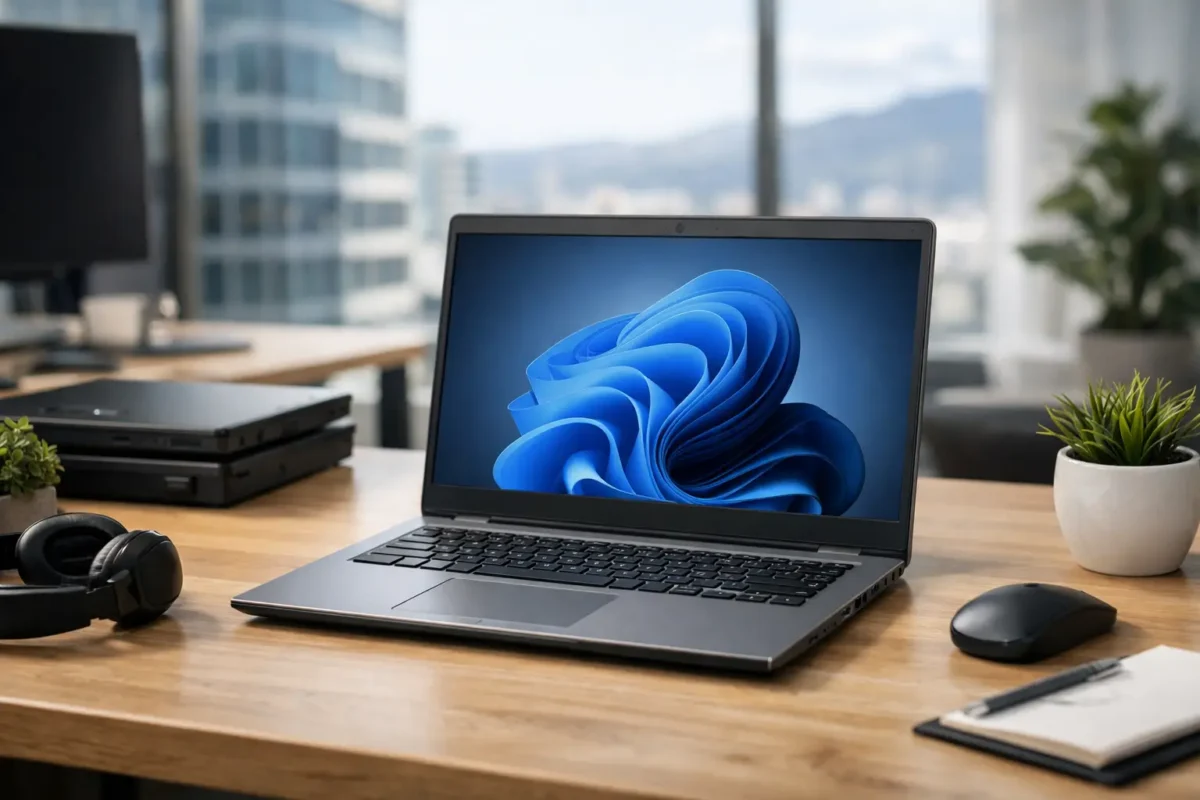
A cheap new laptop can look tempting until it starts slowing down under a full browser, video call and spreadsheet. A refurbished dell laptop nz offers a different proposition: proven business hardware built for daily work, professionally checked and priced well below an equivalent new machine. For students, remote workers, families and small businesses, that can mean buying a computer that does the job properly without stretching the budget.
Dell’s business ranges have long been common in New Zealand offices, schools and organisations. When large fleets are refreshed after a lease period, many of those machines still have plenty of useful life left. The key is buying from a specialist that tests, cleans and accurately describes the hardware rather than treating used IT as a lucky dip.
Why Dell ex-lease laptops make sense
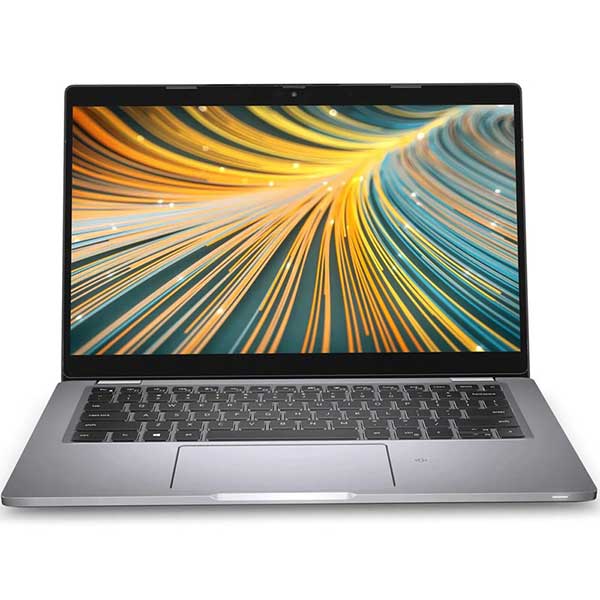
Business laptops are designed around a different set of priorities from many entry-level consumer models. They are made to travel between meetings, sit on desks all day, connect to monitors and keep working through years of regular use. Dell Latitude and Precision models, in particular, are built with practical features such as sturdy hinges, comfortable keyboards, accessible ports and docking support.
That does not mean every ex-lease laptop is identical. Condition, generation, battery health, processor, memory and storage all matter. But a professionally refurbished Dell can often give you a better screen, build quality and day-to-day experience than a brand-new budget laptop at the same price.
For a business, the value is even clearer. Purchasing several matching machines makes setup, support and replacement easier. For a parent buying a school device, it means choosing a laptop with enough capability for research, assignments and online classes rather than paying for gaming features that will not be used.
What professional refurbishment should include
Refurbished does not simply mean second-hand. A proper refurbishment process should involve testing the main components, checking the display and keyboard, inspecting ports, cleaning the device and confirming that the operating system is ready for use. The exact cosmetic condition may vary, particularly on ex-lease stock, but the product listing should be clear about what you are receiving.
Look for transparent specifications. You should be able to see the processor model, RAM, SSD capacity, screen size, operating system and included accessories. This allows you to compare machines on performance rather than relying on a vague label such as “fast laptop”.
A warranty also matters. Electronics can develop faults, whether they are new or refurbished. Buying from a New Zealand retailer with clear warranty and freight information gives you a practical path forward if something is not right. NZ Laptop Wholesale focuses on professionally refurbished business-grade IT because the condition and suitability of the device matter just as much as the price on the label.
Choosing the right refurbished Dell laptop in NZ
Start with what the laptop needs to do, not the biggest specification you can find. A machine for email, web browsing, Word documents and online learning has different requirements from one used for large spreadsheets, accounting software, coding or creative work.
For study and everyday home use
A Dell Latitude with an Intel Core i5 processor, 8GB of RAM and a solid-state drive is usually a sensible starting point. The SSD is particularly worthwhile because it has a noticeable effect on start-up times, application loading and general responsiveness. A 13-inch or 14-inch screen suits students who carry their laptop between home and class, while a 15-inch model offers more room for documents and split-screen work.
Check your school or tertiary provider’s BYOD requirements before purchasing. Some courses need specific software, additional storage or Windows compatibility. For ordinary school work, an older but capable business laptop is often a more sensible choice than paying extra for hardware that will sit unused.
For remote work and office tasks
Remote workers should prioritise screen comfort, webcam quality, ports and docking options alongside core specifications. A 14-inch Dell Latitude is a popular size because it remains portable while giving enough screen space for daily admin, video calls and browser-based work.
If you regularly work with two screens, make sure the laptop supports the right connections for your monitor setup. A compatible docking station can turn a laptop into a tidy desktop workspace, allowing one cable to handle displays, keyboard, mouse and charging. This is often more useful than upgrading to a larger laptop alone.
For heavier office work, 16GB of RAM is worth considering. It gives more breathing room when several applications, browser tabs, Teams calls and spreadsheets are open at once. It is not essential for everyone, but it can be a worthwhile upgrade for buyers who expect to keep the machine for several years.
For demanding professional use
Design work, engineering applications, data analysis and other specialist tasks may call for a Dell Precision mobile workstation or a higher-spec Latitude. These models may include more powerful processors, dedicated graphics or larger displays. They cost more than a basic office laptop, but can still represent strong value compared with buying a similar new workstation.
Be realistic about the workload. A refurbished business laptop is excellent for many professional tasks, but it is not automatically the best fit for current high-end gaming, 3D rendering or intensive video production. In those cases, graphics capability, cooling and software requirements need closer attention.
Windows 11 readiness is worth checking
Operating system support should be part of every buying decision. Windows 10 support has ended, so a laptop that is compatible with Windows 11 is the practical choice for most buyers. It provides a clearer path for security updates and software compatibility over the coming years.
Do not assume that every older Dell model qualifies. Ask for confirmation or check the listing carefully. A system with a supported processor, adequate RAM and a correctly installed Windows licence saves hassle later. If you are purchasing for a workplace, consistency across the fleet is especially useful for updates, user support and security policies.
The trade-offs to understand before buying
Refurbished laptops offer value because they are not new, and it is sensible to be clear-eyed about that. You may see light cosmetic marks on the lid or base. Battery performance can vary by machine, even when the laptop is tested and working correctly. A model from a few years ago may also have fewer USB-C ports, a lower-resolution webcam or a less colourful display than a current premium consumer laptop.
For most work and study buyers, these are reasonable trade-offs when the core machine is reliable, fast enough and substantially more affordable. If appearance is critical, or you need the newest mobile, camera or display features, buying new may be the better fit. The right choice depends on whether you are paying for useful performance or simply paying for the latest release.
It is also worth comparing the whole setup, not just the laptop. A refurbished Dell paired with a monitor, docking station, keyboard and mouse can create a far more productive home office than spending the entire budget on one new portable device.
Checks to make before you order
Before committing, confirm the screen size and resolution, processor generation, RAM, SSD capacity, Windows version, charger inclusion and warranty terms. If you need to connect a projector, older monitor or Ethernet cable, inspect the available ports rather than assuming an adapter will be included.
For organisations, ask whether matching stock is available and whether devices can be supplied with the same specifications. For individual buyers, think about how you will actually use the machine on a Tuesday afternoon, not just what looks impressive in a product comparison. That simple test usually points you towards the right screen size, memory and storage.
A well-chosen refurbished Dell is not a compromise purchase. It is a practical way to put proven business hardware to work again, with the performance, reliability and value that matter long after the box has been opened.


