











General
Used Laptops Christchurch Buyers Can Rely On
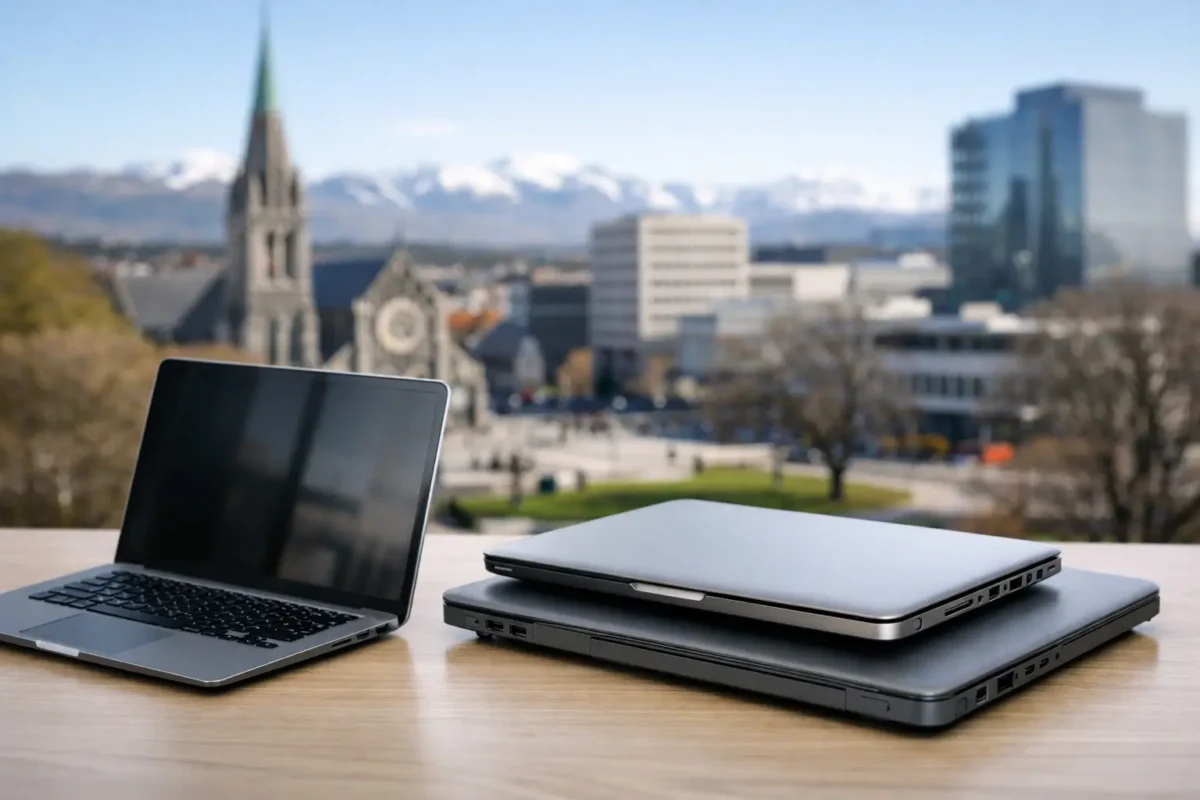
A cheap laptop that struggles with video calls, takes ten minutes to start, or cannot run current software is not a bargain. For people comparing used laptops Christchurch options, the better question is not simply “How old is it?” It is whether the machine was built for real work, professionally refurbished, and matched to what you need it to do.
Business-grade ex-lease laptops are often a sensible answer. Models from Dell, HP and Lenovo were designed for staff who use them all day, carry them between meetings and rely on them for everyday productivity. When these machines come off lease, they can still offer years of useful service at a far lower cost than a comparable new device.
Why business-grade used laptops make sense
A consumer laptop at the lower end of the new market can look attractive on price, but the specifications may be limited from day one. Small storage, modest memory and basic processors can make multitasking frustrating sooner than expected. Build quality is another consideration, particularly for students moving between classes or remote workers taking a laptop in and out of a bag each day.
Ex-lease business laptops take a different approach. They typically have stronger hinges, more practical keyboards, better port selection and parts designed for regular use. A refurbished Dell Latitude, HP EliteBook or Lenovo ThinkPad may not have the novelty factor of a brand-new retail model, but it is often the more capable workhorse.
That does not mean every used device is automatically the right buy. Age, processor generation, memory, battery condition and storage all matter. The value comes from choosing a tested machine with transparent specifications, rather than buying an unknown laptop from a private listing and hoping for the best.
Used laptops Christchurch buyers should compare by job
Start with the work, study or home tasks the laptop needs to handle. This avoids paying for performance you will never use, while making sure the machine does not become a limitation after a few months.
For students and everyday home use
A laptop for web research, documents, online learning, email and streaming does not need high-end graphics. A modern Intel Core i5 processor, 8GB of RAM and a solid-state drive is a practical baseline for many students and households. A 14-inch model is usually easier to carry, while a 15.6-inch screen can be more comfortable for long assignments or shared home use.
Chromebooks can also suit browser-based schoolwork, provided the school’s required applications work through ChromeOS. For students who need full Windows software, Microsoft Office desktop apps, specialist tools or wider file compatibility, a Windows laptop remains the safer option.
For office and remote work
Office work often involves more multitasking than buyers expect. Video calls, large spreadsheets, web-based systems, email and documents can all be open at once. For this type of use, look for at least 8GB of RAM, an SSD and a processor that supports Windows 11. If you regularly work with large spreadsheets, accounting software or many browser tabs, 16GB of RAM is worthwhile.
Ports matter too. HDMI or USB-C can make connecting an external screen simple, while a compatible docking station can turn a laptop into a tidy desk setup with dual monitors, keyboard, mouse and wired network access. This is especially useful for home offices and small businesses replacing older desktops.
For business fleets and staff replacements
Consistency makes device management easier. When buying several laptops, businesses should aim for similar models and specifications where possible. Staff can share chargers and docks, setup is more straightforward, and support becomes less complicated.
A refurbished fleet is also a sensible way to replace a failed device quickly or equip new starters without a major upfront spend. The best option depends on the software your team uses, the condition requirement, and whether devices will mostly stay on desks or travel between sites.
For heavier creative or technical work
Standard business laptops handle day-to-day design tasks, basic photo editing and general admin well. However, regular video editing, 3D work, complex engineering software or modern gaming may require a dedicated graphics card, more memory and a higher-performance processor. In this case, a workstation-class laptop or a newer device may be the better investment.
Being realistic here prevents disappointment. A good refurbished office laptop is excellent value for productivity, but it is not meant to replace every specialist machine.
The specifications that matter most
Product listings can be full of technical terms, but a few details have the biggest effect on day-to-day experience. Prioritise processor generation, RAM, storage type, display size and operating system compatibility.
An SSD is one of the most noticeable upgrades in any laptop. It improves startup times, application loading and general responsiveness compared with an old mechanical hard drive. Storage capacity depends on your files, but 256GB is a practical starting point for many users. Those storing large photo collections, video files or offline documents may need 512GB or external storage.
Memory affects how well a laptop handles several tasks at once. While 4GB can be enough for very light use, 8GB is a more comfortable minimum for Windows work, study and video calls. For busy office users, 16GB provides useful breathing room.
Processor names need context. An Intel Core i5 from a more recent generation can be a better choice than an older Core i7. Rather than choosing purely by the i3, i5 or i7 label, compare the full processor model and whether it meets your software requirements. Windows 11 readiness is particularly relevant when buying a laptop intended to last for several more years.
Refurbished condition: what should you expect?
Used does not have to mean unreliable or poorly presented. A professionally refurbished laptop should be checked for function, cleaned, tested and supplied with clear condition information. Cosmetic marks can be normal on ex-lease equipment, especially on the lid or base, but they should not stop the machine from performing properly.
Battery performance deserves a practical view. All laptop batteries wear over time, including batteries in new devices. A refurbished laptop may not deliver the same all-day runtime as a new premium model, particularly if you use video meetings at high screen brightness. For desk-based work this may matter less, while students and frequent travellers may prefer a model with stronger battery health or keep a charger in their bag.
Before purchasing, check these essentials:
- the processor, RAM and SSD capacity meet your intended workload;
- the laptop supports Windows 11 if you need Windows for the long term;
- the screen size, keyboard layout and available ports suit your setup;
- warranty and freight details are clear, particularly when ordering for a school or business; and
- the seller has described the device condition honestly.
These checks take only a few minutes and are far more useful than choosing solely on screen size or the lowest advertised price.
A better value choice for Christchurch buyers
For Christchurch households, schools and small businesses, a refurbished laptop can free up budget for the things that make a bigger difference: an external monitor, a dock, software, accessories or additional devices for the team. It also keeps quality enterprise hardware in use for longer, rather than sending a perfectly serviceable machine to e-waste too soon.
NZ Laptop Wholesale focuses on professionally refurbished, business-ready hardware because the goal is practical value, not a short-lived bargain. Clear specifications let buyers compare devices according to the job at hand, whether that is a first laptop for school, a reliable replacement for home, or several matching systems for an office.
The right laptop is the one that starts quickly, runs the programs you rely on and has enough capability for the next few years. Choose the condition and specifications with care, and a quality refurbished business laptop can be one of the most sensible technology purchases you make.


