











General
ThinkPad Review: Is a Refurbished Model Worth It?
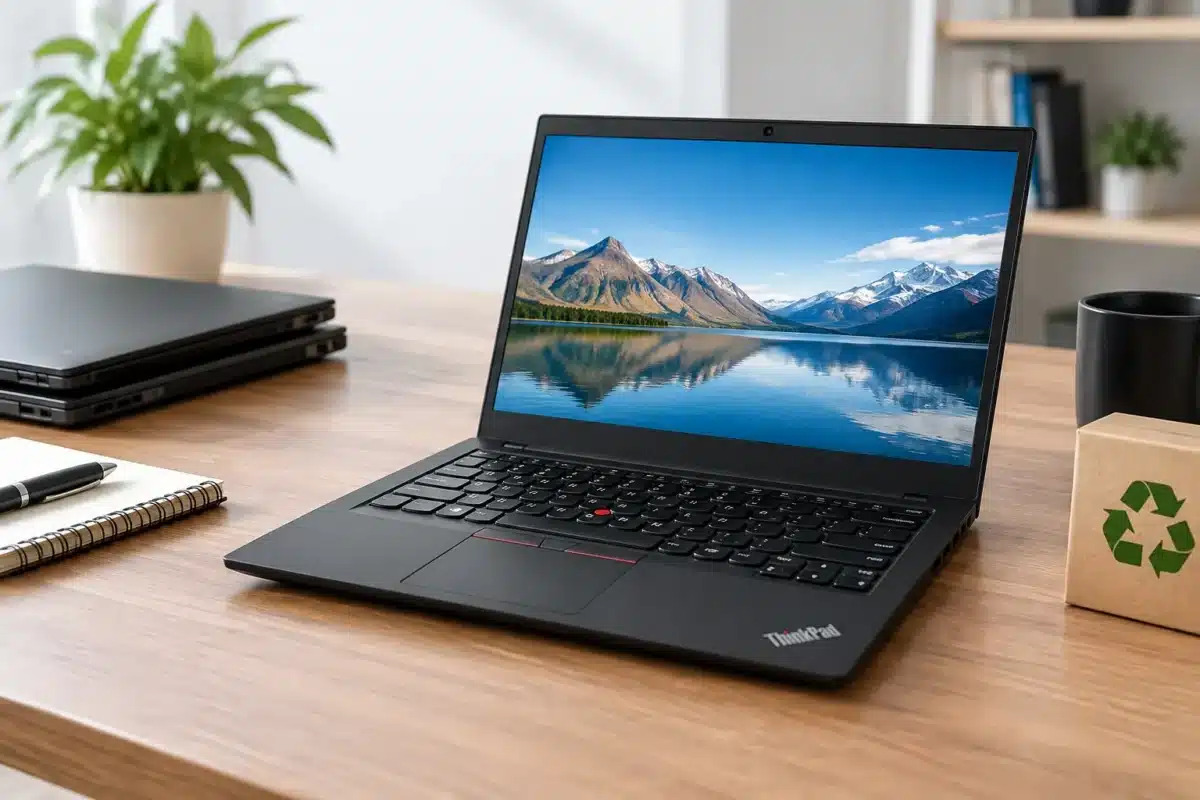
A laptop that survives years of commuting, meetings, backpacks and daily office work has already proved something. That is the appeal behind this ThinkPad review. Lenovo ThinkPads were built for commercial fleets, where a failed device costs time and money, not just a frustrating evening at home. For New Zealand buyers wanting dependable computing without the price of a new premium laptop, a professionally refurbished ThinkPad is often a very sensible place to start.
The name covers a wide range of machines, so not every ThinkPad suits every buyer. A compact X Series model, a mainstream T Series laptop and a budget-focused L Series unit can all carry the ThinkPad badge while offering different strengths. The right choice comes down to your workload, screen size, portability needs and how long you expect to keep it.
ThinkPad review: why the range has such a strong reputation
ThinkPads have long been common in offices, schools, engineering firms and government departments. Their reputation is based less on flashy styling and more on practical details: firm hinges, comfortable keyboards, sensible port selection and chassis designs made to handle frequent use. Even older ex-lease units often feel more substantial than a similarly priced entry-level consumer laptop.
The keyboard is a major reason many people stay loyal to the range. Keys generally have clear travel and spacing, which makes a difference when writing reports, responding to emails or working through a full day of spreadsheets. The red TrackPoint nub in the middle of the keyboard is not essential for everyone, but regular users often appreciate being able to move the cursor without lifting their hands.
Business-grade features also make ThinkPads useful beyond the desk. Many models include USB-C, HDMI, multiple USB ports and a docking connection or USB-C docking support. That matters for a home office or small business setting where one laptop needs to connect quickly to an external monitor, keyboard, mouse and wired network. Rather than buying adapters for every task, you can often build a tidy workspace around the ports already included.
There is a value case too. Corporate organisations commonly replace laptop fleets on a schedule, not because every machine has reached the end of its useful life. Those ex-lease devices can still have years of capable service left after proper testing, cleaning and refurbishment. A refurbished ThinkPad can therefore provide commercial-quality hardware at a far more manageable price.
Which ThinkPad series suits your work?
The T Series is usually the safest all-round recommendation. Models such as the ThinkPad T480, T490, T14 and their variations are designed as everyday business laptops. They offer a balanced mix of screen size, performance, ports and durability, making them suitable for office staff, remote workers, tertiary students and families needing a reliable Windows computer.
The X Series is worth considering when portability comes first. X280, X390 and X1 Carbon models are lighter and easier to carry between class, home and the office. The trade-off is that compact models may have fewer built-in ports, smaller batteries in older units, or less scope for upgrades. They suit someone who values a lighter bag more than a large screen or a built-in Ethernet port.
L Series ThinkPads are commonly positioned as a more affordable business option. They can be an excellent fit for schools, growing teams and buyers who need dependable devices in quantity. Build materials and premium extras may be more modest than on comparable T Series models, but they still deliver the practical design and business focus that make ThinkPads popular.
For demanding work such as CAD, design, data analysis or software development, a P Series mobile workstation may be a better fit. These machines can include higher-performance processors, dedicated graphics and more memory capacity. They are heavier and usually cost more, so they are not the best value for email, web browsing and standard office tasks. Buying more power than you need is still money wasted.
Performance: choose the specification, not just the badge
A ThinkPad label alone does not tell you whether a laptop will suit modern workloads. Processor generation, RAM, storage and operating system support matter more than the logo on the lid. When comparing refurbished options, start with the tasks you need to complete every day.
For web browsing, Microsoft Office, cloud-based schoolwork, video calls and basic bookkeeping, an Intel Core i5 processor, 8GB of RAM and a solid-state drive are a practical baseline. A 256GB SSD is enough for many users who store most files in OneDrive, Google Drive or another cloud service. If you keep large photo libraries, work with video, or share the laptop with family members, 512GB offers more breathing room.
For longer-term use, 16GB of RAM is a worthwhile upgrade. It helps when you have numerous browser tabs open alongside Teams, Outlook, Excel and accounting software. It is particularly useful for remote workers who regularly work across two screens. Some ThinkPads allow memory and storage upgrades, while thinner models may have soldered RAM, so check the exact specifications before buying.
Windows 11 compatibility deserves attention as well. Older ThinkPads can still be excellent machines, but buyers should confirm they meet the requirements for the operating system they intend to use. A Windows 11-ready model is the more straightforward choice for most households, schools and businesses planning ahead.
Screen, battery and condition: the real trade-offs
A 14-inch screen is the standard sweet spot for many ThinkPad buyers. It gives enough room for documents and spreadsheets without making the laptop cumbersome. A 15.6-inch model can be better for users who spend most of their time at one desk, while a 12.5- or 13-inch unit is ideal for regular travel.
Where possible, look for a Full HD 1920 x 1080 display rather than a lower-resolution HD panel. Full HD provides clearer text and more usable workspace, especially for study, office work and side-by-side windows. Touchscreens can be useful for some tasks, but they should not be a deciding feature unless you know you will use one.
Battery life needs a realistic view when buying refurbished hardware. Battery condition varies according to the laptop’s age and previous use, and an older business laptop should not be judged against a brand-new ultrabook’s advertised all-day figures. For desk-based work, this is easily managed with the charger nearby or a dock at your main workspace. For a student taking notes all day or a salesperson working away from power, ask about battery condition and consider a newer model.
Cosmetic condition is another practical consideration. A professionally refurbished ex-lease laptop may show minor marks on the lid or casing, particularly in clearance-grade stock. Those marks do not necessarily affect operation. If appearance matters for client-facing work or as a gift, select condition carefully. If value matters most, a tidy unit with light cosmetic wear can be a smarter buy than a new budget laptop with weaker components.
When a refurbished ThinkPad is the right buy
A refurbished ThinkPad makes particular sense when reliability, keyboard comfort and business-ready connectivity matter more than having the latest design. It is a strong option for a university student writing assignments, a home worker building a dual-monitor setup, a small office replacing several ageing laptops, or a parent needing a capable device for school use.
It may be less suitable if your priority is gaming, intensive video editing or an ultra-light laptop with the longest possible battery life. Integrated graphics in many mainstream ThinkPads are fine for everyday use, streaming and light creative work, but they are not intended to replace a dedicated gaming machine. Similarly, buyers who need a bright, colour-accurate display for professional visual work should compare panel specifications closely.
The best purchase is rarely the cheapest listing or the highest specification on paper. It is the machine that matches the work in front of you, has enough memory and storage for the next few years, and comes from a seller that clearly states its condition and specifications. At NZ Laptop Wholesale, that practical approach is the point: tested, business-grade equipment that earns its place on your desk.
A ThinkPad does not need to look brand new to be useful. Choose a model with the right screen, memory and Windows support, then put the savings towards a proper dock, monitor or backup solution. That is often how a good-value laptop becomes a genuinely productive setup.


