











General
OptiPlex Review for Practical New Zealand Buyers
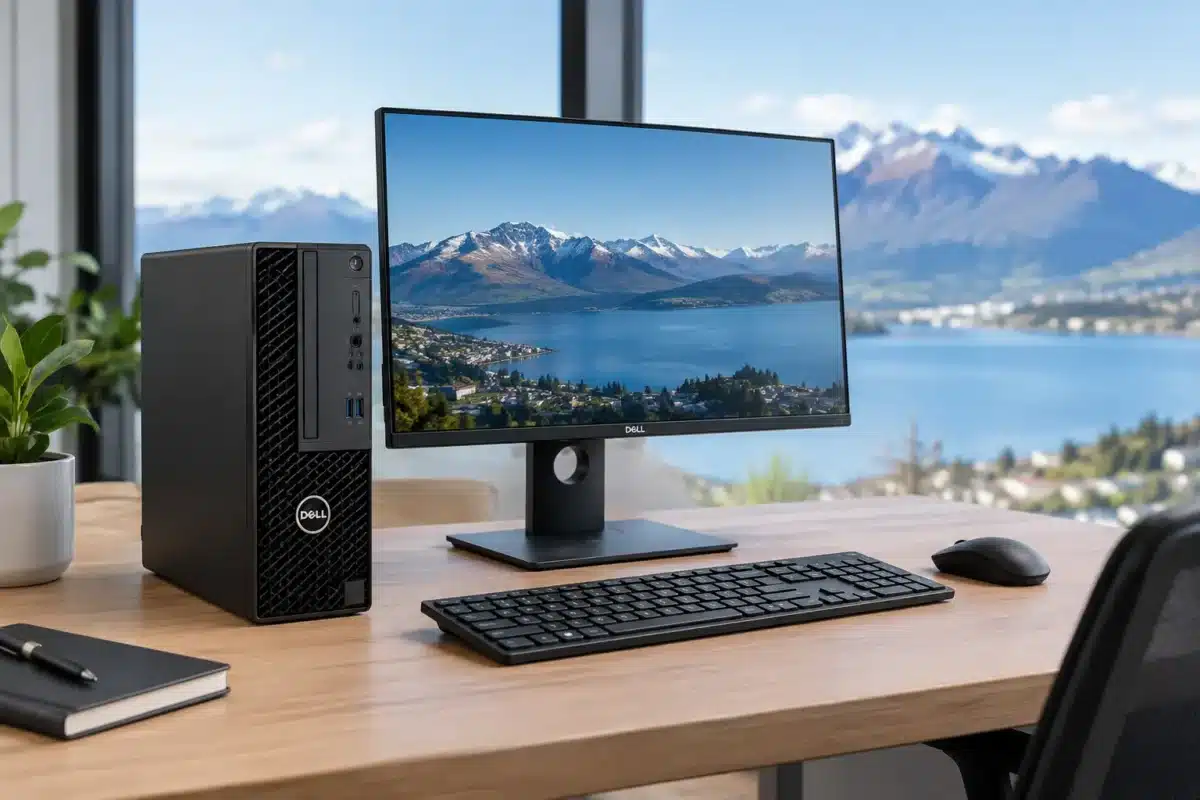
A desktop does not need a flashy gaming case or the newest processor to be a good buy. For many New Zealand homes, schools and small businesses, it needs to start every morning, run the required software, support the right monitors and keep working for years. This OptiPlex review looks at why Dell’s long-running business desktop range remains a sensible refurbished choice when reliability and value matter more than marketing extras.
Dell OptiPlex machines were built for office fleets, where downtime costs money and IT teams need equipment that is straightforward to deploy, maintain and replace. That business-first design is exactly why ex-lease OptiPlex desktops can make excellent second-life computers. They are generally solidly built, sensibly configured and available in compact sizes that suit real desks.
What an OptiPlex is designed to do
OptiPlex is Dell’s business desktop family. Unlike consumer PCs, which can prioritise appearance or headline specifications, an OptiPlex is designed around dependable daily use. Offices use them for email, web applications, accounting packages, video calls, documents, point-of-sale systems and multi-monitor workstations.
That focus affects the practical details. Many models have easy-access cases, common business ports, wired networking and BIOS management features. They are not usually intended as high-end gaming PCs or professional 3D workstations, but for standard productivity work they are often a better long-term proposition than a cheaply made new desktop.
The exact experience depends heavily on the generation and configuration. An older unit with a mechanical hard drive will feel slow beside a more recent model with an SSD, while a unit with 16GB of memory will be more comfortable for multitasking than one with 8GB. It pays to look past the OptiPlex name and check the processor, RAM, storage and video outputs listed for the individual machine.
OptiPlex review: the main strengths
The strongest reason to consider an OptiPlex is value. Businesses commonly replace fleet computers on a schedule, not because every desktop has failed. As a result, ex-lease stock can still have plenty of useful life left when it enters the refurbished market. Buyers can access commercial-grade hardware at a much lower price than an equivalent new business desktop.
Build quality is another advantage. OptiPlex desktops are made to sit in offices for long hours, often under demanding conditions. Their cases are functional rather than decorative, but they are designed for ventilation, serviceability and repeated use. That is useful for a family computer, a reception desk or a small business that cannot afford unreliable equipment.
Upgrade potential can also extend the life of the right model. Depending on the form factor, it may be possible to add memory, replace storage or fit a suitable expansion card. An SSD upgrade is particularly worthwhile on supported machines, as it makes booting, opening programs and everyday file work noticeably faster.
For office setups, connectivity is often better than buyers expect at the price. DisplayPort connections are common on many later business models, making them a practical starting point for dual-monitor work. Check the available ports and monitor inputs before purchasing, especially if you need HDMI, USB-C or a particular number of displays.
Choosing the right OptiPlex size
Dell has offered OptiPlex desktops in several case sizes. The size you choose matters as much as the processor for some buyers.
Micro: best for tidy desks and light office work
OptiPlex Micro models are very small desktops that can sit behind a monitor or tuck neatly beside a desk. They are ideal for reception areas, student study spaces, home offices and workplaces where desk space is limited. Their compact design also makes them a sensible option for digital signage or basic point-of-sale systems.
The trade-off is limited internal expansion. A Micro is usually best purchased with enough memory and storage for the job from the outset. It is a strong choice for web browsing, Microsoft 365, cloud software, remote work and everyday administration, but not for users who expect to install large graphics cards or multiple internal drives.
Small Form Factor: the practical all-rounder
Small Form Factor, often shortened to SFF, is a popular middle ground. It takes up far less space than a traditional tower while allowing more room for upgrades than a Micro. For many offices, this is the easiest OptiPlex format to recommend.
An SFF unit works well under or beside a desk and typically has enough ports for standard office accessories. It is often a good fit for accounting teams, school administration, call centres and home users wanting a capable desktop without a bulky case. Keep in mind that expansion cards may need to be low-profile due to the slim chassis.
Mini Tower: best when expansion matters
Mini Tower OptiPlex desktops are larger, but that extra room can be valuable. They may offer more drive bays, fuller-sized expansion slots and easier access for future upgrades. If you need additional storage, specialist cards or a more flexible machine for a growing office, a tower can be worth the desk space.
For a basic email-and-documents setup, however, a tower may be more computer than necessary. A smaller OptiPlex often delivers the same everyday performance in a tidier package.
Processor generation and Windows 11 readiness
A common mistake is choosing only by processor branding. Seeing “Intel Core i5” is not enough, because an i5 from one generation can be very different from an i5 released several years later. For business use, the processor generation affects speed, security features, power efficiency and operating system compatibility.
If Windows 11 is part of the plan, confirm that the specific OptiPlex configuration is Windows 11-ready. Later Intel processor generations are generally the safer choice for buyers who want longer software support and fewer compatibility questions. This matters for businesses replacing several computers, parents purchasing a student device and anyone who wants to avoid another upgrade too soon.
For straightforward tasks, a suitable Core i5 with an SSD and 8GB of RAM can be very capable. For heavier browser use, multiple apps, large spreadsheets or regular video calls, 16GB of RAM gives more breathing room. A Core i7 can be worthwhile for more demanding productivity workloads, but it is not automatically the best-value option. A newer i5-based system may be the smarter purchase than an older i7.
Where OptiPlex desktops are a good fit
An OptiPlex is particularly well suited to work that rewards consistency rather than graphics horsepower. It can be an excellent desktop for a bookkeeper using two monitors, a remote worker running browser-based tools and Teams meetings, or a student completing research and assignments.
Small businesses can also benefit from standardising on similar models. Matching desktops makes accessories, chargers, monitor connections and basic troubleshooting easier to manage. For organisations upgrading a handful of workstations, professionally refurbished stock offers a practical route to business-grade equipment without stretching the budget on brand-new units.
NZ Laptop Wholesale can be a useful option for buyers looking for tested ex-lease desktops with clear specifications, condition details and a warranty-backed local purchase. The key is to shop by the work the computer needs to do, not simply by the lowest price.
When an OptiPlex may not be the right desktop
There are limits to the range. Most OptiPlex models use integrated graphics, which are fine for office work and video playback but not ideal for modern AAA gaming, advanced video editing, 3D modelling or CAD workloads. Some larger models can take a compatible graphics card, although power supply capacity, physical space and card support must be checked first.
The older the desktop, the more carefully you should assess its likely lifespan. Very old processors may struggle with current software expectations, lack official Windows 11 support or use slower storage interfaces. They can still suit basic single-purpose jobs, but they are less appealing as a primary computer for the next several years.
Cosmetic condition is another realistic consideration with refurbished equipment. An ex-lease desktop may have light marks or signs of prior use. These do not affect performance, but buyers expecting a showroom-new finish should choose accordingly. What matters most is that the machine has been professionally checked, cleaned and configured for reliable use.
What to check before buying
Start with the software and accessories you already use. Confirm the processor generation, memory capacity, SSD size and operating system. Then check monitor connections, because this is where many otherwise suitable desktops fall short of a buyer’s setup. If you are planning two monitors, verify both the number of display outputs and the adapters required.
Also consider where the computer will live. A Micro can keep a crowded workstation clean, while an SFF or tower offers more upgrade options. Finally, choose enough storage for the next few years rather than only what fits today’s files. Cloud storage helps, but local documents, applications and updates still need room.
For practical work, study and office use, a well-specced refurbished OptiPlex remains one of the most sensible desktop purchases available. Choose a recent enough generation, prioritise an SSD and suitable RAM, and match the form factor to the workspace. You will end up with a computer built to get on with the job, which is usually exactly what a desktop should do.


