










General
How to Buy Refurbished Laptops Smartly
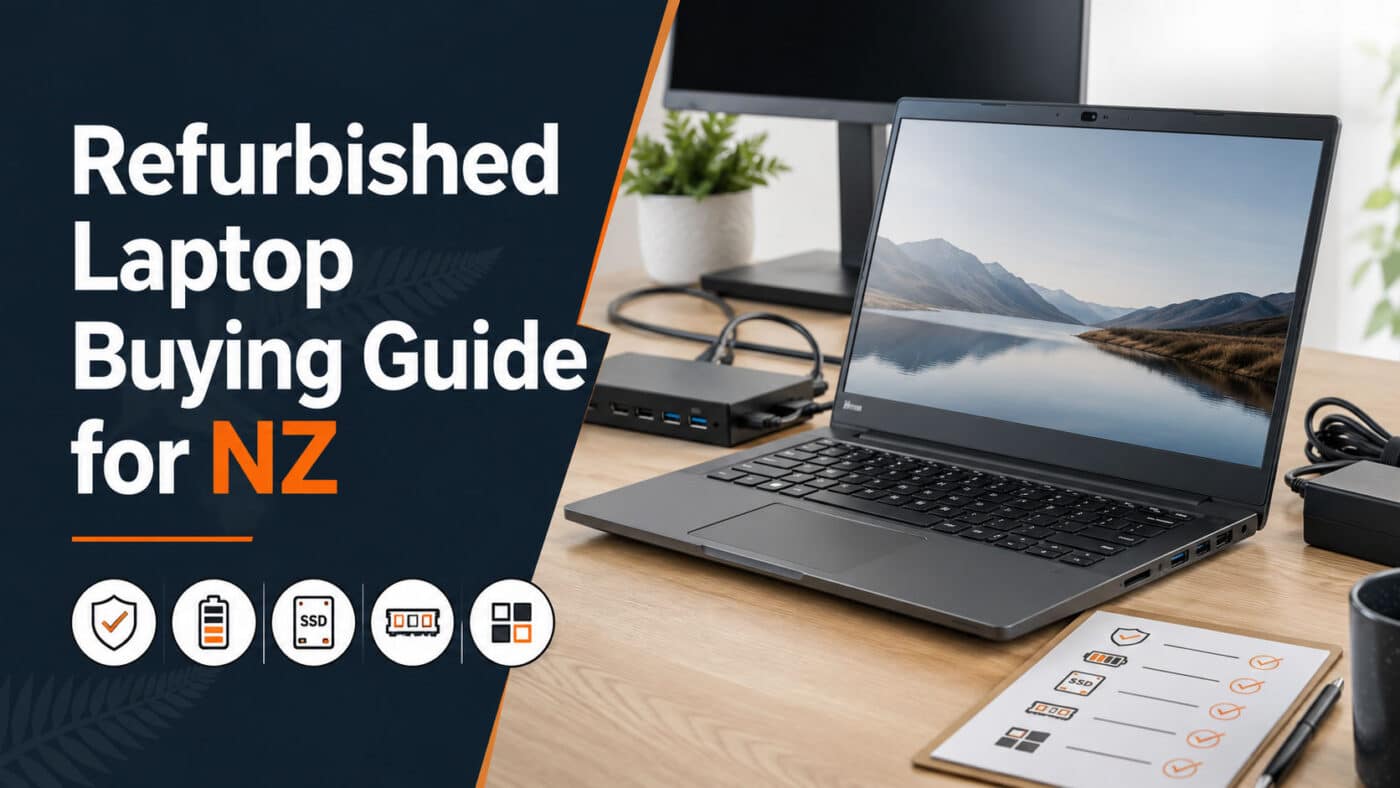
A cheap laptop can get expensive fast if it turns up slow, worn out, or not suited to the job. That is why knowing how to buy refurbished laptops properly matters. Done well, you can get a reliable business-grade machine for work, study, or home use without paying new-device prices.
The key is not chasing the lowest sticker price. The better approach is to buy for fit, condition, and long-term value. Refurbished laptops can be an excellent buy, but only when you know what to check and what trade-offs are worth making.
How to buy refurbished laptops without wasting money
Start with the job the laptop needs to do. A student writing assignments, joining classes online, and using web apps does not need the same machine as a small business running spreadsheets all day or a remote worker juggling video calls and multiple browser tabs.
This is where many buyers go wrong. They shop by price first, then try to make the laptop fit the workload. It usually works better the other way around. If you know the main tasks, screen size, battery expectations, and whether portability matters, the shortlist becomes much clearer.
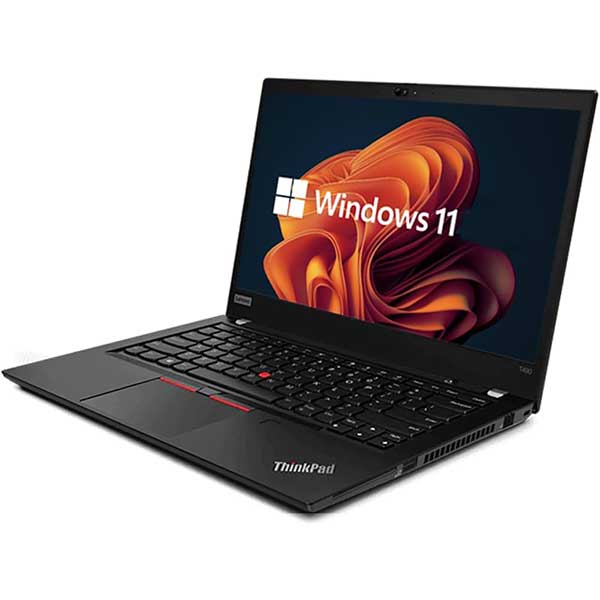
For everyday study and office use, an ex-lease business laptop is often the sweet spot. These machines were built for commercial fleets, so they tend to have better keyboards, stronger chassis, and more dependable performance than many cheap consumer models. You may not get the flashiest design, but you often get a better tool.
Focus on business-grade hardware
A refurbished enterprise model from Dell, HP, or Lenovo is usually a safer buy than an entry-level consumer laptop of similar price. Business laptops are designed to survive daily transport, long work hours, and years of use. That matters if the laptop is going in and out of a school bag, moving between home and office, or being used by staff every day.
There is a simple reason ex-lease stock is popular. Large organisations replace fleets on a schedule, not always because the devices are failing. That creates a pool of solid machines that still have plenty of life left once they have been professionally tested and prepared for resale.
Trade-offs do exist. A refurbished business laptop may show light cosmetic wear, and it might not be as thin as a new premium ultrabook. But if reliability, keyboard quality, and value matter more than bragging rights, it is often the better purchase.
Check the specs that actually affect performance
Specs matter, but not every spec matters equally. The processor, RAM, and storage will shape day-to-day performance far more than a long list of buzzwords.
For most users, 8GB of RAM should be treated as the practical minimum. It is enough for common office tasks, study platforms, email, web browsing, and video meetings. If the laptop will be used for heavier multitasking, larger spreadsheets, or business software, 16GB gives more breathing room.
Storage is another area where it pays to be careful. An SSD is essential. If a laptop still uses an old mechanical hard drive, it will feel much slower than a system with a solid-state drive, even if the processor is decent. A 256GB SSD suits many users, while 512GB may be the better choice if you store more files locally.
Processor choice depends on the workload, but in practical terms, a reasonably modern Intel Core i5 or i7 is a strong fit for mainstream use. Some Core i3 models can be fine for lighter workloads, but you need to look at the generation as well as the label. An older i7 is not automatically better than a newer i5.
If Windows 11 matters, confirm compatibility rather than assuming it. Buyers upgrading school devices or replacing office fleets often want a system ready for the current operating system, and that can narrow the field quickly.
Learn what refurbished condition grades mean
Not all refurbished laptops are equal, even when the model number is the same. Condition grading helps explain the difference, and it is worth reading carefully.
A Grade A unit will typically have lighter cosmetic wear. Grade B may show more visible marks, but can still offer the same core performance and reliability. For many buyers, especially schools, staff deployments, or budget-conscious households, cosmetic wear is not a dealbreaker if the savings are worthwhile.
What matters is that the grading is explained clearly. Honest sellers tell you whether there are scuffs, keyboard shine, small screen marks, or battery limitations. Vague descriptions should make you cautious. Refurbished should mean tested and accurately represented, not just cleaned up and relisted.
Battery expectations matter more than most buyers realise
Battery condition is one of the biggest differences between buying refurbished and buying new. A used laptop battery will have some wear. That is normal. The question is whether the seller gives a realistic expectation.
If you need all-day untethered use for lectures, site visits, or regular travel, ask about battery health or expected runtime. If the laptop will mostly sit on a desk at home or in an office, battery wear may matter less. This is a classic it-depends decision. Paying a bit less for a machine with average battery life can still be smart if your use is mostly plug-in.
Buy from a seller that tests and supports the product
The seller matters as much as the laptop. When you buy refurbished, you are not only buying hardware. You are buying the quality of the refurbishment process, the accuracy of the listing, and the support behind the sale.
Look for clear specifications, warranty details, and a straightforward explanation of freight or shipping. A proper refurbished IT retailer should tell you what you are getting without making you guess. If a listing is thin on detail, that is a warning sign.
Warranty is especially important. Even dependable ex-lease hardware can have the occasional issue, so a sensible warranty gives you protection and shows the seller stands behind the product. For New Zealand buyers, buying locally can also make support and delivery more practical than dealing with an unknown offshore marketplace seller.
This is one reason many buyers prefer specialists such as NZ Laptop Wholesale rather than taking a punt on random used listings. A professionally refurbished laptop with tested components, honest grading, and local support is a very different proposition from buying second-hand with no safety net.
Match the laptop to the user, not just the budget
A 14-inch model is often the best all-rounder. It is portable enough for students and mobile workers, but still comfortable for everyday typing and office tasks. A 15.6-inch model suits buyers who want a larger screen and do not carry the laptop around as much.
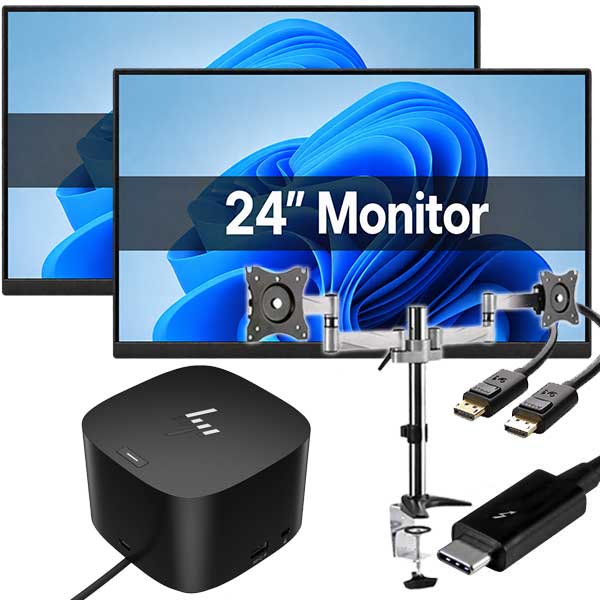
For parents buying for students, durability and webcam quality may matter more than top-end performance. For a home office user, keyboard comfort, docking support, and screen size can be more important. For business buyers replacing multiple devices, consistency across the fleet, Windows 11 readiness, and predictable warranty support often carry more weight than squeezing out the absolute lowest unit price.
That is the real difference between a good buy and a false economy. The cheapest option can be fine, but only if it genuinely suits the user and has been prepared properly.
Questions worth asking before you buy
Before paying, check whether the laptop has an SSD, how much RAM is installed, what processor generation it uses, and whether the charger is included. Confirm the warranty period, ask about battery expectations, and read the condition notes carefully.
If the device is for school or business use, it also makes sense to ask whether it is ready to use out of the box. A properly refurbished machine should not need hours of setup or troubleshooting just to become functional.
The best refurbished laptop is the one that fits the job
There is no single best refurbished laptop for everyone. A compact model for uni, a dependable office workhorse, and a budget family device can all be good buys for different reasons. The smart move is to look past the sales language and judge the machine on build quality, real specs, condition, battery, and seller support.
If you keep those basics in view, refurbished laptops stop feeling like a gamble and start looking like what they often are – a practical way to get proven hardware at a better price. Buy carefully, and you can end up with a machine that works hard for years without making your budget work harder than it needs to.


