












Category Archives: Buying Advice
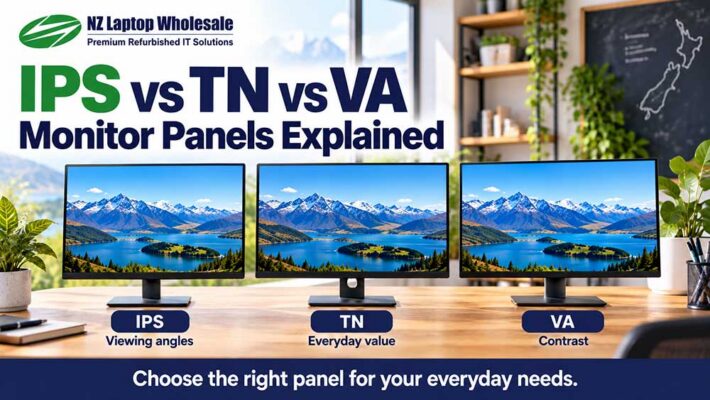
IPS, TN and VA Monitor Panels Explained
IPS, TN and VA are three common types of LCD monitor panel. They influence how [...]

Are Refurbished Monitors Worth Buying?
Yes — a refurbished monitor can be a very practical purchase for home, study or [...]

Monitor Resolution Explained: Full HD, QHD & 4K
Monitor resolution tells you how many pixels make up the picture on your screen. Full [...]

What Monitor Size Do I Need?
For most home, study and office setups, a 24-inch monitor is a sensible starting point. [...]

256GB vs 512GB vs 1TB SSD: How Much Storage Do You Need?
For most home and office users, a 256GB SSD is a sensible starting point. If [...]

8GB vs 16GB RAM: How Much Do You Really Need?
For most home, school and everyday office users, 8GB of RAM is enough. If you [...]

Are Refurbished Laptops Worth Buying in NZ?
Yes — for many New Zealand buyers, a professionally refurbished business-grade laptop can be an [...]
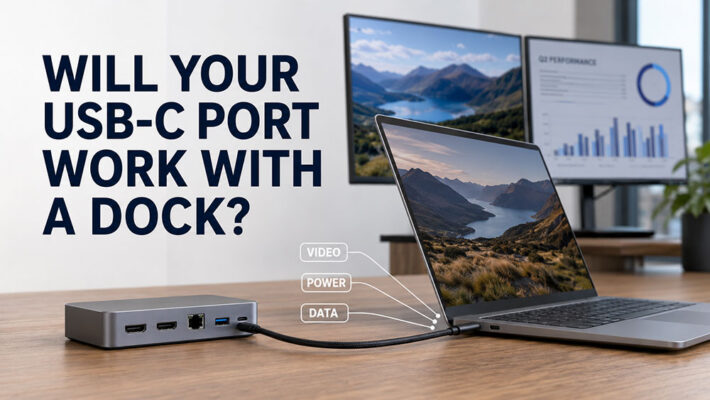
USB-C Docking Station Compatibility | NZ Guide
TL;DR: Will Your Laptop Work with a USB-C Dock? A USB-C docking station can connect [...]
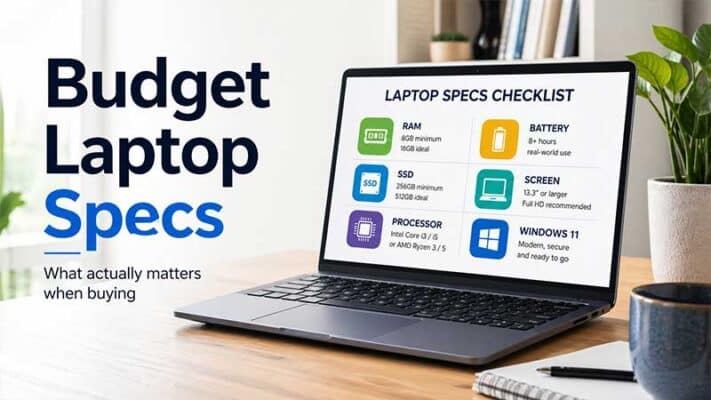
Budget Laptop Specs That Actually Matter
TL;DR: Budget Laptop Specs That Actually Matter When buying a budget laptop, focus on the [...]
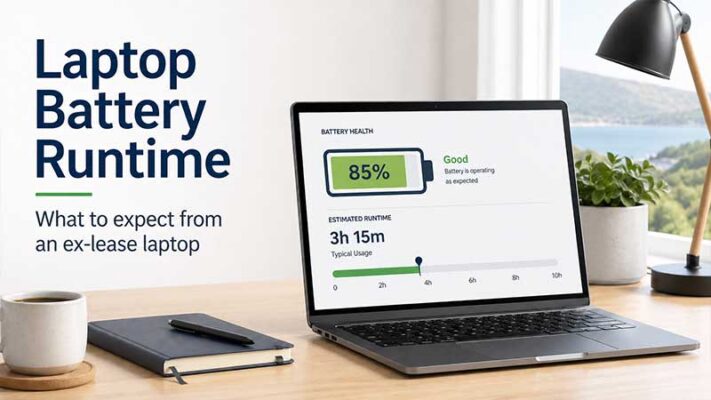
Ex-Lease Laptop Battery Life: What Should You Really Expect?
TL;DR: Ex-Lease Laptop Battery Life Expectations Ex-lease laptop battery life varies depending on the laptop [...]
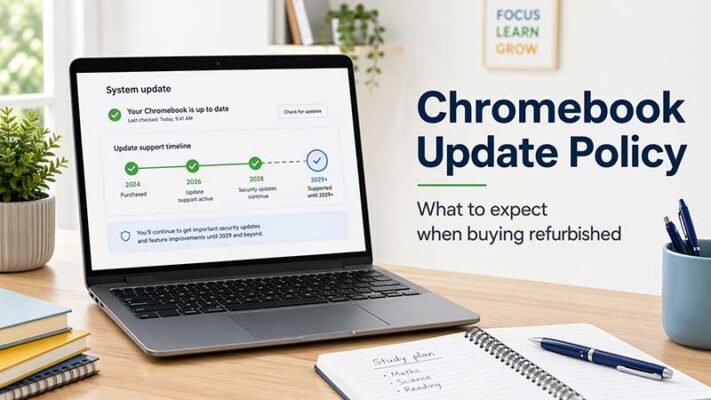
Chromebook Update Policy: What to Expect When Buying a Refurbished Chromebook
TL;DR: Chromebook Update Policy for Refurbished Buyers When buying a refurbished Chromebook, always check its [...]
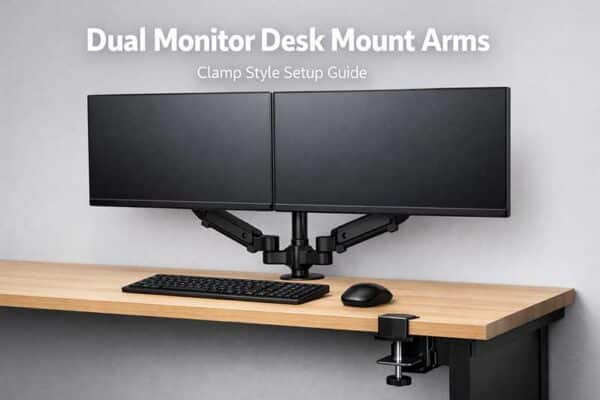
Dual Monitor Desk Mount Arms NZ Guide
Dual Monitor Desk Mount Arms – The In’s ‘n’ Out’s of the Clamp Style Setup [...]


