











Category Archives: Guides
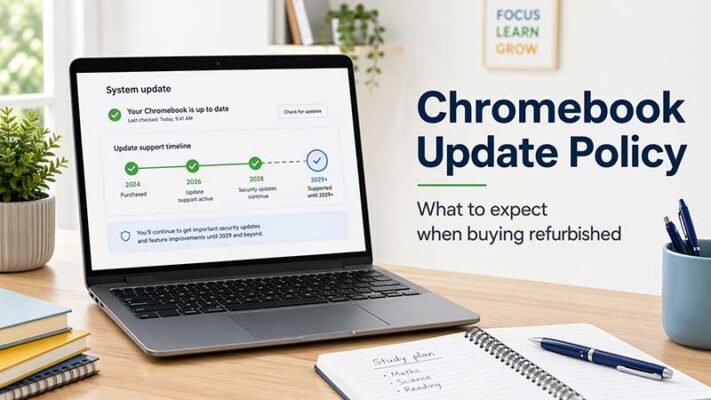
Chromebook Update Policy: What to Expect When Buying a Refurbished Chromebook
TL;DR: Chromebook Update Policy for Refurbished Buyers When buying a refurbished Chromebook, always check its [...]

What Is a VESA Mount? NZ Monitor Guide
TL;DR: What a VESA Mount Means for Monitors A VESA mount is a standard hole [...]
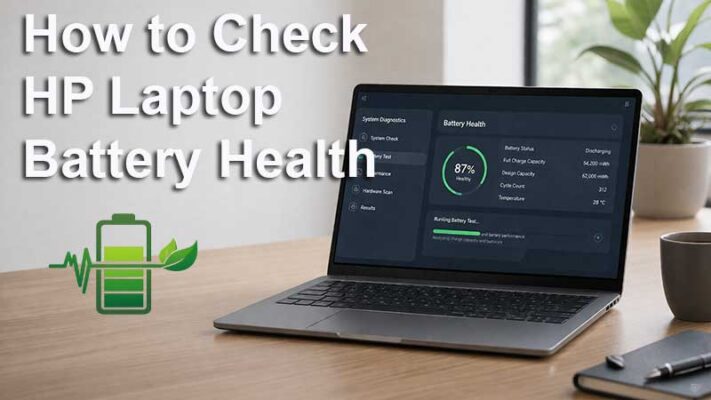
How to Check HP Laptop Battery Health
How to Check Battery Health on an HP Laptop If your HP laptop battery is [...]
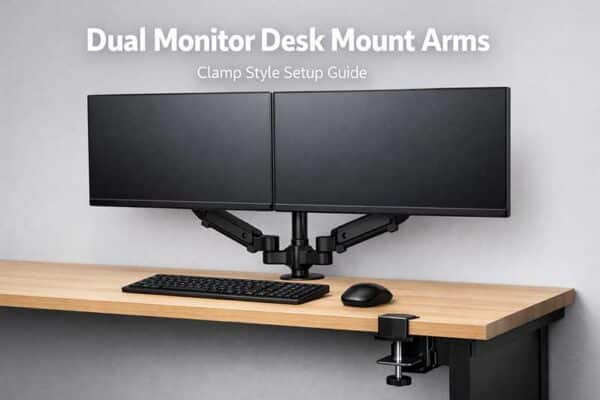
Dual Monitor Desk Mount Arms NZ Guide
Dual Monitor Desk Mount Arms – The In’s ‘n’ Out’s of the Clamp Style Setup [...]

Laptop vs Desktop: What Should You Buy in NZ?
Laptop vs Desktop: What Should You Buy for Home or Office? If you’re trying to [...]
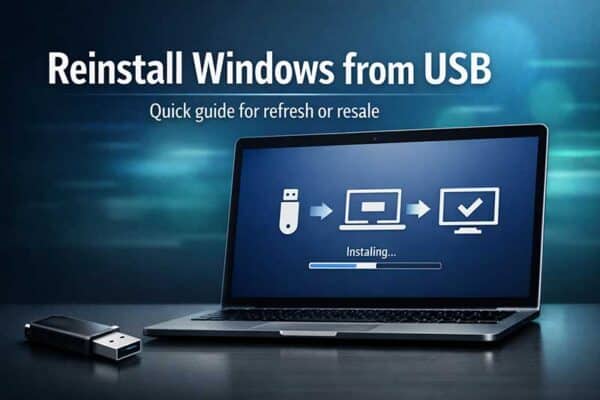
How to Reinstall Windows from USB (Quick Guide)
How to Load Windows Onto Your Computer (Quick Reinstall Guide) There comes a point where [...]
Chromebook vs Windows Laptop: What’s Best in NZ?
Chromebook vs Windows Laptop: What’s Best in NZ? If you’ve ever heard someone ask, “What [...]
How & Why to Update Windows (Win10/11 Guide)
TL;DR: How and Why to Update Windows Keeping Windows updated helps protect your computer, fix [...]
Chromebook vs Windows Laptop: What’s the Difference (Parent-Friendly NZ Guide)
If you’re buying a laptop for school, you’ll usually be choosing between a Chromebook (Chrome [...]
How to Get Windows 10 Updates in 2025
With Windows 10 officially reaching end-of-support on 14 October 2025, many people worry what happens [...]

Screen Resolution for Everyday Buyers: How to Choose What’s Best for You
The simple version Resolution is how many pixels are on your screen. More pixels can [...]

CPU Measurements Explained: Clock Speed, Core Count, and When They Actually Matter (NZ Guide)
TL;DR: CPU Cores, Clock Speed and What Actually Matters CPU specs can be confusing, but [...]


