











General
Best Laptops for Accounting Software in NZ
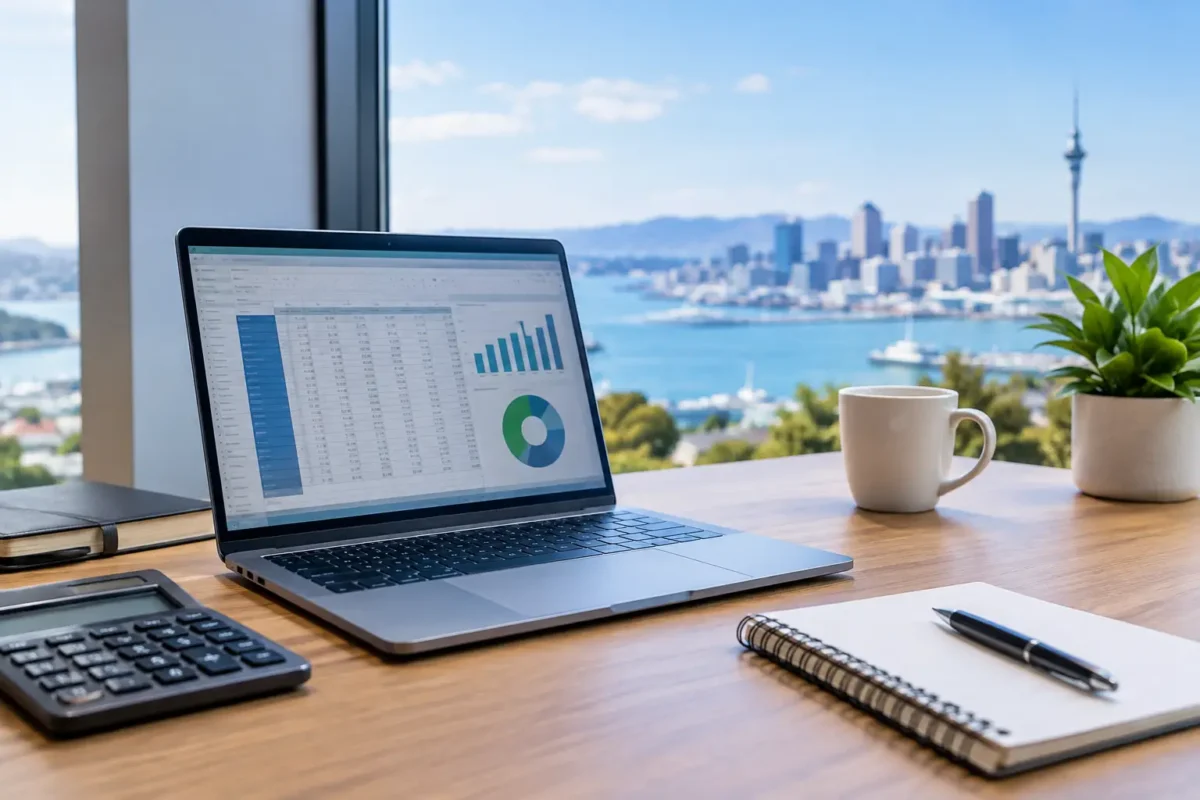
A slow laptop is more than an annoyance when you are reconciling accounts, preparing GST returns or switching between Xero, MYOB, QuickBooks, spreadsheets and email. It can turn a straightforward job into a long afternoon. The best laptops for accounting software do not need to be flashy or expensive, but they do need dependable performance, a clear screen and enough memory to keep your work moving.
For accountants, bookkeepers, small business owners and office teams, a professionally refurbished business laptop often makes more sense than a cheap new consumer model. Enterprise-grade Dell, HP and Lenovo machines are built for regular work, proper keyboards and long service life. When selected carefully, ex-lease hardware delivers the practical specifications accounting work needs at a far more sensible price.
What accounting software actually needs
Most cloud accounting platforms are not especially demanding on their own. Xero, MYOB Business and QuickBooks Online run in a web browser, so a modern Windows laptop with a solid internet connection will handle normal invoicing, payroll and reporting well. The workload changes when you have several browser tabs open, large Excel files, PDF statements, Teams meetings and email running at once.
Desktop accounting applications and Excel-heavy workflows place more demand on the machine. Large workbooks, pivots, macros, exported reports and bank statement PDFs can expose the limits of an entry-level processor or low RAM. This is why the cheapest laptop is not always the best value. A little more processing headroom can save real time across every week of the financial year.
For most users, prioritise a Windows 11-ready laptop with an Intel Core i5 or AMD Ryzen 5 processor, 8GB of RAM at minimum and a solid-state drive. A Full HD screen is strongly recommended. These are practical specifications, not luxury extras.
The best laptop specifications for accounting software
Processor: start with Core i5 or Ryzen 5
An Intel Core i5 processor from the 8th generation onwards is a dependable starting point for accounting work. It has enough power for cloud platforms, Excel, video calls and everyday multitasking without paying for performance that may never be used. Comparable AMD Ryzen 5 laptops are also excellent choices where available.
A Core i3 can work for basic invoicing, email and browser-based accounting, particularly for a student or a very light user. However, it has less breathing room when workloads grow. For a staff member who will use the laptop all day, an i5 is usually the safer investment.
Core i7 and Ryzen 7 models suit users with demanding spreadsheets, multiple external displays, frequent reporting or broader business workloads such as design, data analysis or virtual meetings. They are worthwhile when the work justifies the cost, not simply because the badge sounds better.
Memory: 8GB is the floor, 16GB is the comfortable choice
RAM affects how well a laptop copes with several tasks at once. An 8GB laptop is suitable for standard accounting software, web browsing, email and moderate spreadsheets. It remains a good value option for many sole traders and smaller office roles.
Choose 16GB if you regularly open large Excel workbooks, use many browser tabs, run Teams or Zoom calls, or work with two screens. It also gives a laptop a longer useful working life. For shared office equipment and businesses buying a small fleet, standardising on 16GB can reduce complaints about sluggish performance later on.
Storage: choose an SSD, not an old hard drive
A solid-state drive, usually listed as SSD, makes a noticeable difference to daily use. Windows starts faster, programs open sooner and files respond more quickly. For accounting work, a 256GB SSD is a sensible minimum. It provides room for Windows, applications, documents and exported records without immediately creating storage headaches.
A 512GB SSD is useful if you keep a lot of client documents, scans, reports or local backups on the laptop. Remember that important business data should also be backed up independently. Cloud accounting reduces the need to store company files locally, but it does not remove the need for sensible data practices.
Display and keyboard: productivity is not just processor speed
A 14-inch Full HD display is the sweet spot for people who carry their laptop between home, office and client meetings. It is compact enough for a bag yet gives more working space than a small budget screen. A 15.6-inch Full HD laptop may be better if it will mostly stay on a desk and you prefer larger text, wider spreadsheets and a number pad.
Business-class laptops also tend to offer better keyboards than low-cost consumer devices. That matters when entering figures all day. Look for a comfortable layout, reliable keys and, if it suits your workflow, a dedicated numeric keypad. A good keyboard will be appreciated long after the processor specification has been forgotten.
Recommended laptop types for accountants and bookkeepers
The right choice depends on where and how the work is done. These proven business laptop categories cover most accounting needs.
The portable 14-inch business laptop
A refurbished Lenovo ThinkPad T-series, Dell Latitude 5000-series or HP EliteBook with a Core i5, 8GB to 16GB RAM and 256GB SSD is an excellent all-round choice. These models are designed for business users, so they are typically durable, easy to carry and well suited to regular office work.
This is the best fit for bookkeepers visiting clients, remote workers and small business owners who move between locations. A 14-inch laptop paired with a docking station at the desk gives you portability without giving up a productive workspace.
The larger 15-inch laptop with a number pad
For accounts staff who spend long periods entering transactions, a 15.6-inch business laptop can be the more comfortable option. Models such as Dell Latitude 5000-series or HP ProBook and EliteBook ranges often provide a larger screen and, depending on the model, a numeric keypad.
The trade-off is weight. A 15-inch unit is less convenient for daily travel, but it is often better value than buying a smaller laptop and immediately needing an external monitor. It suits a fixed office, reception desk or home workstation particularly well.
The higher-spec machine for spreadsheet-heavy roles
Senior accountants, practice managers and users working with complex models should look for a Core i5 or Core i7 laptop with 16GB RAM and a 512GB SSD. The benefit is not that accounting software suddenly needs high-end hardware. It is that the laptop remains responsive while Excel, multiple browser windows, PDF software, email and video calls are all competing for resources.
A refurbished Dell Latitude, HP EliteBook or Lenovo ThinkPad in this specification is a sensible alternative to an expensive new premium laptop. You are paying for business-ready capability rather than unnecessary consumer features.
Do not overlook your desk setup
Accounting is easier when you can see the ledger, source documents and email without constantly switching windows. If you work from one location most days, a docking station and one or two external monitors can improve productivity more than upgrading from an i5 to an i7 processor.
A dual-monitor setup is particularly useful for bank reconciliations, payroll checks and report preparation. Keep Xero or MYOB open on one display, then use the other for Excel, scanned invoices or customer correspondence. A laptop with USB-C or suitable docking support makes this arrangement straightforward, but always confirm the ports and monitor capability on the exact model before buying.
A full-size external keyboard and mouse can also make a major difference for high-volume data entry. The laptop remains your portable device, while the desk becomes a comfortable, practical accounting workstation.
Refurbished versus new for accounting work
A new low-priced laptop can look appealing, but it may come with a basic processor, limited memory, a small screen or poor build quality. Those compromises are felt quickly in a business setting. Refurbished enterprise hardware is often a stronger option because it began life as commercial equipment designed for full-time users.
The key is buying from a supplier that clearly states the processor generation, RAM, storage, screen resolution, operating system and condition. Professionally refurbished equipment should be tested, cleaned and supplied ready for use, with warranty information available. Check battery expectations too. Battery health varies on used equipment, and it matters more for staff who work away from a power point.
At NZ Laptop Wholesale, the focus is on quality refurbished, reliable ex-lease systems that suit real work rather than headline specifications alone. That makes it easier to compare business-grade options by the job they need to do.
A practical buying checklist
Before choosing, confirm that the laptop has Windows 11 support, a Core i5 or equivalent processor, at least 8GB RAM and an SSD. For busy multitaskers, 16GB RAM is the better pick. Make sure the display is Full HD, especially if you use spreadsheets regularly, and check for the ports needed for your monitor, dock and accessories.
Also consider who will use it in 12 months. A sole trader running invoices may be well served by an 8GB, 256GB laptop. A growing office with staff using cloud accounting, Excel and video meetings will be better served by 16GB RAM and a docking-friendly business model from the outset.
Buy for the work you do most often, not the rare task that sounds impressive on a specification sheet. A tested business laptop with the right screen, memory and desk setup will make the daily numbers easier to manage and leave more time for the work that actually grows the business.


