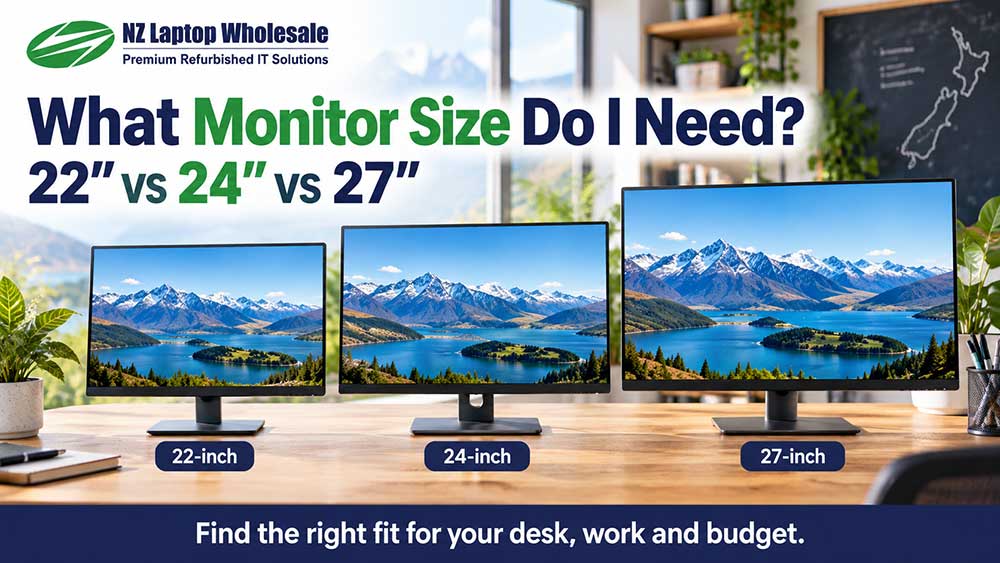
What Monitor Size Do I Need?
Compare 22-inch, 24-inch and 27-inch monitors. Learn how desk space, viewing distance and resolution affect the right size for your setup.
Size + Resolution = A Better FitFind the right monitor size
Choose a monitor that fits your desk, connects to your computer and suits your everyday work. Our practical guides explain screen sizes, resolution, connections and panel types, plus what to look for when buying refurbished.
Buying a monitor can quickly become a list of unfamiliar terms: Full HD, QHD, IPS, DisplayPort and USB-C. You do not need to become a display expert to choose well.
Start with what you want to do, the space on your desk and the computer you will connect. Then compare the features that make a practical difference.
These guides help New Zealand home users, students and businesses make sense of the options before buying.
Start with the question you are trying to answer. You do not need to read these guides in order.
Compare 22-inch, 24-inch and 27-inch monitors. Learn how desk space, viewing distance and resolution affect the right size for your setup.
Size + Resolution = A Better Fit
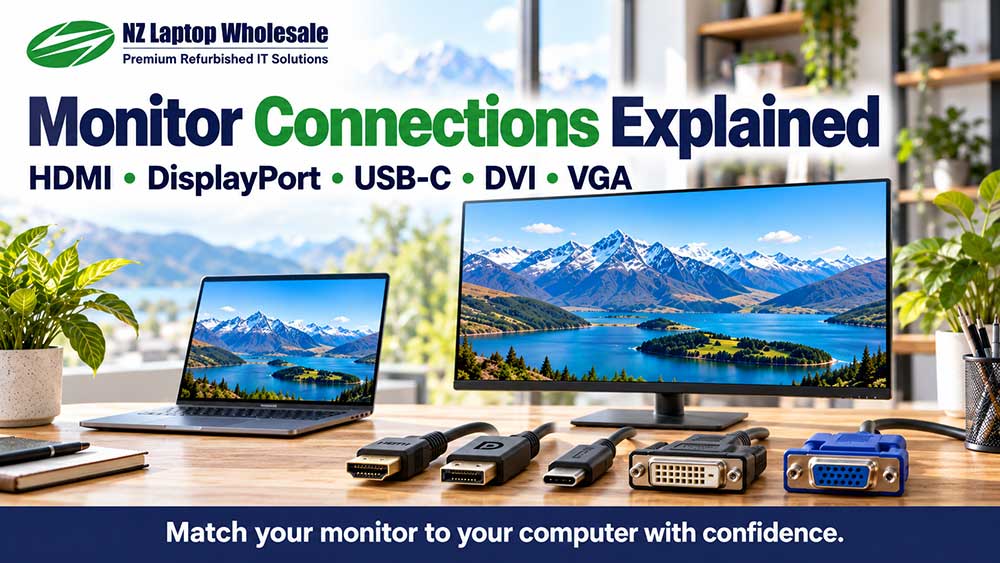
Understand HDMI, DisplayPort, USB-C, DVI and VGA. Check what connects to your computer, when an adapter is needed and why direction matters.
Check Both Ends Before Buying
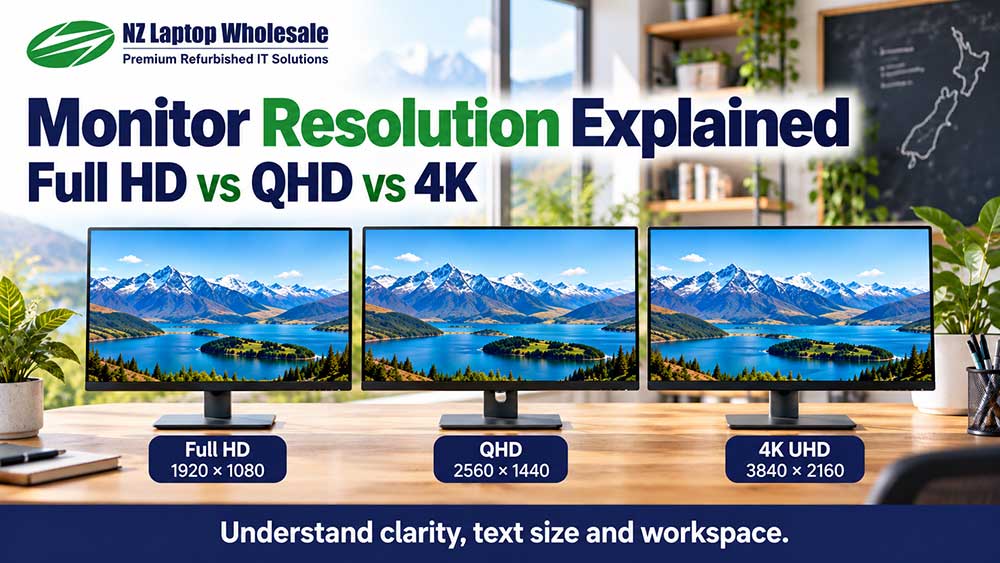
Learn what those extra pixels actually do. Understand text clarity, display scaling and how much working space a screen can provide.
More Pixels, Different Possibilities
Find out when an ex-lease monitor makes sense, what condition to expect and which details to check before choosing a previously used display.
Condition and Suitability Come First
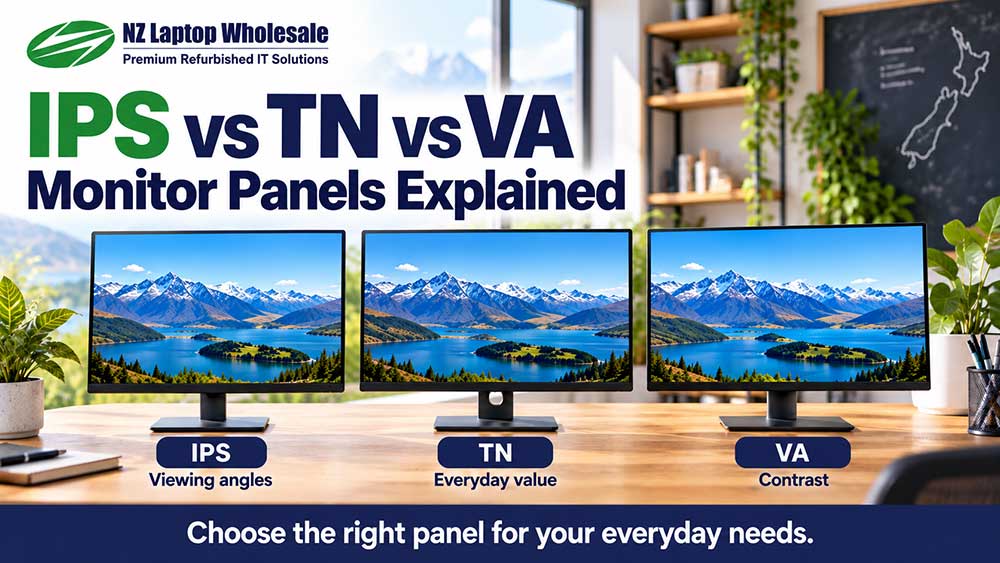
Understand the practical differences in viewing angles, colour consistency and contrast, without choosing a monitor on its panel label alone.
Look Beyond the Panel LabelUse these as starting points, then check the individual model.
A 22 to 24-inch Full HD monitor can be a practical choice for browsing, documents, schoolwork and everyday computing.
Start around 24 inches. Prioritise readable text, suitable connections and a stand that positions the screen comfortably.
Consider a 27-inch QHD monitor or two screens. Check desk space and your computer’s display support before buying.
A 27-inch Full HD screen makes content physically larger at the same scaling. It does not add extra pixels compared with 24-inch Full HD.
A large screen with the wrong connection can mean extra adapters. A high-resolution display may need scaling. A good panel can still be awkward to use if the stand cannot position it where you need it.
The aim is to bring the useful features together: a clear picture, enough room for your work, a comfortable position and a connection that suits your computer.
For refurbished equipment, condition and included accessories belong in that decision too.
Explore the monitor range or get help choosing the laptop that will connect to it.
Share your computer model, what you use it for and roughly what you want to spend. Photos of the ports can help us narrow down the right monitor and connection.