




General
How to Buy Refurbished Mini PCs With Confidence
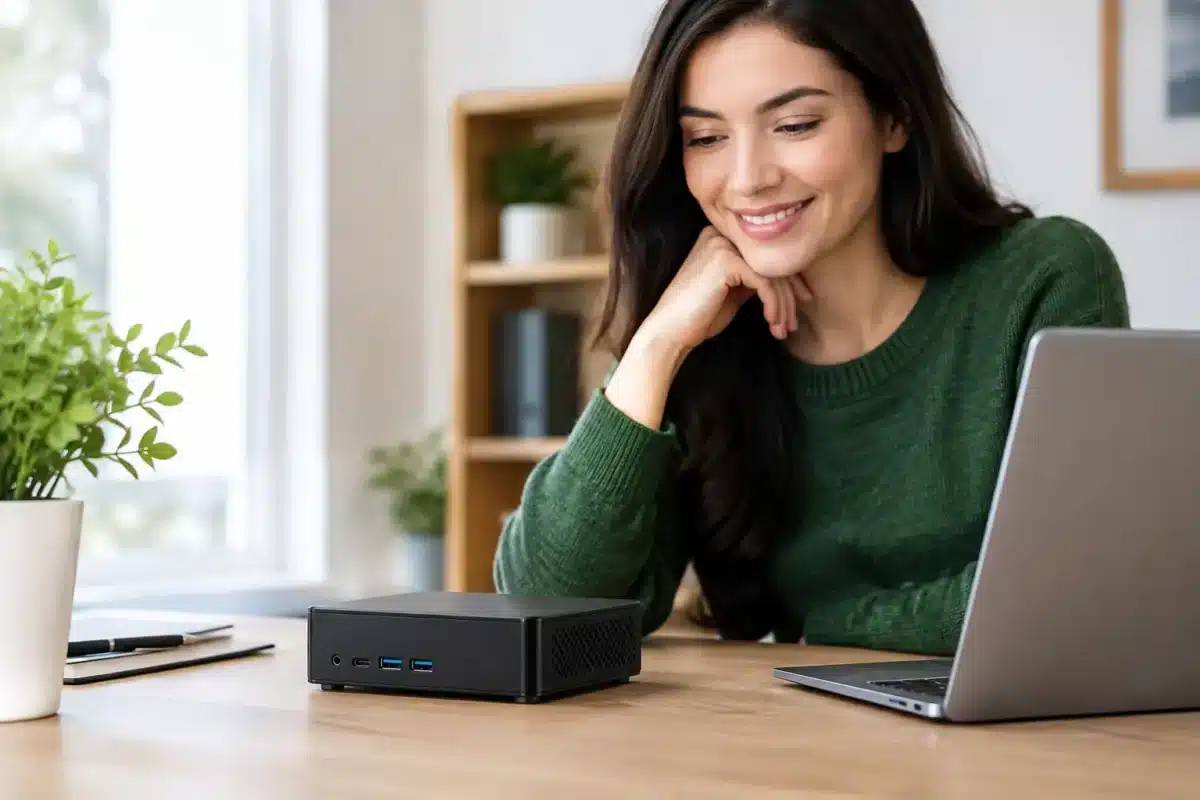
A mini PC can clear a crowded desk, run a dual-monitor office setup and handle everyday work without the cost or bulk of a full tower. The question of how to buy refurbished mini PC hardware is less about finding the cheapest unit and more about matching proven business-grade equipment to the work you need it to do.
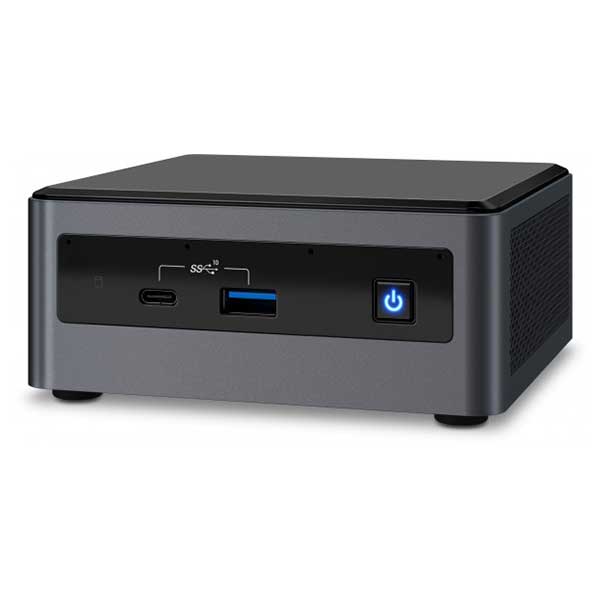
Refurbished mini PCs are often ex-lease machines from offices that have upgraded their fleets. That can be excellent value: enterprise models from Dell, HP, Lenovo and Intel NUC are designed for long working days, easy servicing and reliable performance. But a small chassis also means less room for upgrades and fewer expansion options, so the specifications matter.
Start With What the Mini PC Needs to Do
Before comparing processor names and storage sizes, decide where the computer will sit and what it must run. A mini PC for web browsing, email, online banking, documents and video calls has very different requirements from one used for MYOB, design work, point-of-sale software or multiple high-resolution displays.
For home and study use, a recent Intel Core i5 or equivalent processor, 8GB of RAM and a solid-state drive are a sensible baseline. This combination handles browser tabs, Microsoft 365, streamed lessons and standard office applications comfortably. If the machine will be shared by a family, used for remote work, or connected to two monitors, 16GB of RAM gives more breathing room.
For small business use, consider the software that is open at the same time. A browser-based system, accounting package, Teams meetings and a second screen can place more demand on memory than a simple specification sheet suggests. Buyers working with large spreadsheets, photo editing, virtual machines or heavier business applications should look for a newer Core i5 or Core i7, 16GB of RAM and at least a 512GB SSD.
A mini PC is usually not the right choice for high-end gaming, advanced 3D rendering or demanding video production unless it has dedicated graphics. Most refurbished business mini PCs use integrated graphics. They are efficient and capable for office work and media, but they are not built as gaming machines.
How to Buy a Refurbished Mini PC by Specification
The processor generation matters as much as the processor label. An older Core i7 is not automatically faster or better suited to your needs than a newer Core i5. Look for the full processor model and generation, then weigh it alongside RAM, storage and Windows compatibility.
Windows 11 readiness is particularly relevant for buyers planning to keep a machine for several years. Check that the mini PC supports Windows 11 properly rather than assuming every Windows 10 machine will be eligible. A professionally refurbished system should clearly state its operating system and core specifications, so you know what is arriving.
Storage is another area where value can be misleading. A 128GB SSD may be enough for a basic reception computer or a device used mainly for cloud files. It can fill quickly, though, once Windows updates, applications, photos and local documents accumulate. For most people, 256GB is a more comfortable starting point. A 512GB SSD is worth considering where users save larger files locally or want to avoid managing storage too closely.
Do not treat memory and storage as interchangeable. RAM affects how well the PC handles active tasks at once, while SSD capacity determines how much data can be stored. An 8GB machine with a large SSD may still feel slow with many browser tabs and applications open. A 16GB machine with very limited storage may become inconvenient just as quickly.
Check Upgrade Options Before You Buy
Some mini PCs allow RAM and storage upgrades, while others have limitations based on their compact design. This is useful if you are buying for a growing business or want to extend the machine’s working life later. Check whether the listed RAM is already at the model’s maximum capacity and whether there is a spare storage bay or compatible M.2 slot.
If you need a computer that can take a graphics card, multiple internal drives or substantial future expansion, a small form factor desktop may be the better buy. It takes up more desk space, but it offers flexibility a mini PC cannot always provide.
Ports and Monitors Can Make or Break the Setup
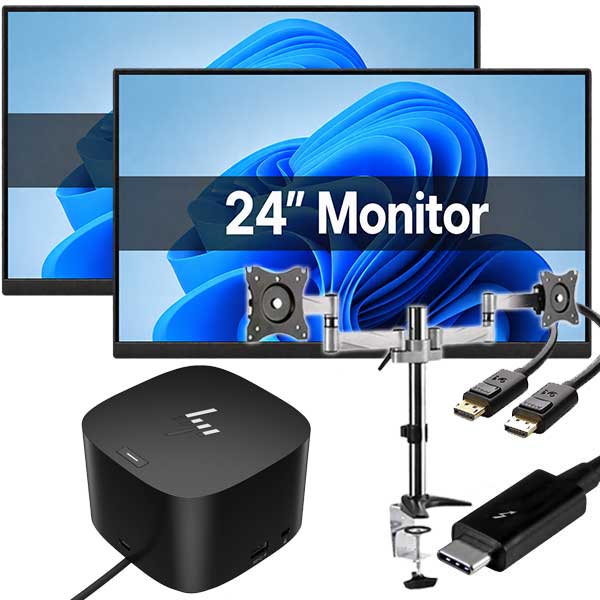
A mini PC can look ideal on paper and still be wrong for your workspace if its ports do not match your monitors and accessories. Check the exact video outputs, not just whether it supports dual displays. Common connections include DisplayPort, HDMI, USB-C and older VGA ports. Your monitor may need an adapter, especially if it uses HDMI while the PC provides DisplayPort.
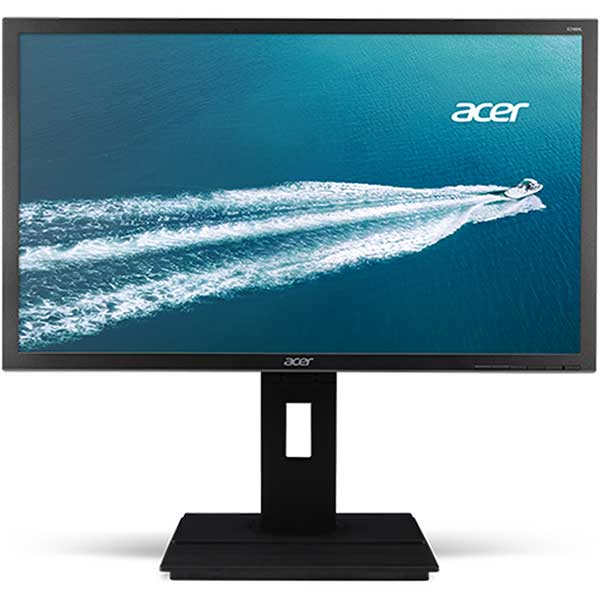
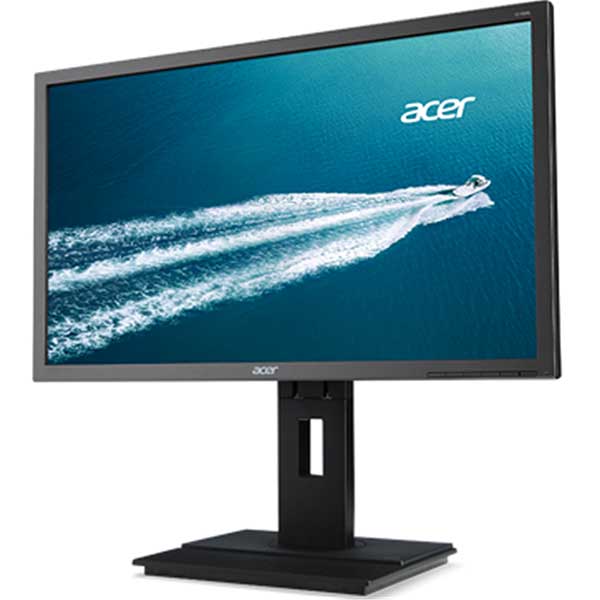
For a practical two-monitor setup, confirm that the unit can run both displays at the resolution you want. A pair of standard Full HD monitors is an easy fit for many business-grade mini PCs. Two 4K monitors place greater demands on the graphics hardware and available outputs.
Also count your USB devices. A keyboard, mouse, webcam, printer, external drive and USB headset can quickly use the available ports. Front USB ports are convenient for temporary accessories, while rear ports suit equipment that stays connected. Ethernet is worthwhile for office desks where stable wired internet matters, even if the PC also includes Wi-Fi.
Understand What Professionally Refurbished Means
Refurbished does not simply mean used. A professionally refurbished mini PC should have been inspected, tested and prepared for resale. The drive should be checked or replaced as needed, the operating system installed correctly and the machine tested for key functions such as ports, networking and general operation.
Cosmetic condition can vary. Ex-lease units may have light marks from normal office use, particularly around the casing, but cosmetic wear is different from a fault. Read the condition description and product photographs where available. A compact business PC that has a few scuffs can still deliver years of dependable service if its internal hardware is sound.
A warranty is part of the value calculation. It gives buyers a clear path if an unexpected hardware issue appears after purchase. For businesses and schools buying several devices, this matters more than saving a small amount on an unknown private sale. Clear warranty and freight information is a sign that the seller stands behind the equipment.
Compare the Total Cost, Not Just the Sticker Price
The lowest-priced mini PC is not always the best-value option. Add up what is included and what you will need to buy separately. A unit may require a power adapter, Wi-Fi antenna, operating system licence, monitor cable, keyboard and mouse. If you are setting up a workstation from scratch, those extras affect the final cost.
It is also worth considering downtime. A cheap machine with an ageing hard drive, too little RAM or no local warranty can cost more in lost time than a properly specified refurbished model. This is especially true for sole traders, remote workers and small offices where one computer is central to daily work.
For multiple devices, buying matching models can make support easier. The same chargers, monitor connections and Windows setup reduce headaches for staff and simplify future replacements. It may be worth paying slightly more for consistency across a small fleet.
Questions to Ask Before Ordering
A reliable seller should make most answers clear in the listing, but ask before buying if anything is uncertain. Confirm these points when comparing refurbished mini PCs:
- What is the exact processor model, RAM capacity and SSD size?
- Is the machine Windows 11 ready, and which operating system is installed?
- Which monitor outputs and USB ports are fitted?
- Does it include its correct power supply and any required accessories?
- What condition is it in, and what warranty applies?
- Can the RAM or storage be upgraded later if required?
These questions are not about chasing technical detail for its own sake. They prevent common surprises, such as discovering that a display cable will not connect or that a small SSD is already close to capacity.
Set It Up for a Longer Working Life
Once the mini PC arrives, run Windows Update, install current security updates and remove any software you do not need. Set up a proper backup routine from day one, whether that is cloud storage, an external drive or both. Refurbished equipment can be excellent value, but no computer should be the only place important work, school files or family photos exist.
Keep the unit ventilated rather than hiding it in a sealed cabinet or behind a monitor with no airflow. Mini PCs are designed to run quietly in compact spaces, but they still produce heat. A tidy desk with clear ventilation helps maintain consistent performance.
For New Zealand buyers who want dependable business-grade hardware without new-device pricing, a refurbished mini PC is often a smart fit. Choose the specification for the work ahead, confirm the ports and warranty, and buy from a specialist such as NZ Laptop Wholesale that provides clear details on tested ex-lease equipment. The best purchase is the one that quietly does its job every day and leaves more of your budget for the things that need it.


