











Buying Advice
How to Buy a Used Laptop Computer (Without Getting Burned)

Buying a used laptop can save you hundreds — but it can also be risky if you don’t know what to look for. Whether you’re buying second-hand from a private seller or looking at refurbished stock from a store like NZ Laptop Wholesale, it pays to know what questions to ask and which red flags to avoid.
Here’s a no-nonsense guide to help you buy a used laptop with confidence.
✅ 1. Decide Where You’re Buying From
You have two main options:
- Private seller (e.g. Facebook Marketplace or Trade Me)
- Professional refurbisher (like NZ Laptop Wholesale)
Buying from a private seller may be cheaper upfront — but there’s no warranty, no returns, and no guarantee the laptop works properly. With a refurbisher, you pay a little more but get tested hardware, Windows pre-installed, and support if things go wrong.
🔍 2. Check the Specs Carefully
Always ask or look for:
- Processor type (e.g. Intel i5, i7)
- RAM size (minimum 8GB for general use)
- Storage type — SSD is much faster than HDD
- Battery health (especially if it’s more than 3 years old)
- Windows version and activation status
Pro tip: If you’re not sure what the specs mean, compare them to what’s currently sold new. That’ll give you a sense of performance vs price.
🧪 3. Ask About Condition & Testing
You don’t want a laptop that’s been dropped, dented, or covered in stickers. Ask:
- Has it been tested for faults?
- Are there any issues with the screen, keyboard, or ports?
- Is the battery still holding charge?
- Has the hard drive been securely wiped?
At NZLW, we test every laptop thoroughly, reinstall Windows, and list any cosmetic wear clearly — so you know exactly what you’re getting.
🛠️ 4. Consider What You’ll Use It For
Match the laptop to the job:
- Basic tasks: web, email, docs = lower specs OK
- Work: go for business-grade laptops with SSDs
- Study: battery life and portability are key
- Creative work: look for more RAM and stronger CPU/GPU
Don’t overpay for power you won’t use — but don’t go too cheap and end up frustrated.
🧾 5. Look for a Warranty
This is where buying used vs buying refurbished really makes a difference. Refurbished laptops from NZ sellers like us come with a return-to-base warranty, a clear condition grade, and tax invoices for your records.
✅ Final Word
Buying a used laptop is a great way to save — as long as you know what to look for.
Your safest bet? Choose a refurbished model from a trusted NZ refurbisher.
See our latest professionally refurbished laptops »
👉 Browse Laptops
Recommended products
-
HP Pro x360 Fortis G10 | 11.6″ Touchscreen Laptop + Stylus | Win 11
Original price was: $579.00.$399.00Current price is: $399.00. -
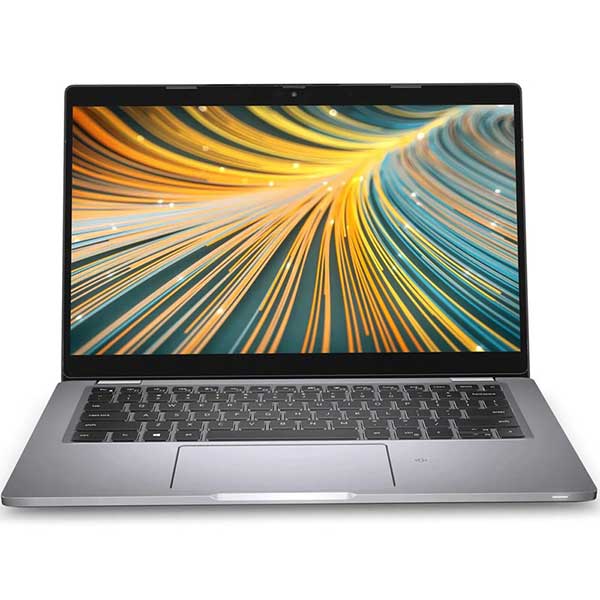
Dell Latitude 5320 – 11th Gen i5 | 16GB | 128GB | NVMe | Win 11 Pro
Original price was: $649.00.$599.00Current price is: $599.00. -

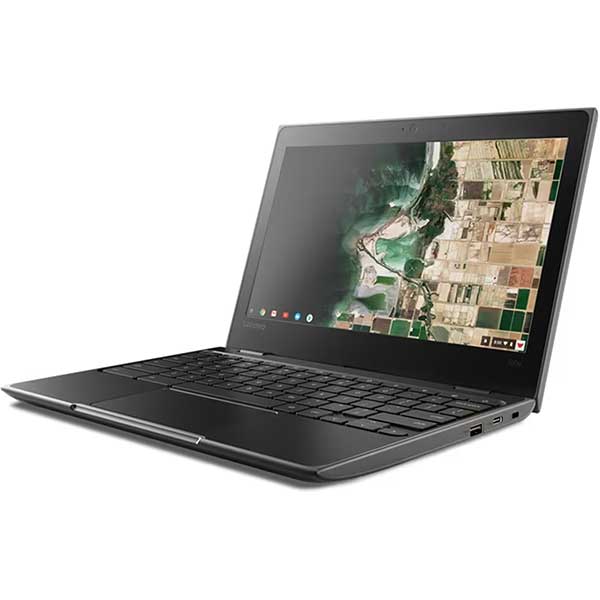
Lenovo 100e G2 Chromebook – Updates until 2029
$189.00 -
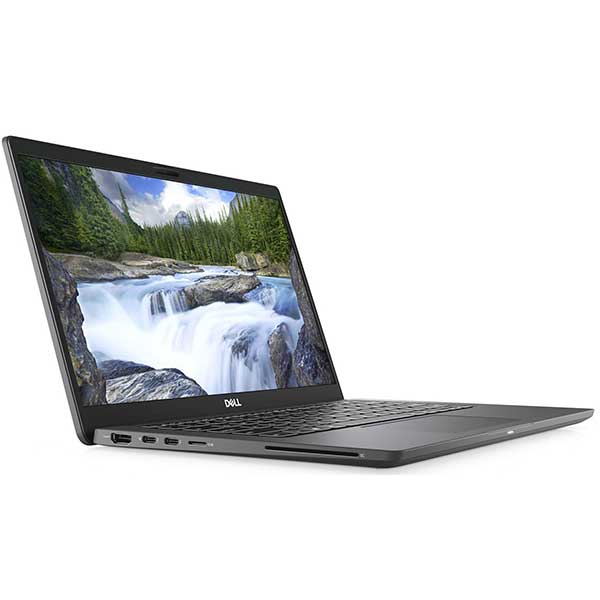
Dell Latitude 7310 Touchscreen, 10th Gen i5 – 8GB – 256GB NVMe, Win 11 Pro
Original price was: $649.00.$499.00Current price is: $499.00.
A Safe Buy Still Needs to Be the Right Buy
Avoiding a poor-quality laptop is only half the job. You also need the right processor, RAM, SSD storage and screen size for what you actually plan to do with it. Our Laptop Buying Guides & Advice hub explains those choices in plain English.
Explore Our Laptop Buying Guides →


