








General
Refurbished Desktop Computer NZ Buying Guide

TL;DR: Buying a Refurbished Desktop Computer in NZ
A professionally refurbished business desktop can be a practical, good-value choice for New Zealand homes, students and small offices. The right computer should be matched to the work it will perform, with the processor, memory, storage and physical size considered rather than choosing on price alone.
Quick answer: For general office work, study, email, web browsing, video meetings and accounting software, look for a business-grade desktop with a reasonably recent Intel Core i5 processor, at least 8GB of RAM and SSD storage. Consider 16GB of RAM for heavier multitasking or larger spreadsheets.
Check that the desktop is Windows 11-ready and has the monitor connections, USB ports and networking options your setup requires. Tiny and small-form desktops save space, while larger systems generally provide more room for storage, memory or expansion upgrades.
A cheap desktop can cost you twice if it freezes during payroll, struggles with school assignments, or needs replacing in a year. That is why more buyers looking for a refurbished desktop computer NZ-wide are paying closer attention to business-grade ex-lease machines instead of chasing the lowest sticker price.
A well-refurbished desktop is not just a budget option. For many homes, schools, and small businesses, it is the smarter buy. You get proven hardware from brands like Dell, HP, and Lenovo, practical performance for everyday workloads, and a clearer idea of what you are actually paying for. The key is knowing what matters before you buy.
Why a refurbished desktop computer NZ buyers choose can make sense
There is a big difference between a used desktop sold as-is and a professionally refurbished system. Business desktops are built for long office hours, predictable performance, and easier servicing. When they come off lease, they often still have years of useful life left in them.
That matters if you need dependable computing without the cost of buying new. A refurbished desktop can be a strong fit for admin work, remote staff, school use, accounting software, web-based systems, email, Microsoft Office, and dual-monitor office setups. If your needs are practical rather than flashy, refurbished often gives you better value than an entry-level new machine.
It also helps that enterprise hardware tends to be better built. A commercial desktop from Dell OptiPlex, HP ProDesk, or Lenovo ThinkCentre is designed for business fleets. That usually means sturdier components, simpler upgrades, and more predictable performance than many low-cost consumer PCs.
What to look for before you buy
The right desktop depends on the job. A front-desk PC does not need the same spec as a workstation handling large spreadsheets all day. A family study computer has different priorities again.
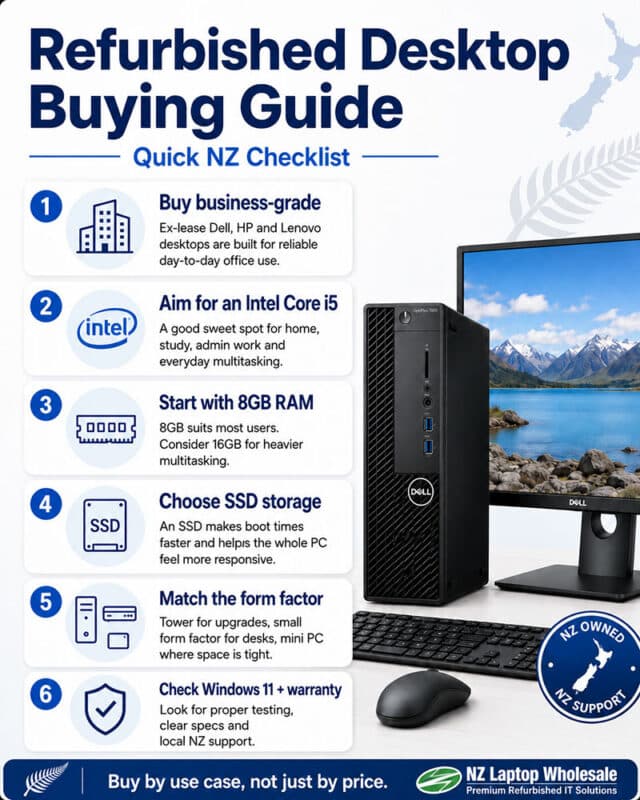
Start with the processor. For general office use, a late-generation Intel Core i5 is usually the sweet spot. It gives enough speed for browsing, documents, video calls, and multi-tasking without pushing the budget too far. An i7 can make sense if you regularly work with larger files or run heavier software, while an i3 may still be fine for very basic tasks.
Memory matters more than many buyers expect. For a Windows 11-ready desktop, 8GB RAM is a sensible minimum. It keeps day-to-day use smooth and avoids the sluggish feel that comes from too little memory. If the machine will be used for heavier multi-tasking, 16GB is worth considering.
Storage is where older desktops can feel either quick or painfully slow. An SSD makes a major difference. It shortens boot times, opens programs faster, and generally makes the whole system feel more responsive. If you are choosing between a desktop with a hard drive and one with an SSD, the SSD model is usually the better buy even if the storage capacity is smaller.
Then there is form factor. A full-sized tower gives you more room for upgrades and extra ports. A small form factor desktop saves space and suits most office desks. A tiny mini PC or Intel NUC-style unit can be ideal where space is tight, but you may have fewer upgrade options. There is no universal best choice here. It depends on your workspace and whether future expansion matters.
Refurbished desktop computer NZ shoppers should match to use case
Plenty of disappointment comes from buying the wrong machine for the wrong task. The fix is simple. Buy by use case, not just by price.
For home office and admin work, a business-grade desktop with an Intel Core i5, 8GB RAM, and SSD storage is usually enough. It handles email, browsers, accounting platforms, Teams or Zoom, and day-to-day paperwork comfortably.
For students, the same basic spec works well, especially if the device is used for research, documents, web apps, and online learning. Reliability is often more important than chasing top-end performance. Parents generally want something that works properly every day, not something flashy that becomes e-waste too soon.
For small businesses fitting out several desks, consistency matters. Buying matching or closely matched ex-lease desktops can make support easier and create a more uniform setup across the team. That is especially useful when pairing systems with monitors, docking arrangements, or shared peripherals.
If you need a desktop for creative software, CAD, or heavier processing, you need to be more selective. Some refurbished business desktops can handle demanding workloads, but not all of them. In that case, CPU generation, RAM capacity, graphics capability, and upgrade paths become much more important.
The real trade-offs with refurbished desktops
Refurbished does not mean perfect for everyone. If you want the latest chassis design, cutting-edge processors, or high-end gaming performance, buying new may still be the better path.
There can also be cosmetic signs of prior use. Minor marks on the case are common with ex-lease equipment. For most buyers, that is a fair trade for lower cost, especially when the machine is going under a desk anyway. But if appearance is a major priority in a client-facing space, it is worth checking the stated condition.
Upgrade flexibility can vary too. Some compact desktops are brilliant for saving desk space, but they may limit what you can add later. If you think you will want more storage, extra RAM, or expansion cards, make sure the model supports that before buying.
This is where transparent product specs matter. Clear listings help buyers avoid guesswork and compare machines properly.
Windows 11 readiness is worth checking now
Many buyers are replacing older PCs because software support is changing. If you are purchasing a desktop today, it makes sense to think ahead rather than buying something that will soon feel outdated.
A Windows 11-ready refurbished desktop can save money in the long run because you are not forced into another upgrade too quickly. It is one of those details that can look minor on a product page but make a big difference over the life of the machine.
For schools, offices, and home users who want a dependable system for the next few years, this is one of the first boxes worth ticking.
Why warranty and testing matter more than the lowest price
Not all refurbished sellers operate to the same standard. If a price looks unusually cheap, ask why. Has the machine been properly tested? Is the condition clearly described? Is there a warranty? Are the specifications complete and easy to understand?
A professionally refurbished desktop should give buyers confidence, not leave them guessing. That includes practical details such as power cables, operating system readiness, compatibility, and freight information. These things sound basic, but they shape the buying experience.
For New Zealand buyers, local support and NZ-wide shipping can be just as useful as the hardware itself. If you are buying for an office in Auckland, replacing a family PC in Christchurch, or setting up student devices in Hamilton, having clear freight and warranty terms removes a lot of friction.
This is where a specialist retailer has an edge. Businesses such as NZ Laptop Wholesale focus on fit-for-purpose refurbished IT rather than treating everything as generic stock. That approach makes it easier to buy the right machine the first time.
Getting better value from your setup
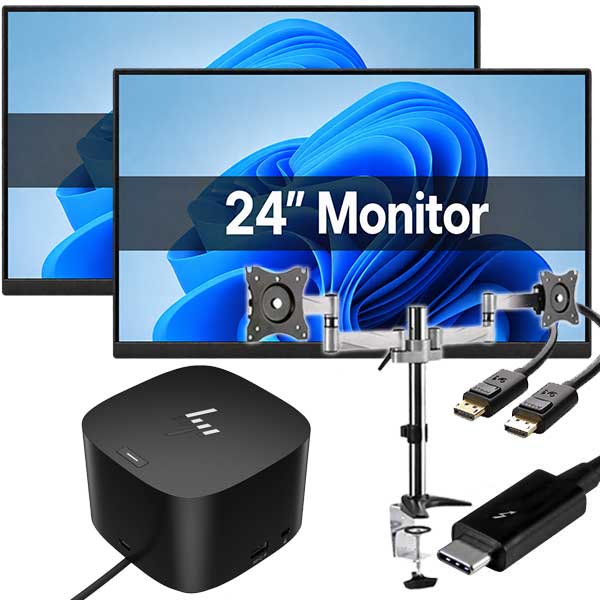
A desktop should be considered as part of the whole workspace. If productivity matters, monitor size, keyboard comfort, and desk layout all affect the result. In many cases, a refurbished desktop paired with one or two quality monitors offers a better working setup than spending the same budget on a basic new laptop.
That is especially true for office users working across spreadsheets, email, browser tabs, and video meetings. A dual-monitor setup often delivers more practical value than an expensive CPU upgrade.
For budget-conscious businesses, there is another advantage. Refurbished desktops can make staged upgrades easier. Instead of replacing everything at once, you can prioritise the users who need new hardware most and roll improvements out in a more manageable way.
Who should seriously consider refurbished
If you need reliable computing for work, study, or general office use, refurbished deserves a close look. It suits buyers who care more about practical performance than shiny packaging. It suits schools and parents who want value without gambling on poor-quality second-hand gear. It suits businesses that need multiple machines and want costs under control.
The sweet spot is simple: buyers who want proven hardware, clear specs, and sensible pricing. That is where refurbished business desktops consistently stack up well.
A good desktop does not need to be new to be worth buying. It needs to be tested, correctly specified, and right for the work in front of it. Buy on that basis, and a refurbished machine can be one of the easiest wins in your IT budget.
-

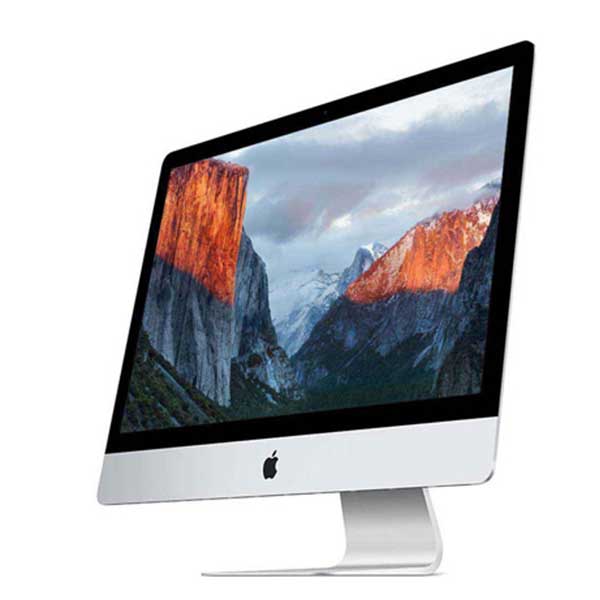
Apple iMac 21.5″ A1418 – Intel 4th Gen – 8GB – 1TB – MacOS
$250.00 -
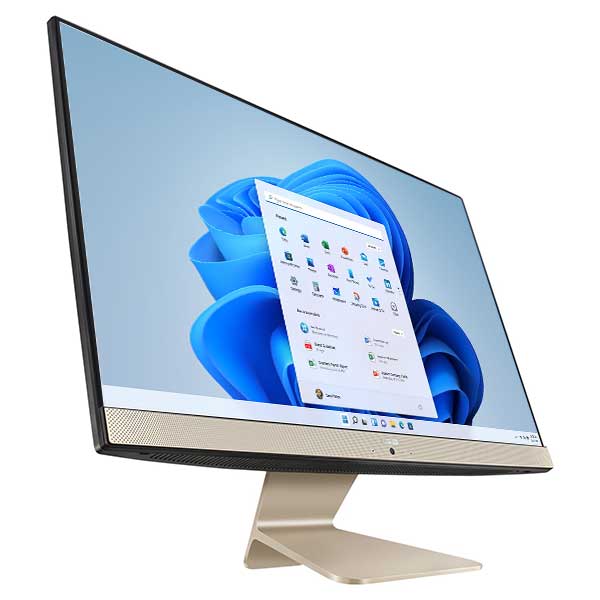
ASUS Vivo AiO V241EA i5-1135G7 8GB 512GB SSD 23.8″ FHD Touch Windows 11 Pro (LTP)
$399.00 -
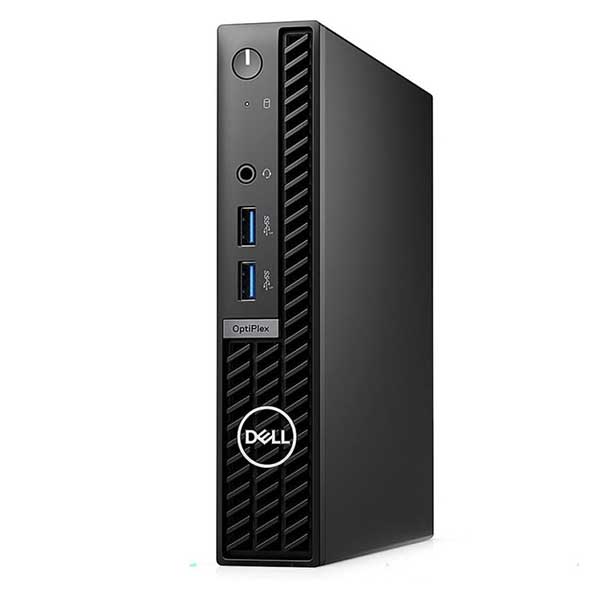
Dell Optiplex 7010 Micro, i5 13th Gen, 16GB Ram, 256GB M.2, WiFi 6, Windows 11 Pro
Original price was: $1,199.00.$999.00Current price is: $999.00. -
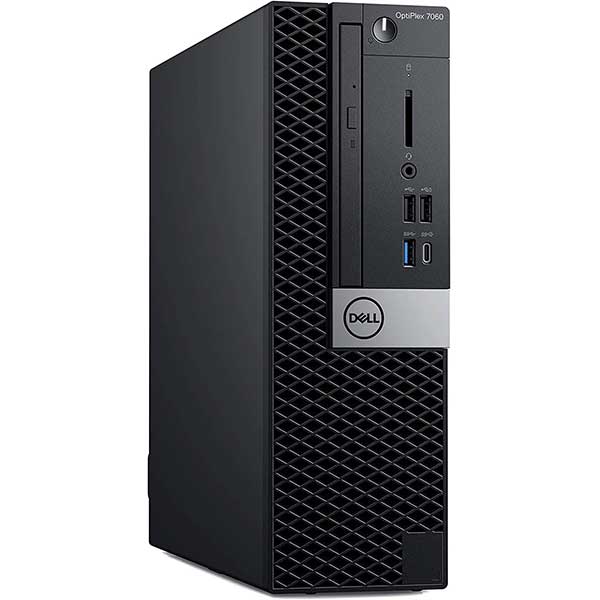
Dell Optiplex 7070 Small Form, i5 9500, 16GB Ram, 512GB M.2, Windows 11 Pro
$639.00 -
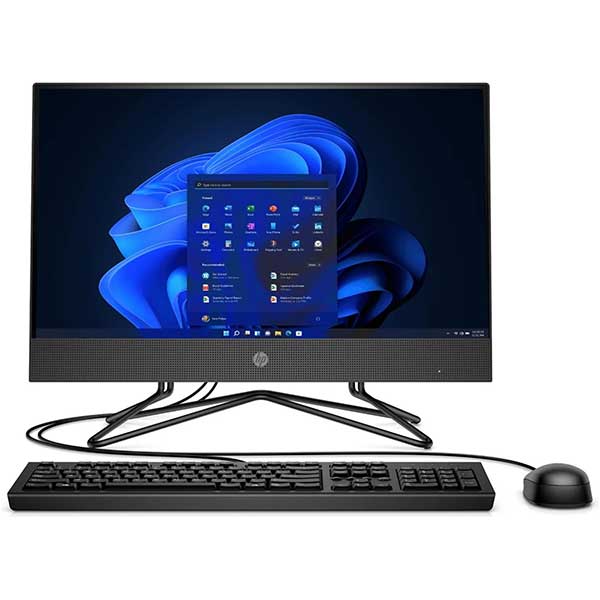
HP 205 Pro G4 22 All-in-One PC Ryzen 5 3500U 16GB 256GB SSD
Original price was: $599.00.$299.00Current price is: $299.00. -
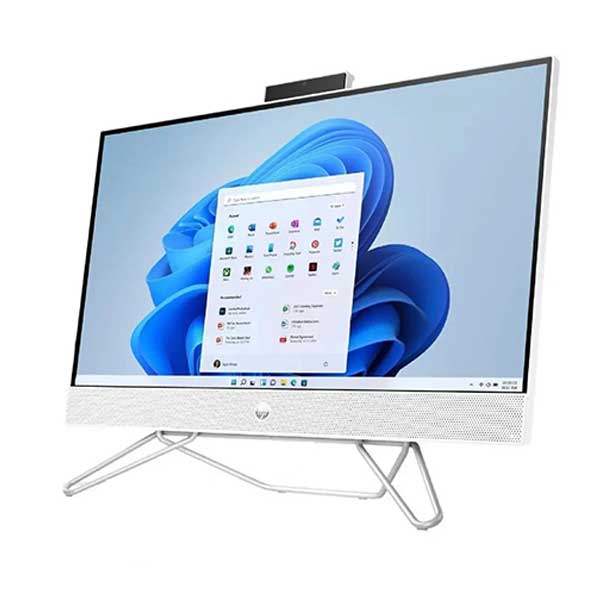
HP 24-f0065a All-in-One PC – Core i5, 8GB RAM, 256GB SSD, Windows 11 Home
$399.00 -
HP EliteDesk 800 G4 Mini, i5 8500t, 8GB, 256GB SSD, Windows 11 Pro
Original price was: $479.00.$409.00Current price is: $409.00. -
HP EliteDesk 800 G4 Mini, i7 8700t, 8GB, 256GB SSD, Windows 11 Pro
Original price was: $589.00.$509.00Current price is: $509.00.