











General
Chromebook Versus Windows Laptop: Which Fits?
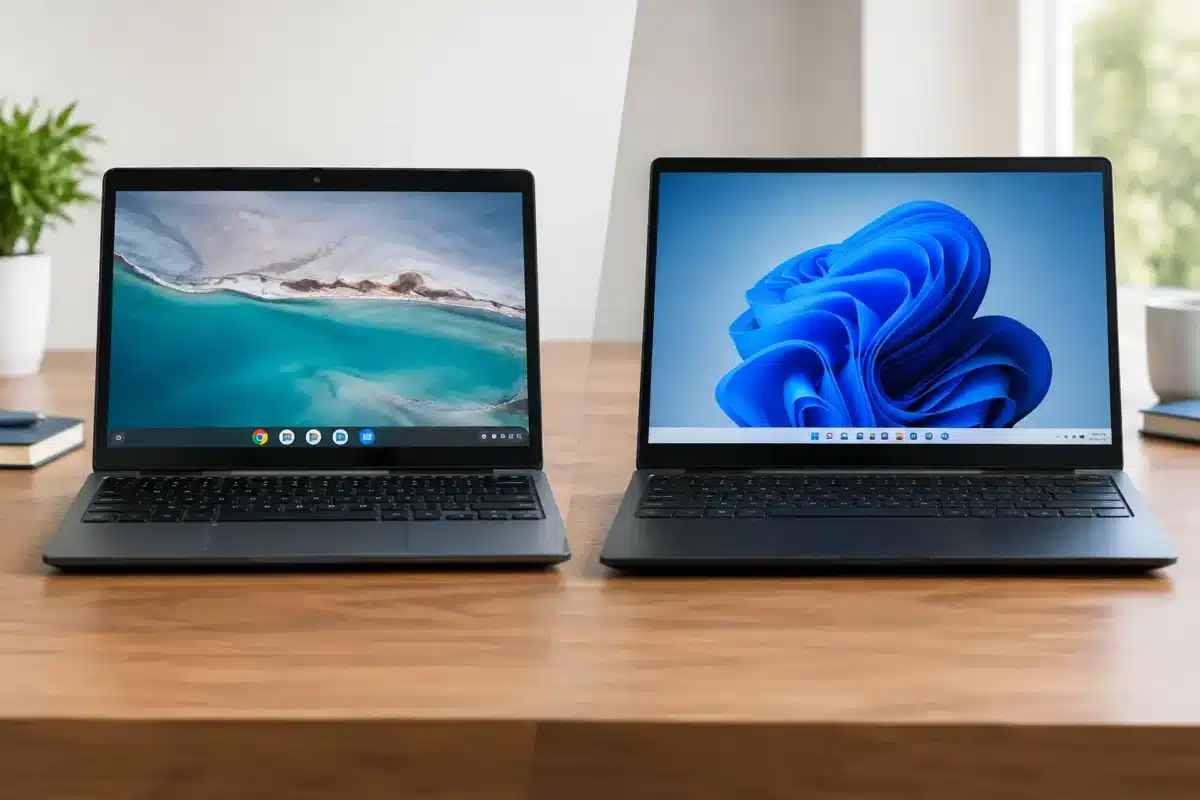
A low-priced laptop is only good value when it handles the work you actually need done. In the Chromebook versus Windows laptop decision, the biggest difference is not the logo on the lid. It is whether the device suits your software, internet access, files and day-to-day workload.
For a student writing assignments in Google Docs, a Chromebook can be a straightforward, affordable choice. For an office worker using specialist accounting software, several monitors or complex Excel files, a Windows laptop will usually be the safer option. Both can be dependable machines when matched to the right job.
Chromebook versus Windows laptop: the core difference
A Chromebook runs ChromeOS, an operating system built around the Chrome browser, cloud storage and web-based apps. It starts quickly, is simple to manage and generally works best when connected to the internet. Many tasks happen through Google Workspace, browser tabs and Android apps.
A Windows laptop runs Microsoft Windows and supports a far wider range of installed desktop programmes. That includes Microsoft 365 desktop apps, accounting packages, design tools, engineering software, business databases and older applications that may still be essential in a workplace. Windows also gives users more control over files, peripherals and settings.
That does not make one automatically better. ChromeOS is intentionally simpler, which is a real advantage for younger students, shared household devices and organisations that want less hands-on support. Windows is more flexible, but that flexibility brings more choices to manage.
| Buying factor | Chromebook | Windows laptop | |—|—|—| | Best suited to | Browsing, Google Workspace, online learning and everyday tasks | Work, study, specialist software and broader business use | | Software | Web apps and Android apps | Full desktop applications and web apps | | Offline work | Possible, but more limited | Stronger for offline files and installed programmes | | Hardware options | Often lower-spec, lightweight devices | Wider choice of processors, RAM, storage and ports | | Management | Simple for schools and shared users | Better for complex office and business requirements |
When a Chromebook makes the most sense
Chromebooks are popular for a reason. They are easy to use, usually have good battery life and can offer a very practical way to get online, complete schoolwork and manage basic documents without paying for power that will never be used.
For school BYOD, ChromeOS can be a sensible fit where the school uses Google Classroom, Google Drive and browser-based learning platforms. Students can research, write, submit work and join video lessons with little setup. A Chromebook is also less intimidating for parents who want a device focused on learning rather than a complicated family PC.
A Chromebook can work well for light home use too. Email, internet banking, streaming, social media, online forms and video calls are all comfortably within its range. A refurbished business-grade Chromebook can be a particularly sensible option for a second household device or a staff member whose role is mostly browser-based.
Security is another selling point. ChromeOS updates automatically and uses a restricted operating environment, reducing the chance that a casual user will install the wrong programme or change critical settings. For a shared fleet, that simplicity can save time.
There are limits, though. Before buying, check the Chromebook’s Auto Update Expiry date. ChromeOS devices receive operating system and security updates only until their supported update date. A cheap Chromebook close to expiry may still turn on and browse, but it is not the smart long-term purchase for a student or organisation.
Why a Windows laptop remains the practical all-rounder
A Windows laptop is usually the better choice when the buyer needs certainty. It can run browser tools like Google Workspace, but it also supports the familiar software many workplaces, tertiary providers and trades rely on.
Microsoft Word, Excel, Outlook and PowerPoint have web versions, yet the installed desktop versions remain more capable for advanced formatting, large spreadsheets, offline access and shared business workflows. If a course requires a particular programme, or a workplace uses a programme supplied by an industry provider, Windows avoids the awkward question of whether there is a compatible web version.
Windows is also more forgiving when internet access is unreliable. You can work on local files, use installed apps and transfer documents via USB without building your whole routine around a browser connection. That matters for mobile workers, rural households and anyone who travels between sites.
For small businesses, a professionally refurbished ex-lease Windows laptop often delivers stronger value than an entry-level new consumer model. Enterprise lines from Dell, HP and Lenovo are built for regular use, usually offer better keyboards and ports, and are designed to be serviced in a business environment. A machine with an SSD, sufficient RAM and Windows 11 support can provide years of capable work at a sensible price.
Software should decide the purchase
The quickest way to make the right call is to start with the programmes required, rather than the price tag. Write down what the user needs to do in a normal week. That may include Word and Excel, Xero, MYOB, Adobe software, a school portal, Zoom or Teams, printing, scanning, remote desktop access and external monitors.
If every essential task runs well in Chrome and the user is comfortable storing files in the cloud, a Chromebook is likely enough. Do not assume, however, that an Android app is a full replacement for a Windows application. It may have fewer features, work differently with files or be difficult to use on a larger project.
Windows is the safer purchase for people who use specialist software, deal with large documents, work with local files or need a device that can adapt as their needs change. It is particularly worth choosing Windows for senior students, tertiary study, administration roles and businesses buying equipment for several different staff members.
Performance, storage and ports matter more than the badge
A Chromebook can feel very quick with modest hardware because ChromeOS is lightweight. For web browsing, documents and video calls, an Intel Celeron or similar processor paired with 4GB or 8GB of RAM can be adequate. However, numerous open tabs, video meetings and Android apps can still slow a basic model down.
Windows needs more headroom. For dependable everyday use, look for an SSD rather than an older hard drive, at least 8GB of RAM, and a modern Intel Core i5 or equivalent processor where the budget allows. These specifications are not about chasing benchmark scores. They help keep a laptop responsive when Outlook, spreadsheets, browser tabs and a video call are all open at once.
Storage is another practical difference. Chromebooks commonly have smaller internal storage because they are designed around cloud files. That is fine until the user needs to keep large folders of photos, downloaded training videos or offline documents. Windows laptops typically offer more storage options and make external drives easier to use as part of a normal workflow.
Ports deserve a close look as well. A USB-C port may support charging, displays and accessories, but capabilities vary by model. If you need two external monitors, wired network access, a presentation screen or a docking station, check the exact ports and display support before purchasing. Windows business laptops are generally the easier fit for a desk-based dual-monitor setup.
Refurbished value: compare condition and specification fairly
Comparing a new Chromebook with a refurbished Windows laptop purely by sticker price can be misleading. The Chromebook may cost less upfront, while the refurbished Windows device may provide more memory, storage, ports and operating system flexibility for a modest increase.
Condition and preparation matter. A professionally refurbished device should be tested, cleaned, assessed for battery and hardware function, and supplied with clear information about its specifications and cosmetic condition. For business or school buyers, consistency across a small fleet can be just as valuable as the individual unit price.
Windows 11 readiness should also be checked on any Windows purchase. A supported device gives buyers a clearer path for security updates and avoids investing in hardware that is already nearing the end of its useful software life. NZ Laptop Wholesale focuses on quality refurbished business hardware because a proven enterprise laptop is often the more practical answer to a tight budget.
Choose for the next two years, not just this term
A Chromebook is a strong choice when the work is online, simple and well defined. It suits younger students, shared household use, browser-first staff and buyers who want an easy device with minimal fuss. Just confirm the update support date and make sure the required apps genuinely work in ChromeOS.
Choose a Windows laptop when software compatibility, offline work, file management, peripherals or future flexibility are part of the picture. It may cost a little more than a basic Chromebook, but the extra capability can prevent an early replacement.
The best device is the one that lets its user get started each morning without workarounds. Match the laptop to the software, workload and expected lifespan, and value becomes much easier to see.


