NZ Laptop Wholesale Buying Advice

Desktop Buying Guides & Advice

Choose a desktop that suits your work, fits your space and
connects to the equipment you already own. Our practical
guides explain refurbished computers, desktop sizes,
all-in-ones, specifications and the details to check
before buying.

  • Practical Buying Advice
  • Refurbished & Ex-Lease IT
  • NZ-Wide Delivery
  • Real Local Support

A Better Desktop Starts With the Right Fit

Choosing a desktop can quickly become a list of questions:
mini PC or tower, i5 or i7, 8GB or 16GB RAM,
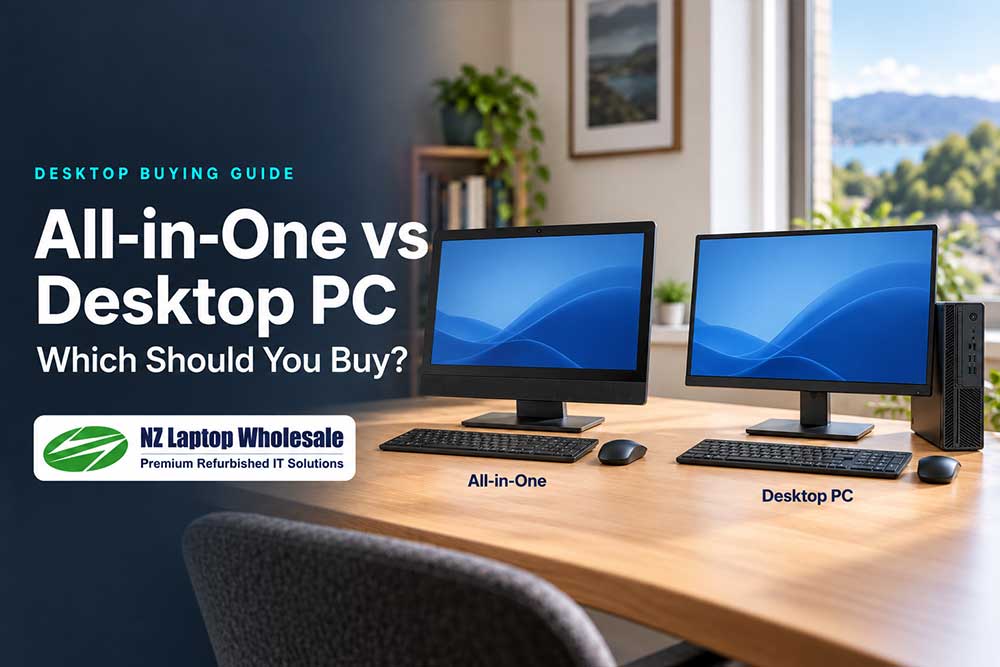
separate monitor or all-in-one?

Start with the applications you use, the space available
and the equipment you want to connect. Then compare
the features that will make a practical difference.

These guides help New Zealand home users, students and
businesses choose a suitable computer without paying
extra for specifications they do not need.

Start Here

Our Essential Desktop Buying Guides

Start with the question you are trying to answer.
You do not need to read these guides in order.

The Short Version

Not Sure Where to Start?

Use these as starting points, then check the individual model.

Home & Study

A suitably recent i5-class processor, 8GB RAM and
a 256GB SSD can suit lighter everyday use.
Match the specifications to your applications.


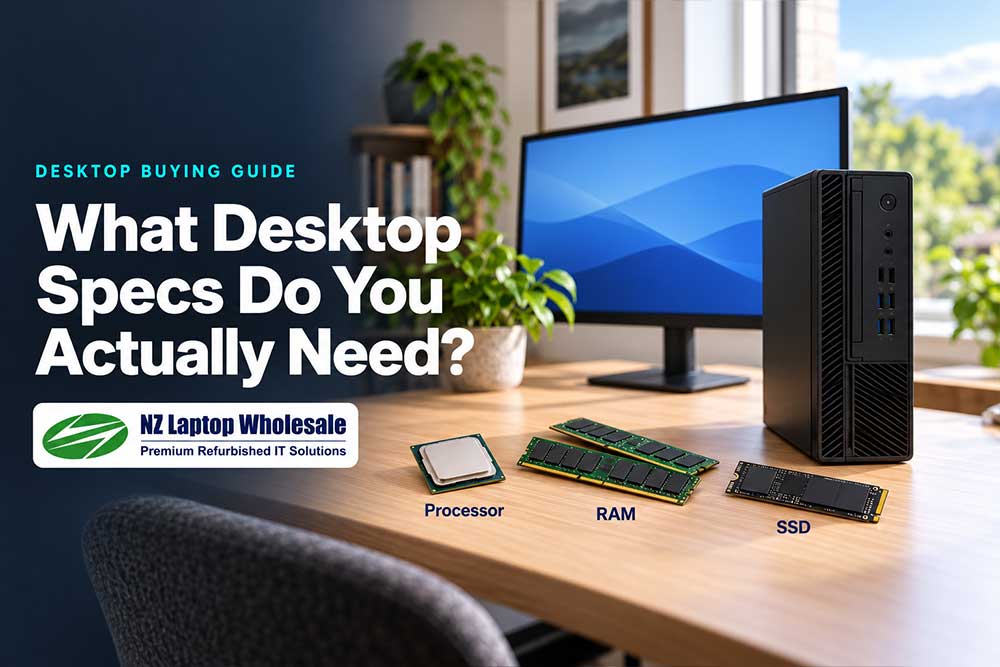
Choose suitable specs

Business & Office

Prioritise your software requirements and screen
setup. Consider 16GB RAM if you regularly work
across several applications.


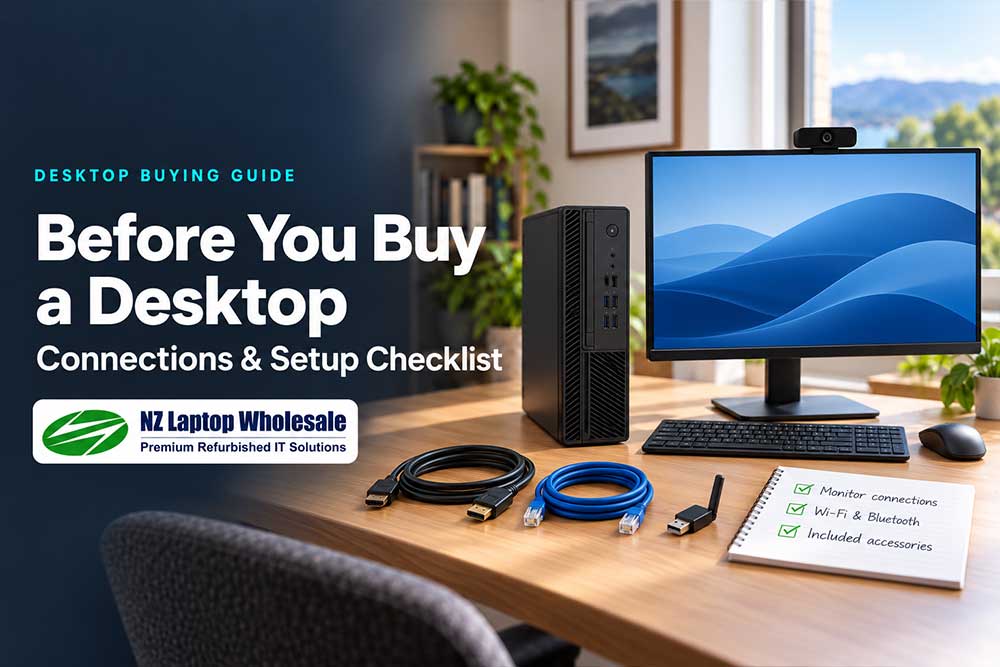
Check your office setup

Limited Desk Space

Consider a mini PC with a separate monitor or
an all-in-one. Check placement, connections
and ventilation before choosing.


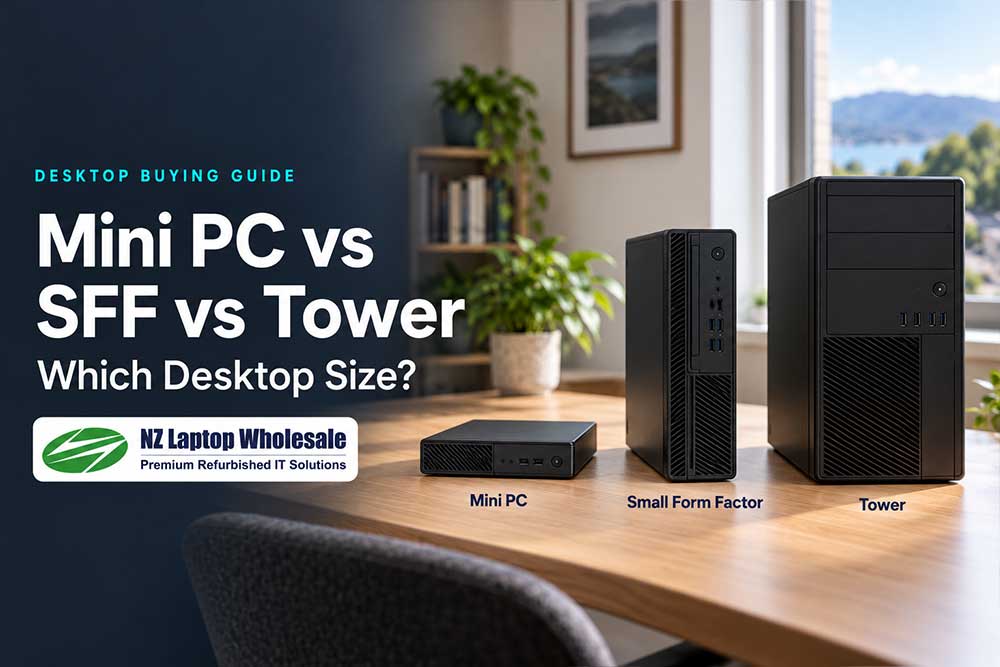
Compare desktop sizes

Specialist Work

Start with your software or game requirements.
Check the exact processor, graphics, memory
and expansion support you need.


Understand your requirements

How We Look at Desktops

Buy for Your Setup, Not Just the Specification Sheet

A higher processor badge does not tell the whole story.
Extra RAM helps when your work needs it. A larger SSD
is worthwhile when you have more files to store.

Connections and accessories matter too. The right
computer should work with your screens, connect
to your network and fit comfortably into your workspace.

For refurbished equipment, check the condition,
included items and support alongside the specifications.

Ready to Browse?

Browse by Desktop Type

Once you know which format suits you, explore the
current range and compare individual specifications,
condition and included accessories.

Availability varies.
View all refurbished desktops
to compare the full current range.

Complete Your Setup

Choosing a Screen or Considering a Laptop?

Explore related advice or browse the current desktop
range once you know what you need.

Still Not Sure?

Tell Us What You Need the Computer to Do.

Share your main applications, the equipment you already
have and roughly what you want to spend. We can help
narrow down suitable desktops and check your connections
before you order.