











General
Best Compact PCs 2026 for Work, Study and Home
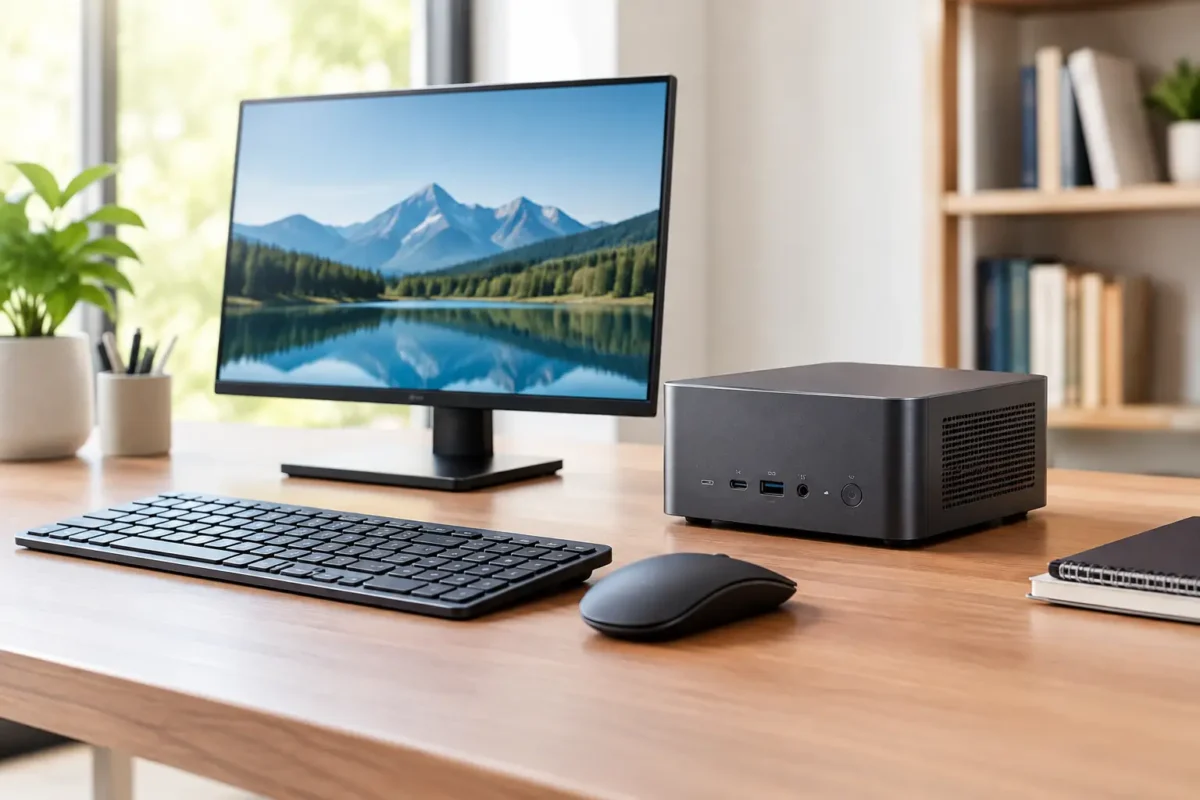
A full-sized desktop tower still makes sense for specialist graphics work, engineering software or a serious gaming build. For most desks, though, it is more computer than people need. The best compact PCs 2026 deliver dependable Windows performance in a unit small enough to sit beside a monitor, mount behind a screen or tuck out of sight.
For New Zealand homes, schools and small businesses, professionally refurbished business mini PCs are often the sensible place to start. They were designed for years of office use, use proven enterprise components, and usually offer much better value than a new consumer mini PC with similar everyday performance.
What makes a compact PC worth buying?
Compact PCs come in several shapes. Mini PCs and business micro desktops are the smallest common option, while small form factor desktops are a little larger but may provide more ports and room for upgrades. The right choice depends less on the case size than on what you need it to do every day.
For email, web browsing, Microsoft 365, Xero, video calls, online learning and light business software, a refurbished business-grade mini PC with an Intel Core i5 processor, 8GB of RAM and an SSD is usually a strong baseline. If you regularly have large spreadsheets, many browser tabs, multiple users or two monitors in use, 16GB of RAM is a better fit.
Storage matters too. A 256GB SSD is practical for standard office work when files live in OneDrive, Google Drive or a company server. Choose 512GB or more if the PC will hold local photos, documents, accounting files or larger application installs. An SSD is not a luxury upgrade – it is the component that most noticeably improves start-up and everyday responsiveness compared with an older hard drive.
Windows 11 readiness is not optional
A cheap compact desktop can become poor value if it cannot run the operating system you need. For a longer useful life, prioritise systems that are Windows 11 ready, with a supported processor and TPM 2.0 capability. Many later-generation Dell OptiPlex Micro, HP EliteDesk Mini and Lenovo ThinkCentre Tiny models meet this requirement, but check the exact processor in the individual machine rather than relying on the product family name alone.
Best compact PCs 2026: the business-grade shortlist
Rather than chasing the newest release, look for a compact desktop with the right mix of processor generation, memory, storage and ports. These enterprise families have earned their place because they are common in business fleets, designed to be serviced, and well suited to refurbished use.
Dell OptiPlex Micro for straightforward office setups
Dell OptiPlex Micro desktops are a dependable choice for reception desks, home offices, point-of-sale systems and general administration. Their compact cases are easy to position, and many configurations support dual displays through DisplayPort connections. That makes them especially useful where a single laptop screen is slowing down work with invoices, email and browser-based systems.
A Core i5 configuration from a Windows 11-supported generation, paired with 8GB or 16GB of RAM and an SSD, will comfortably handle mainstream office tasks. Check display outputs before buying, particularly if your monitors use HDMI. A suitable adapter may be needed, which is simple enough, but worth allowing for at the outset.
HP EliteDesk Mini for tidy, reliable workstations
HP EliteDesk Mini systems are built for commercial environments where desk space and reliability both matter. They suit staff workstations, school administration, remote workers and shared family PCs. Their small footprint is useful in compact study areas, and many models can be mounted behind a compatible monitor for a cleaner desk.
The trade-off is expansion. A mini desktop is not the right machine if you plan to install a large graphics card or several internal drives. But for a quiet, efficient PC running office applications, cloud tools and video meetings, an EliteDesk Mini is often all the hardware required.
Lenovo ThinkCentre Tiny for fleets and flexible desks
Lenovo ThinkCentre Tiny models are popular with organisations for good reason. They are compact, practical and commonly available in configurations that suit standard business use. For a school office, small business rollout or replacement of ageing desktops, buying matching units can simplify setup, accessories and future support.
Look for enough USB ports for your keyboard, mouse, webcam and any other desk equipment. If staff use wired network connections, confirm the unit includes Ethernet. Wi-Fi is convenient, but a wired connection is often the better option for fixed workstations handling video calls or shared files.
Intel NUC for specialised small-space needs
Intel NUC systems can be a good option where very small size is the priority, such as behind a display, in a meeting room or as a compact media and signage PC. Specifications vary widely between generations, so they need closer comparison than the larger business desktop families.
A NUC can be excellent for a particular job, but it is not automatically the best-value option. Some units have limited upgrade access, unusual power supplies or fewer ports. For a standard office desktop, a refurbished Dell, HP or Lenovo business micro PC can be easier to match, maintain and replace.
Choose specifications by the job, not the marketing
The most expensive compact PC is not necessarily the best compact PC for your desk. A student writing assignments and joining online classes does not need the same configuration as an accounts team working across two displays all day.
For basic home and study use, a Core i5, 8GB RAM and 256GB SSD is a sensible starting point. For office productivity, remote work and dual monitors, aim for a Core i5 with 16GB RAM and a 256GB or 512GB SSD. For heavier multitasking, database work, large spreadsheets or light creative applications, a newer-generation Core i7 or a well-specced Core i5 with 16GB to 32GB RAM may be worthwhile.
Integrated graphics are sufficient for office displays, streaming and casual use. They are not intended for modern high-end gaming, advanced 3D modelling or professional video production. If those jobs are on the list, consider a larger desktop with a dedicated graphics card instead of forcing a tiny system into a role it was never designed to fill.
Refurbished versus new compact PCs
New mini PCs can look attractive on price, especially when advertised with a recent processor name. The specification behind that name matters. Entry-level consumer chips, limited memory, small storage and short warranty coverage can reduce the apparent saving very quickly.
Refurbished ex-lease hardware takes a different approach. It starts with an enterprise machine that was built for business use, then is professionally tested and prepared for its next owner. You can compare clear specifications and choose the configuration that suits your budget, rather than paying for features you will not use.
Condition should be considered honestly. Refurbished equipment may have minor cosmetic marks from normal commercial use, but those marks do not affect performance. What matters is that the machine has been tested, has a functioning SSD and ports, includes the required operating system, and comes with clear warranty information. For buyers replacing several PCs, consistent models and specifications are usually more valuable than chasing the absolute lowest price on each individual unit.
Do not overlook monitors and accessories
A compact PC saves space, but the monitor setup often has a bigger effect on daily comfort and productivity. Two 22-inch or 24-inch displays can make a major difference for accounts work, customer service, research and remote administration. Check whether your chosen PC supports the resolution and connections of both monitors before ordering.
Also account for a keyboard, mouse, webcam, Wi-Fi capability where needed, and the correct video cables or adapters. These small details prevent a new workstation arriving with one missing piece. NZ Laptop Wholesale customers often find that matching a refurbished business mini PC with tested monitors and the right accessories creates a complete setup for less than the price of a new all-in-one desktop.
A practical buying checklist
Before choosing, confirm the processor is suitable for Windows 11, the RAM matches the workload, and the SSD capacity suits how files are stored. Check the number and type of display outputs, whether Ethernet and Wi-Fi are required, and if there is a warranty that gives you confidence after purchase. For a business purchase, also consider whether the same model can be used across several desks.
The best compact PC is the one that disappears into the background and gets on with the job. Choose proven business hardware with the right specifications, leave room in the budget for a good monitor setup, and you will have a tidy workstation that remains useful well beyond its first week on the desk.


