









General
How to Buy a Refurbished Computer Online in NZ
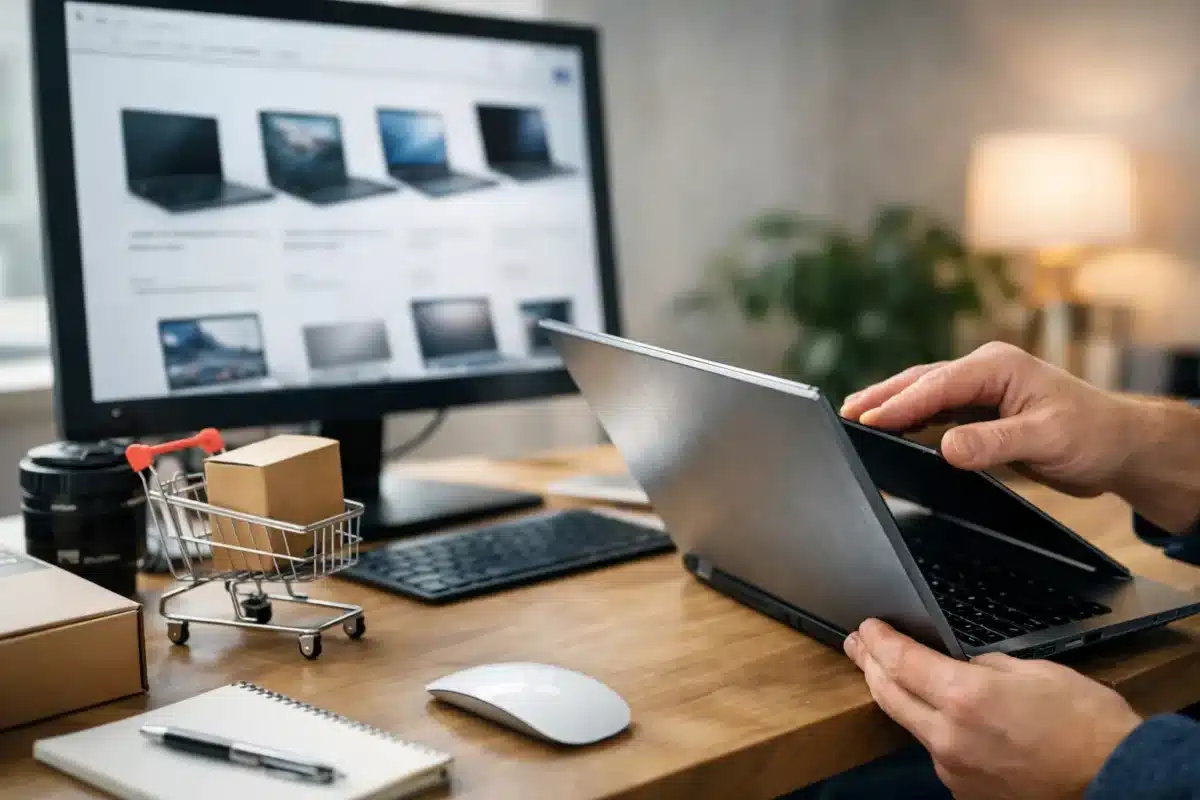
A cheap computer is only good value if it can handle the work you need it to do next week, next term and next year. When you buy refurbished computer online, the real advantage is not simply a lower price. It is the chance to get proven business-grade hardware, properly prepared and backed by clear specifications, without paying the premium for a brand-new machine.
For New Zealand households, students and small businesses, refurbished equipment can make a practical replacement, a fleet upgrade or a better home-office setup possible sooner. The key is buying for the job, not getting distracted by a low price or a long list of features you will never use.
Start with the work the computer needs to do
Before comparing models, be clear about the daily workload. A Year 9 student writing assignments and joining video classes has different needs from an accountant running large spreadsheets on two monitors. Likewise, a remote worker who lives in browser tabs may need more memory than someone mainly checking email and preparing documents.
For everyday study, web browsing, Microsoft Office and video calls, a business laptop with an Intel Core i5 processor, 8GB of RAM and an SSD is generally a sensible starting point. An SSD matters because it makes booting, opening programs and general use feel much quicker than an older mechanical hard drive.
For office staff, look for at least 8GB of RAM, with 16GB a better choice where several programs, browser tabs and video meetings run at once. A compact desktop can deliver strong value for a fixed workspace, particularly when paired with a proper monitor, keyboard and mouse. If portability matters, a 13-inch or 14-inch business laptop is often the practical middle ground between screen space and carrying weight.
More demanding work changes the equation. Basic photo editing, large Excel files, development work and heavier multitasking benefit from a newer processor and 16GB of RAM. Gaming, 3D design and professional video production are specialist requirements. A standard ex-lease office computer may not be the right fit unless it has the graphics hardware those tasks require.
Why ex-lease business hardware is worth considering
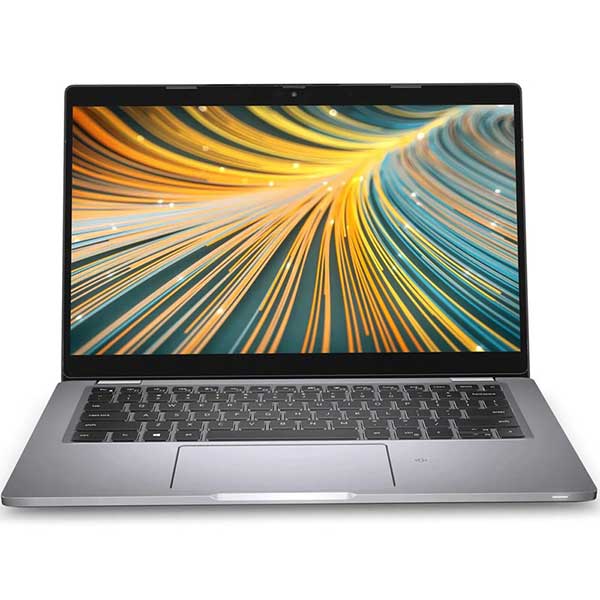
Business laptops and desktops are built for years of regular workplace use. Dell Latitude, HP EliteBook and ProBook, Lenovo ThinkPad and ThinkCentre systems are designed around practical features such as durable chassis, accessible ports, stable keyboards and docking support. They are not automatically better at every task than a new consumer model, but they are often a stronger long-term option at the same budget.
Ex-lease means the device was previously used by an organisation under a leasing arrangement, then returned at the end of that term. A professional refurbisher assesses it, tests key functions, cleans it and prepares it for resale. Cosmetic marks can remain, depending on the condition grade, but the focus should be on reliable operation and transparent disclosure.
This is where the difference between refurbished and merely used matters. A private listing may offer a low price, but it can be difficult to verify battery health, charger quality, operating system legitimacy, storage condition or whether every port has been tested. A professionally refurbished computer should clearly state its specifications, condition and warranty terms, so you know what is being supplied.
Check the specification, not just the model name
Two laptops with the same product name can have very different processors, memory, storage and screen quality. Read the individual listing rather than assuming every model in a range is identical.
Processor generation and Windows 11 readiness
The processor affects day-to-day responsiveness and software compatibility. For buyers who want a system that will remain useful for several years, Windows 11 readiness is an important filter. Not every older Intel Core i5 is supported, even though it may still run basic tasks well.
If Windows 11 compatibility matters for school, business security policies or future support, confirm that it is stated in the listing. Do not rely on the processor label alone. A clear listing should identify the processor generation or state Windows 11 readiness directly.
RAM and storage
Memory and storage are often the biggest practical differences between similar devices. For a basic machine, 8GB RAM and a 256GB SSD provide a comfortable baseline. A 128GB drive can work for cloud-first users, but it fills quickly once software, downloads and photos start accumulating.
For business users or families sharing files locally, 16GB RAM and 512GB storage can be worthwhile. It depends on the budget and workload. Paying more for memory is usually sensible when it prevents slowdowns, while paying for excess storage may not be necessary if most files are stored in the cloud.
Screen, ports and connections
A sharp Full HD screen is easier on the eyes for long documents, spreadsheets and online learning than a lower-resolution panel. Screen size is personal: 14 inches suits travel, while 15.6 inches gives more working room. For an office desk, a separate monitor often improves productivity more than choosing a larger laptop.
Check for the ports you actually need. USB-C, HDMI, DisplayPort, Ethernet, USB-A and a headphone jack all affect how easily the computer fits into an existing setup. For dual-monitor work, check whether the laptop supports a suitable dock or whether the desktop has the right display outputs. This avoids buying adapters after the fact and discovering they will not support the resolution you need.
Read condition notes with realistic expectations
Refurbished does not always mean cosmetically perfect. It means the device has been professionally prepared for its next use. Light scuffs, small marks or signs of previous handling are common on ex-lease equipment and are often the trade-off for getting a higher-quality business model at a lower price.
Condition grading should be easy to understand. Look for notes on the case, screen, keyboard, battery and included charger. A device intended for a student’s school bag may be a great candidate for a value-grade unit. A customer-facing office, gift purchase or presentation-heavy role may justify paying extra for better cosmetic condition.
Battery expectations deserve particular attention with laptops. Batteries are consumable parts, and run time varies with age, screen brightness, applications and Wi-Fi use. Refurbished laptops should be tested, but they will not always deliver the same battery life as a new device. If all-day use away from a power point is essential, ask about the battery policy or consider a newer model.
Buy from a seller that stands behind the equipment
When buying online, clear information is part of the product. A trustworthy refurbished IT retailer provides specific hardware details, condition information, warranty coverage and freight terms before checkout. That gives you a practical path forward if the device is not as described or develops a fault covered by the warranty.
For organisations, this matters even more. Consistent models and specifications make setup, support and replacement easier. A school may need devices that meet BYOD requirements. A small business may need matching desktops, docks and monitors for a new staff member. Choosing a specialist that understands business-grade equipment is often more useful than searching general second-hand listings one computer at a time.
NZ Laptop Wholesale focuses on professionally refurbished commercial hardware, which is particularly useful when you need a laptop, monitor and docking solution to work together rather than treating each item as a separate purchase.
Do not overlook the complete workspace
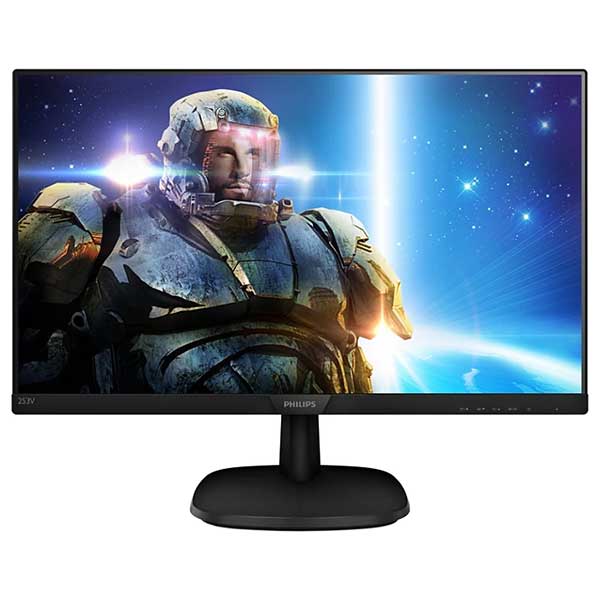
The computer itself is only one part of a productive setup. A reliable charger, compatible dock and correctly sized monitor can have a bigger impact on comfort than a minor processor upgrade. For desk-based roles, two matched monitors can make email, accounting software and documents easier to manage without constantly switching windows.
If you are purchasing for a home office, check the available desk space and the connections on your existing monitor before ordering. If you are equipping staff, standardising on a few suitable models makes accessories, deployment and support simpler. Compact business desktops are also worth considering when portability is not required. They can offer excellent performance per dollar and keep the workspace tidy.
A better purchase is one that fits
The best refurbished computer is not necessarily the newest model or the lowest-priced listing. It is the machine with enough performance for the work, the right connections for the workspace, an honest condition description and warranty support you can rely on. Take a few minutes to compare the full specification and you can buy with confidence, knowing the savings have not come at the cost of everyday usability.


