










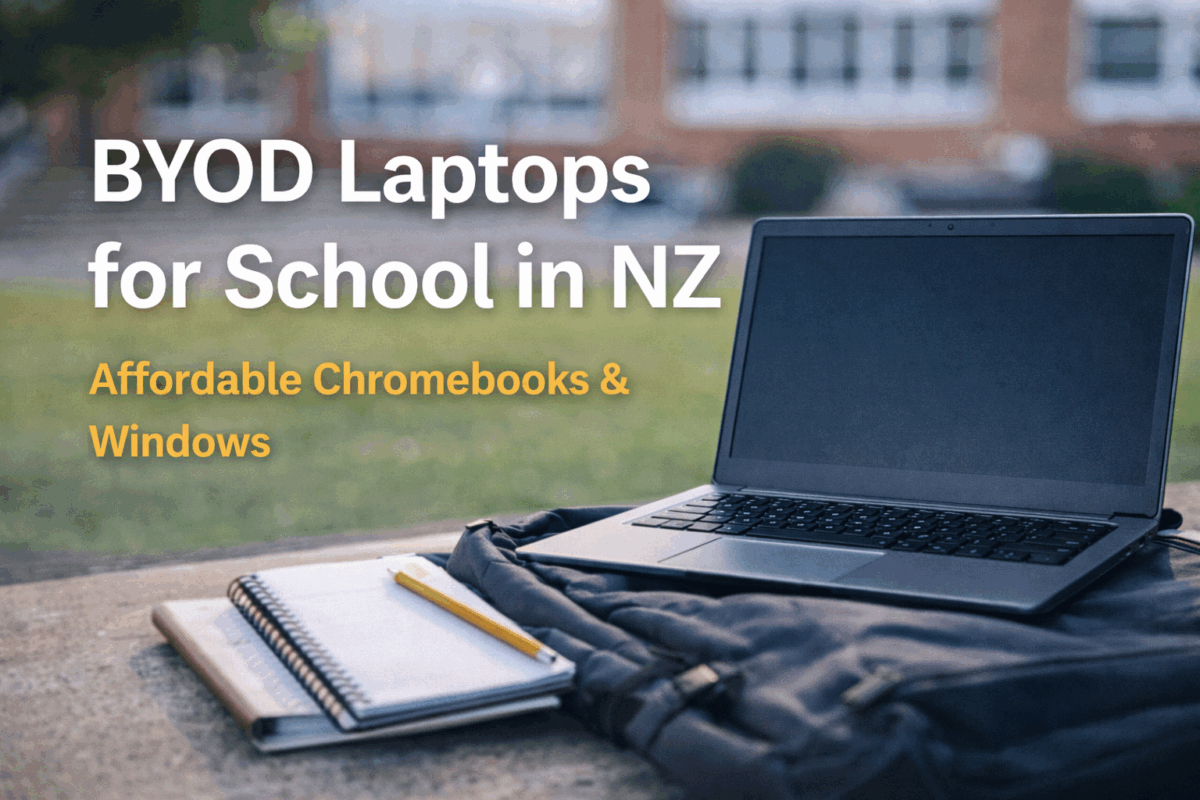
BYOD Laptops for School in NZ
BYOD (Bring Your Own Device) is now standard for many New Zealand schools. The challenge is finding a device that meets school requirements without overspending. At NZ Laptop Wholesale, we focus on affordable, school-friendly options — especially Chromebooks under $200 and Windows Laptops Under $500.
We’re based in Auckland for easy collection, and we also ship nationwide with secure packaging — so families anywhere in NZ can access great-value BYOD devices.
Start with your school BYOD requirements
Before you buy, check your school’s BYOD list (or newsletter) and confirm the basics. A quick 2-minute check can save you from buying the wrong device.
- Device type: Chromebook or Windows laptop
- Screen size: commonly 11.6"–14" for portability
- Wi-Fi: most schools work best with Wi-Fi 5 or newer
- Apps: Google Classroom / Docs, Microsoft 365, printing tools, and school portals
- Battery expectations: varies by school and usage (screen brightness makes a big difference)
If you’re unsure, send us your school requirements and we’ll help point you in the right direction.
What device is right for my child?
Chromebooks (Best value for most BYOD programs)
Chromebooks are a popular choice in NZ schools because they’re simple, fast to start, and designed for web-based learning. If your school uses Google Workspace (Docs, Classroom, Drive), a Chromebook is often the easiest and most affordable option.
- Great for Google Classroom, Docs, web research, and assignments
- Easy for students to learn
- Excellent value (especially under $200)
Browse our Chromebooks and student laptops
Windows Laptops (More flexibility for senior students)
If your school requires Windows software or your child needs more flexibility at home, a Windows laptop is often the better long-term pick. This is especially common for high school and older students.
- Runs full desktop software (including many school tools)
- Better for multitasking and heavier workloads
- Strong value when buying refurbished under $500
The four pillars of a great BYOD device
1) Durability
School bags, daily commuting, and busy classrooms are tough on devices. A solid build matters — especially for budget buyers who need a device to last.
2) Portability
If it’s too heavy or too big, students stop carrying it. For most students, a lightweight 11.6"–14" device is ideal.
3) Cost (without buying twice)
The cheapest laptop isn’t always the best value. A slow device can be frustrating, and some ultra-budget models struggle with updates. Refurbished and ex-lease devices often deliver better real-world performance for the price.
4) Performance
For smooth school use, aim for practical specs that won’t bog down under multiple browser tabs and assignments.
- Chromebooks: ideal for web-based learning and Google tools
- Windows laptops: 8GB RAM and an SSD is a great baseline for everyday school + home use
Choosing a BYOD device by education level
Primary School
Keep it simple and durable. Chromebooks are often ideal for primary BYOD programs, especially if the school is Google-based.
Intermediate
Students start doing more research, writing, and online learning. A Chromebook is still a great fit for many schools, while Windows can be useful if the school uses mixed tools.
High School / College
Senior students often need more flexibility. If the school recommends Windows (or your child is doing more demanding subjects), a refurbished Windows laptop under $500 is a strong value choice.
University / Tertiary
Performance and comfort matter most. Many students pair a laptop with a monitor at home later — but the laptop should handle multitasking reliably from day one.
Why buying refurbished makes sense for BYOD
Buying refurbished isn’t the same as buying random second-hand. A properly prepared device gives families a smarter balance of price and reliability — especially when you’re trying to stay within a school budget.
At NZ Laptop Wholesale, our devices are cleaned, tested, and set up ready for the next user — making them a practical option for school BYOD.
Simple tips to make BYOD easier
- Set up the student login on day one (Google or Microsoft depending on the school)
- Bookmark key school sites and learning portals
- Turn on automatic updates
- Encourage weekly restarts for smoother performance
BYOD laptops for school in NZ: FAQs
Are Chromebooks good for school BYOD?
Yes — especially if your school uses Google Classroom and web-based tools. They’re affordable, simple, and ideal for everyday schoolwork.
What’s better for school: Chromebook or Windows laptop?
It depends on the school requirements. Chromebooks are great for Google-based learning, while Windows laptops offer more flexibility and are often better for senior students.
What price should I expect for a school BYOD device?
Many families choose Chromebooks under $200 for affordability, or Windows laptops under $500 for extra flexibility and performance.
Do you offer Auckland pickup and NZ-wide shipping?
Yes. You can collect from our Auckland location, or we can deliver nationwide with secure packaging.
Shop BYOD devices
Whether you’re buying for primary, intermediate, or high school, we can help you find a device that fits your school requirements and your budget.


