









Buying Advice, FAQs, Guides
Chromebook vs Windows Laptop: What’s the Difference (Parent-Friendly NZ Guide)

If you’re buying a laptop for school, you’ll usually be choosing between a Chromebook (Chrome OS) and a Windows laptop. One of the most common questions we get from parents is:
“What version of Windows does a Chromebook run?”
Here’s the clear answer: a Chromebook does not run Windows. It runs Chrome OS (made by Google). Chromebooks are designed mainly for web-based learning (Google Classroom, Docs, Drive), while Windows laptops run full desktop programs and offer more flexibility for senior students and home use.
Quick answer: Which should I choose?
- Choose a Chromebook if your school uses Google Classroom and you want the simplest, best-value BYOD option.
- Choose a Windows 11 laptop if your child needs Microsoft apps, specialist software, or you want more flexibility long-term.
Browse our ranges:
Chromebooks |
Windows 11 Laptops |
12" Laptops (compact & portable)
What is a Chromebook (Chrome OS)?
A Chromebook is a laptop that runs Chrome OS. It’s built around the Chrome browser and Google apps. Most schoolwork happens online, which is why Chromebooks are so popular for BYOD.
Chromebooks are great for:
- Google Classroom, Google Docs, Drive, Gmail
- Web research and online learning
- Simple, reliable school use
- Parents who want a device that’s easy to use and hard to “mess up”
Things to know:
- Chromebooks typically use web apps rather than traditional Windows programs.
- Some applications (especially older Windows-only software) won’t run on Chrome OS.
- They’re often very good value for money for school learning.
What is a Windows Laptop?
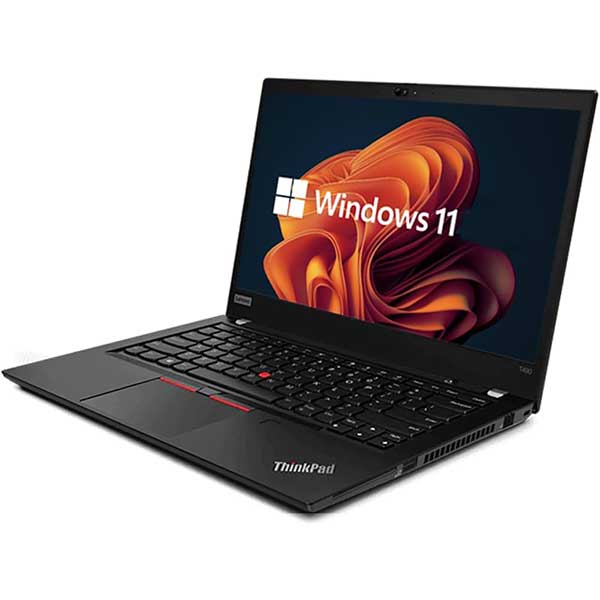
A Windows laptop runs Microsoft Windows (for school BYOD today, we recommend Windows 11 where possible). Windows laptops are more flexible for a wide range of programs, especially for older students.
Windows laptops are great for:
- Microsoft Office apps and desktop software
- Senior subjects that may require specialist tools
- More multitasking and “do everything” home use
- Students who want a device that can grow with them
Chromebook vs Windows: side-by-side comparison
| Feature | Chromebook (Chrome OS) | Windows Laptop |
|---|---|---|
| Operating System | Chrome OS (Google) | Windows (commonly Windows 11) |
| Best for | Google Classroom + web-based learning | Full desktop apps + broader flexibility |
| Ease of use | Very simple (great for BYOD) | More options (slightly more to manage) |
| Apps | Web apps + some Android apps (model dependent) | Desktop software + web apps |
| Common parent question | Does not run Windows | Runs Windows (e.g., Windows 11) |
So… does a Chromebook run Windows?
No. A Chromebook runs Chrome OS, not Windows.
If your child needs Windows-only software (or the school specifically requires Windows), then a Windows 11 laptop is the safer pick.
If the school uses Google Classroom and browser-based learning, a Chromebook is often the simplest and best-value choice.
What about portability for school?
For daily school carry, lighter is better. Many families choose compact devices because they’re easier for students to carry between classes.
- 11.6"–12" is great for portability
- 13"–14" is a nice balance of comfort and carry
- 15.6" is more “home + desk” friendly (but heavier for school)
Why buy refurbished for school BYOD?
School devices get used hard. Refurbished and ex-lease devices can be a smart way to get better value — especially when you’re buying on a budget and still want something reliable for learning.
At NZ Laptop Wholesale, we focus on affordable, school-friendly devices and help parents choose the right option based on the school’s requirements and the student’s year level.
Shop BYOD-ready devices
Shop Chromebooks
Shop Windows 11 Laptops
Shop compact 12" laptops
If you’re unsure which one your school expects, send us the BYOD list and we’ll help you choose.


