








Tech-Info
What is a Docking Station, and why do i need one?
Why a Laptop Docking Station Is a Game-Changer for Your Desk Setup
If you’re working from home, studying, or spending long hours at a desk, a laptop docking station can quietly transform the way you work. Instead of constantly plugging and unplugging cables, a docking station lets you connect your laptop to all your essentials — monitor, keyboard, mouse, speakers, network, and more — with a single connection.
In other words: one plug in, and your whole workspace is ready.
What Is a Docking Station?
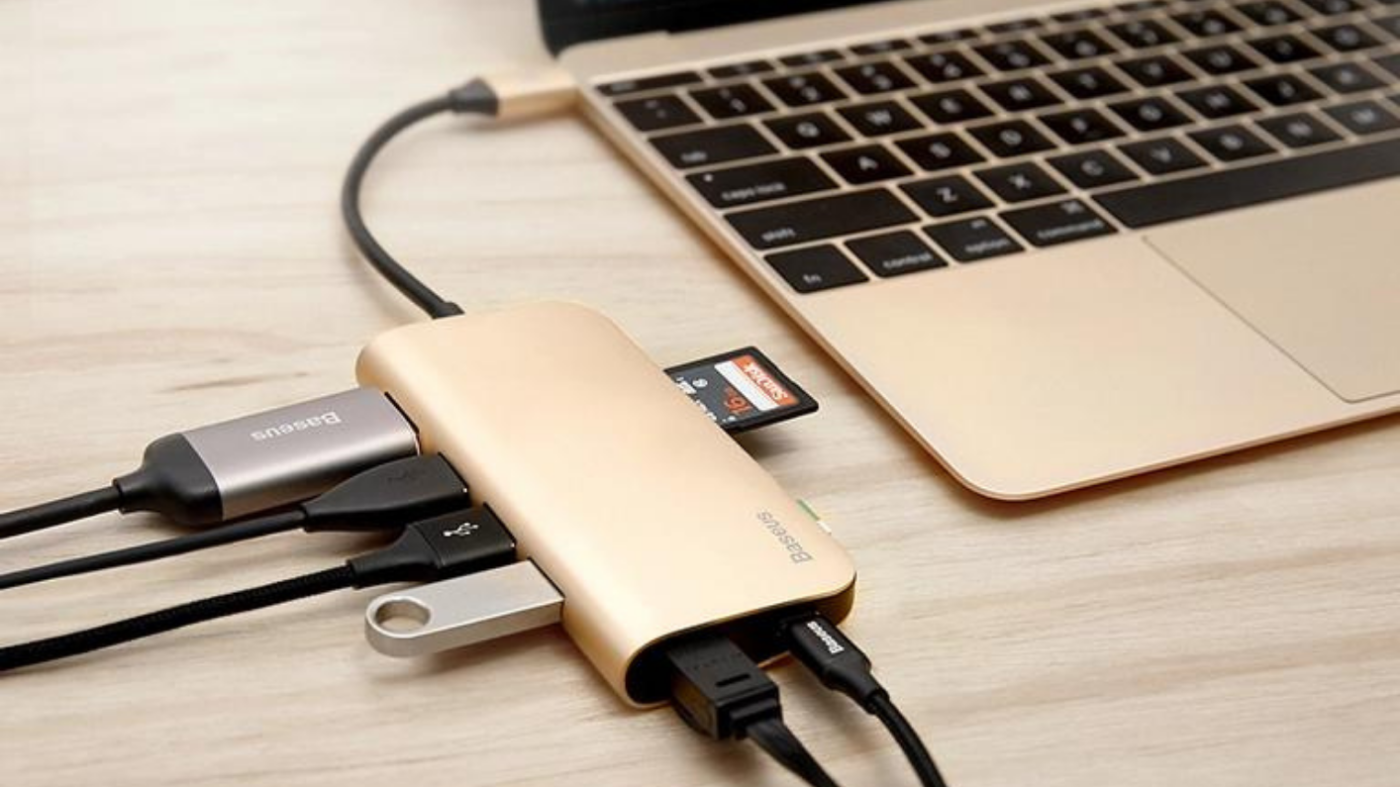
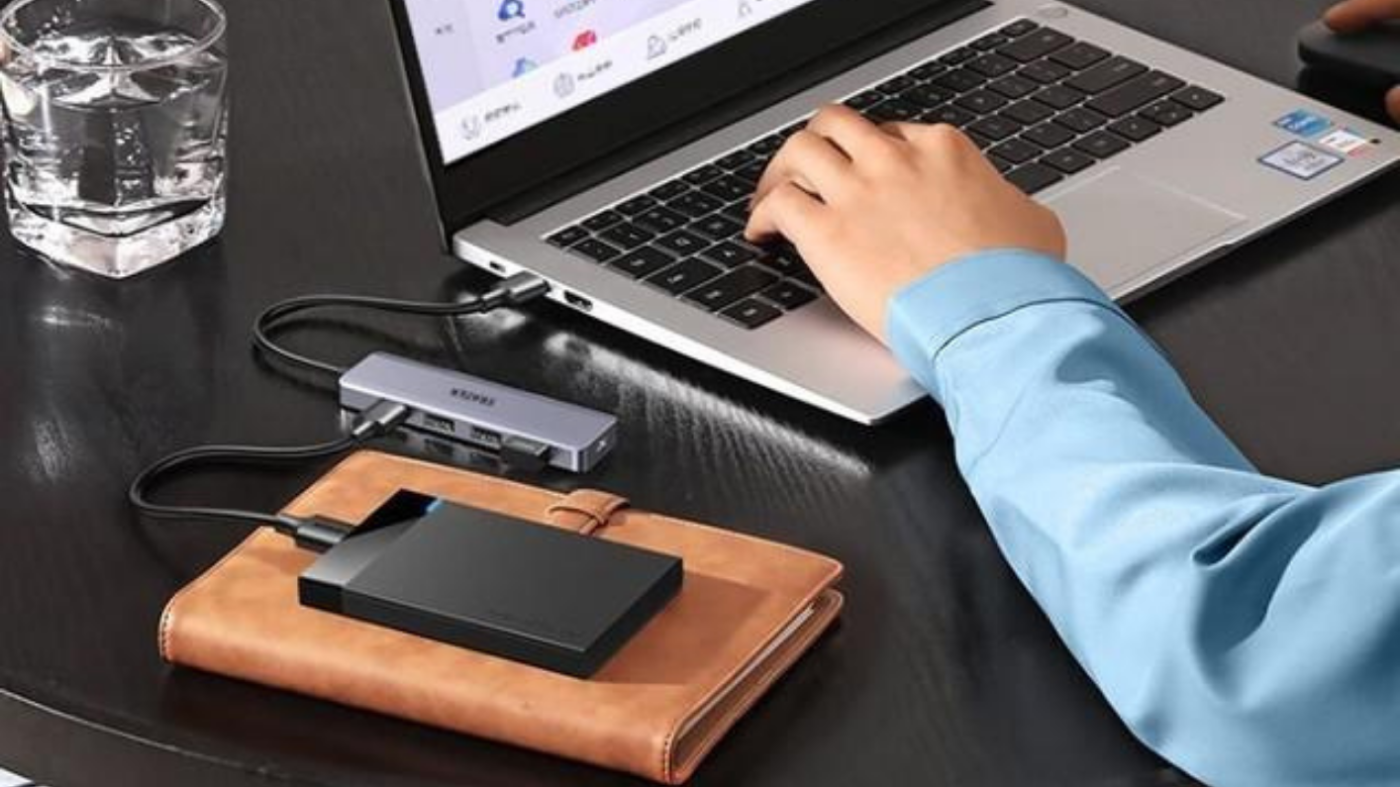
A docking station is a hub that expands the limited ports on your laptop or tiny PC. You plug your devices into the dock once, then simply connect your laptop to the dock when it’s time to work.
Typical docking station connections can include:
- External monitors (Full HD, 2K, or 4K, depending on the dock)
- Keyboard and mouse
- Wired network (Ethernet)
- Printers and scanners
- Headsets, speakers, or webcams
- USB drives and external storage
They come in a range of compact sizes — tiny, mini, and micro form factors — so they’re perfect for clean, modern desks and small home offices.
Why Not Just Plug Everything into the Laptop?
You can plug everything directly into your laptop… but it quickly becomes a mess:
- Cables everywhere
- Limited ports (especially on slim modern laptops)
- Constant plugging and unplugging when you move around
- Increased wear on ports over time
A docking station solves this by acting as a permanent “home base” for your laptop. Everything stays plugged into the dock, and you connect just one cable when you sit down. When it’s time to go, you unplug that one cable and take your laptop with you.
Result:
Less hassle, less clutter, and a much cleaner, more organised workstation.
How a Docking Station Boosts Your Productivity
A docking station isn’t just about tidiness — it can genuinely make you more productive:
- Bigger screen, better focus
Connect to a larger monitor (or dual monitors) so you can see more at once: emails on one screen, work on the other. - Full-sized keyboard & mouse
Type faster, navigate more accurately, and stay comfortable during long sessions. - Instant “desktop mode”
Drop your laptop onto the dock and your whole setup wakes up: screens, keyboard, mouse, network — all ready to go. - Consistent setup every day
No more re-arranging cables or wondering what’s plugged where. You sit down, connect, and start working.
This is especially helpful if you:
- Work from home part-time or full-time
- Move between the office and home
- Use your laptop for both study and entertainment
- Need multiple screens for spreadsheets, design, coding, or content creation
Tiny, Mini, and Micro: Compact Docks for Modern Desks
Modern tiny, mini, and micro form-factor docks are designed to do more while taking up less space. They’re ideal if you want:
- A tidy, minimalist desk
- A docking station that can tuck neatly behind a monitor
- A compact setup for small home offices, rentals, or shared spaces
Despite their small size, these docking stations can still support multiple displays, wired network connections, and a wide range of USB devices — perfect for students, remote workers, and small businesses.
USB-C Docking Stations: What You Need to Know
Many newer docking stations use USB-C as the main connection. USB-C is a small, reversible connector that can handle:
- Data (files, peripherals, network)
- Video (for external displays)
- Power (charging your laptop, depending on the model)
Some USB-C docks also support protocols like DisplayPort and Thunderbolt, allowing for higher resolutions, more bandwidth, and multiple monitors — but this depends on both the dock and your laptop’s capabilities.
Key things to check before you buy a USB-C dock:
- Does your laptop support video output over USB-C?
- Do you need one or two external monitors?
- Do you need Power Delivery (charging through the dock)?
Getting the right dock ensures your setup works exactly how you expect.
Who Benefits Most from a Docking Station?
A docking station is ideal if you:
- Use your laptop as your main computer
- Want a desktop-style experience without giving up portability
- Are tired of cable clutter and limited ports
- Need to quickly move between home, office, and on-the-go
Whether you’re a student juggling assignments, a professional working from home, or a small business owner setting up workstations, a dock gives you flexibility and a clean, reliable setup.
Final Thoughts: Is a Docking Station Worth It?
In short: yes.
A docking station is a simple upgrade that can:
- Save you time every single day
- Reduce cable clutter and desk mess
- Make your laptop feel like a full desktop setup
- Help you work more comfortably and efficiently
If you’re spending more and more time at your desk, investing in a docking station is one of those small changes that makes a big difference. Once you’ve used one, it’s very hard to go back to juggling cables.