





General
Understanding Wi-Fi Standards: What You Need to Know (Without Getting Too Technical)
Aug
Understanding Wi-Fi Standards: What You Need to Know (Without Getting Too Technical)
Wi-Fi. It’s something we all use, every day — whether we’re streaming a movie, working from home, or browsing Trade Me while the kettle boils. But when it comes time to upgrade your router or choose a laptop, terms like Wi-Fi 5 or 802.11ac can feel a bit like alphabet soup.
So what do all these Wi-Fi standards actually mean — and do they really matter?
The Basics: Wi-Fi Standards in Plain English
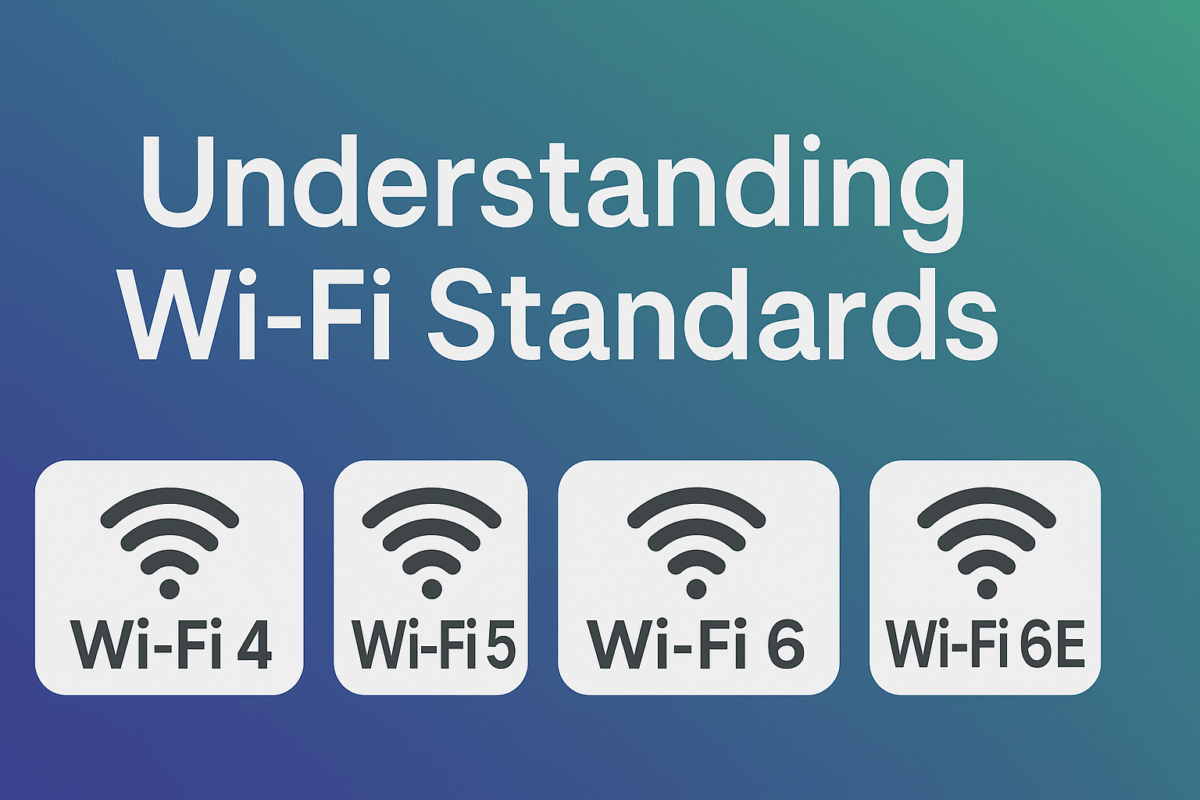
Over the years, Wi-Fi has gone through several upgrades. Each upgrade is called a “standard” and has a number like Wi-Fi 4, Wi-Fi 5, or Wi-Fi 6. These newer versions offer faster speeds, better performance with multiple devices, and greater range.
Here’s a quick cheat sheet:
- Wi-Fi 4 (802.11n) – Great for everyday browsing and video streaming. Found on most older laptops and routers.
- Wi-Fi 5 (802.11ac) – Faster speeds and more stable connections. Perfect for Netflix, Zoom calls, and gaming.
- Wi-Fi 6 (802.11ax) – Even faster, with better performance in busy homes or offices.
- Wi-Fi 6E – Adds a brand new 6GHz frequency band for even less interference (only works with supported devices).
- Wi-Fi 7 (Coming Soon) – Promises ultra-low latency and blazing fast speeds. Think future-proofing.
For most people, Wi-Fi 5 is still plenty fast. But if you’re buying a new laptop or router, aim for Wi-Fi 6 or higher if your budget allows.
The Technical Side: For Those Who Want the Details
Each Wi-Fi standard is defined by an IEEE (Institute of Electrical and Electronics Engineers) protocol — that’s the 802.11 part you often see. Here’s how the versions stack up in more technical terms:
| Standard | Frequency Bands | Max Speed (Theoretical) | Real-World Use |
|---|---|---|---|
| 802.11n (Wi-Fi 4) | 2.4GHz & 5GHz | ~600 Mbps | HD streaming, light work |
| 802.11ac (Wi-Fi 5) | 5GHz | ~3.5 Gbps | Streaming, gaming |
| 802.11ax (Wi-Fi 6) | 2.4GHz & 5GHz | ~9.6 Gbps | Heavy multitasking |
| 802.11ax (Wi-Fi 6E) | 6GHz (new band) | ~9.6 Gbps | Low latency tasks |
| 802.11be (Wi-Fi 7) | 2.4GHz / 5GHz / 6GHz | 46 Gbps+ (theoretical) | Advanced future use |
Key Features of Newer Standards:
- MU-MIMO (Multi-User Multiple Input Multiple Output) – lets routers talk to multiple devices at once (Wi-Fi 5+).
- OFDMA (Orthogonal Frequency Division Multiple Access) – more efficient data delivery, great for smart homes.
- TWT (Target Wake Time) – improves battery life on connected devices like phones or tablets (Wi-Fi 6+).
So What Should You Buy?
If you’re upgrading:
- For general home use: Wi-Fi 5 is still solid, especially paired with a good router.
- For new devices and future-proofing: Look for Wi-Fi 6 or 6E support.
- For offices or high-traffic homes: A Wi-Fi 6 router and compatible devices will give you the smoothest experience.
At NZ Laptop Wholesale, most of our business-grade refurbished laptops come with Wi-Fi 5 or Wi-Fi 6, ensuring strong performance without breaking the bank.
Need Help Choosing a Laptop with Fast Wi-Fi?
We’re here to help! Whether you’re after a basic laptop for emails or a workstation with high-speed Wi-Fi, we can match you with the right tech for your budget.


